The title fragment aside, this is a video-editing storage guide for a R30,000 SA budget, where you can build a properly fast multi-drive setup with named NVMe drives and ample capacity. The target is a fast OS and scratch drive, a large project drive, and bulk archive.
Quick Answer
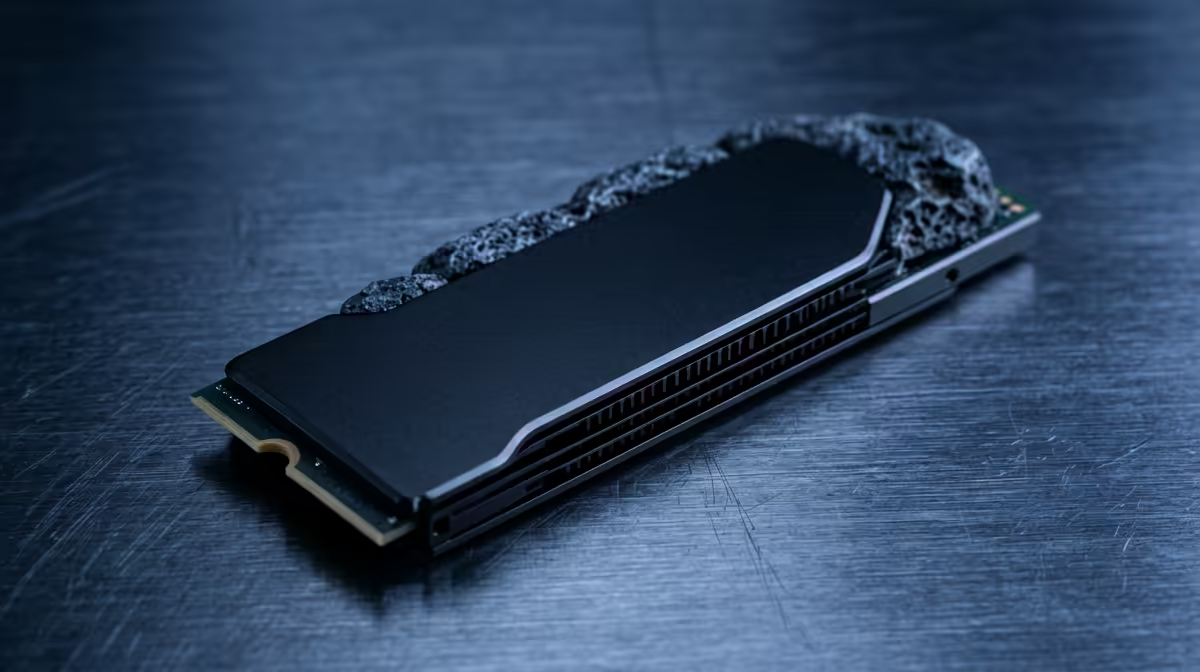
For video editing on R30,000, run a tiered setup: a 1TB Gen4 NVMe for the OS and apps, a 2TB Gen4 NVMe (around 7,000 MB/s) for active 4K projects and cache, and a 4TB archive drive for finished work and raw footage. This covers Premiere Pro, DaVinci Resolve and Fusion comfortably, with drives stocked at Evetech.
Allocating A R30,000 Editing Storage Tier
A 2TB Gen4 NVMe (around R2,000) is the heart of the setup, delivering ~7,000 MB/s for smooth 4K and even 6K timeline scrubbing and fast cache and export. A separate 1TB NVMe holds the OS and editing apps so project I/O never competes with system I/O. A 4TB SATA SSD or large HDD (from around R1,800) archives completed work cheaply. This tiered approach matches how Premiere and Resolve stream media and write cache.
SA Buyer Guidance
R30,000 affords this storage tier plus a capable editing platform: a Ryzen 7 9700X or Core Ultra 7, 32GB DDR5, and a GPU like an RTX 5070 for Resolve's GPU-accelerated effects and exports. Keep each NVMe 15 to 20 percent free for sustained throughput. Use the fast NVMe for media cache in your editor's settings to cut scrubbing lag. Evetech stocks the Gen4 NVMe drives, SATA SSDs and archive storage this workflow demands.
FAQ
What storage setup is best for video editing on R30,000?
A tiered setup: a 1TB Gen4 NVMe for OS and apps, a 2TB Gen4 NVMe for active 4K projects and cache, and a 4TB archive drive. This separates system, project and storage I/O for smooth editing.
Which editing software benefits from fast NVMe storage?
Premiere Pro and DaVinci Resolve both benefit, since fast NVMe drives speed up media cache, timeline scrubbing and exports. Resolve also leans on the GPU, so pair fast storage with a capable card.
How much NVMe throughput do I need for 4K editing?
A 2TB Gen4 NVMe at around 7,000 MB/s comfortably handles 4K and even 6K timelines. The high sequential speed keeps scrubbing smooth and shortens cache and export times.
editor's media cache at a dedicated fast NVMe, not your OS drive; on a R30,000 build, a 2TB Gen4 NVMe for projects and cache keeps 4K timelines scrubbing without stutter.