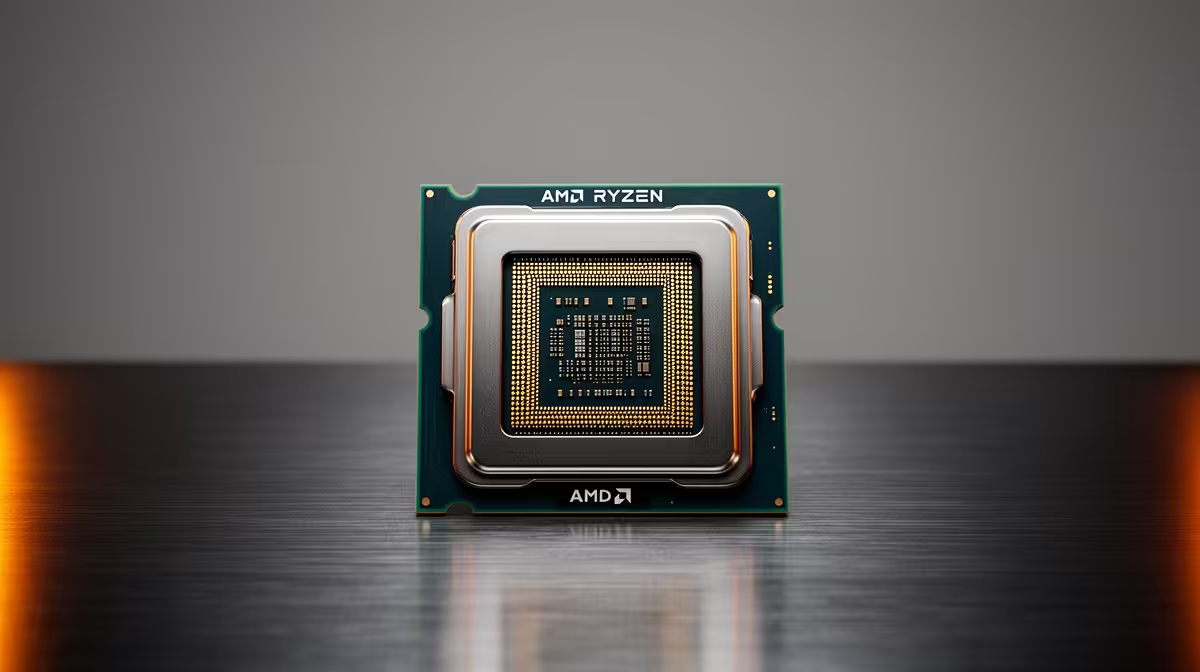
Most PC upgrades in South Africa end up as full rebuilds not because the CPU gave out, but because the socket under it did. Pick the right b650e motherboard from the start and that cycle mostly breaks: AM5 is committed to carrying AMD through several more Ryzen generations, so a board sitting in your case today can likely absorb your next CPU swap or two without touching the case, PSU, or cooler again.
Quick Answer
At R3,499, this board hands South African builders a genuinely future-ready AM5 platform: PCIe 5.0 across the graphics slot and all three M.2 bays, DDR5 rated to 8000MT/s (OC), and BIOS FlashBack for prepping firmware ahead of a new chip launch. One purchase can reasonably outlast two or three Ryzen generations.
🔌 Why the Socket Outlasts the Chip
A motherboard's socket decides how long a platform survives, not whichever processor happens to be clocked into it on day one. AM5 replaced AM4 to hand builders a longer runway, and this board sits on that same socket with EXPO memory profiles and Resizable BAR support included from the outset. Buying into AM5 now, even paired with a mid-range chip, turns the next upgrade into a CPU swap rather than a full teardown.
Anyone comparing options first can browse the AMD B650 selection to see how this chipset tier balances price against that same socket longevity across several designs.
🧠 Memory Headroom You Will Not Outgrow Soon
DDR5 support up to 8000MT/s (OC) means builders running the usual 5200 to 6400MT/s kits today sit nowhere near this board's ceiling. That matters because memory upgrades tend to happen on their own schedule, separate from CPU changes. EXPO turns hitting faster, stable speeds into a single BIOS toggle rather than manual timing work, so a later memory swap slots into the same board without any platform change.
🛠 What Is Already Waiting for Later
A full PCIe 5.0 x16 slot alongside triple PCIe 5.0 M.2 bays means storage and GPU upgrades both land on current bandwidth without a board swap. The USB4 header covers fast external drives and displays once a compatible front panel gets fitted, and BIOS FlashBack lets firmware flash from USB power alone, useful when a future Ryzen chip needs an update before it can even boot here. Wi-Fi 6E and the full ATX layout round out a spec sheet built to stay relevant for years.
Current stock and pricing for this board sit on its own product page; Evetech's AMD motherboard category is worth a look if ATX is not the size you need.
Frequently Asked Questions
Does a b650e motherboard support future Ryzen chips automatically?
Not automatically. A BIOS update is usually needed for new CPU generations, which is why BIOS FlashBack support matters for staying current.
Is DDR5-8000 memory something I need from day one?
No. Most builders can start with slower, cheaper DDR5 kits and grow into the 8000MT/s ceiling later without changing the board.
Does PCIe 5.0 matter for gaming right now?
Current GPUs and drives rarely saturate it, but having it guaranteed avoids a bottleneck once faster hardware eventually shows up.
How long can one AM5 board realistically last?
AMD has committed AM5 to multiple Ryzen generations, so a well-specced board like this one can reasonably serve through two or more CPU upgrades.
Will I need a new case or PSU when the CPU changes later?
No. With the socket, form factor and power delivery unchanged, a CPU upgrade here should not touch the rest of the build.
Ready to plan a Ryzen build that grows with you?
The ASUS B650E MAX Gaming WiFi rests near our AMD B650E motherboard shelf, geared to act as the foundation for a Ryzen build with room to upgrade later.