


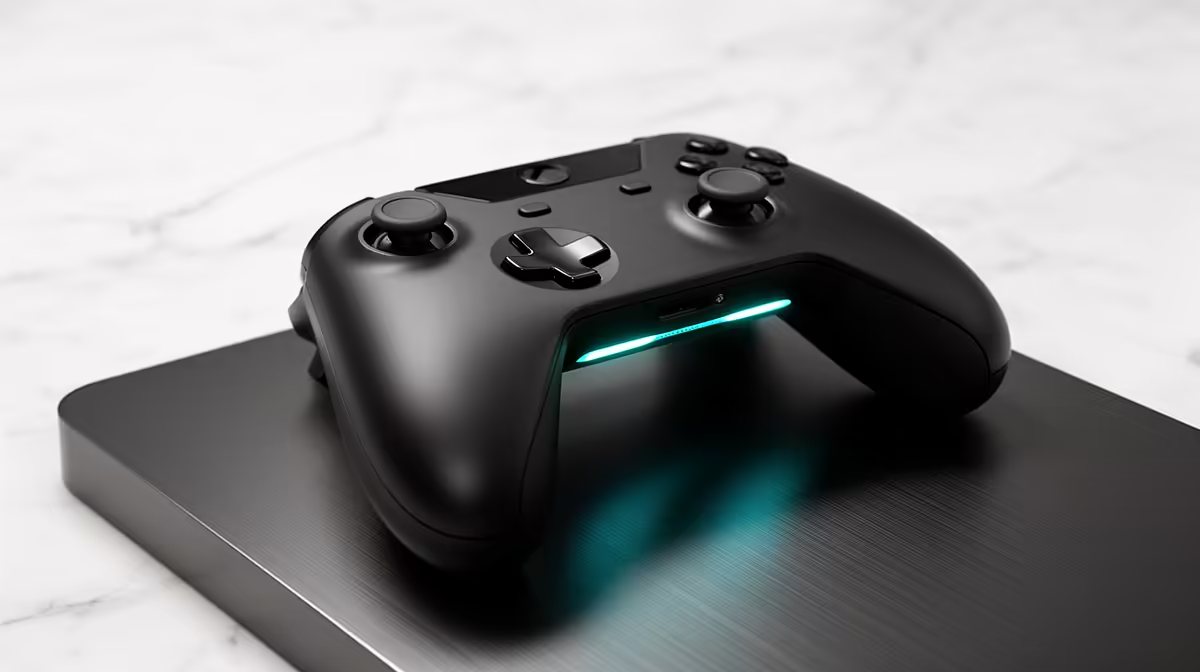
Your controller pairs fine, Steam sees it in the menus, the inputs light up in the settings test, and then you launch a game and it acts as if nothing is plugged in. This is one of the most common and most confusing Linux gaming snags, and fixing a controller not detected in games usually comes down to a single culprit: Steam Input is creating a second, virtual gamepad that confuses the game.
Quick Answer
Toggle Steam Input off for the specific game. Steam Input creates a virtual controller that some games detect alongside your real one, causing a double-device conflict where the game ignores both. Right-click the game in Steam, open Properties, go to Controller, and set it to "Disable Steam Input". Relaunch and the controller works.
Why It Happens
Steam Input is a layer that translates your controller into a standardised virtual gamepad, which is great for remapping and for controllers a game would not otherwise support. The downside on Linux is that the game can sometimes see both the virtual Steam gamepad and the real physical controller at once.
When a game finds two devices, it often locks onto the wrong one or ignores input entirely, which reads to you as "controller not detected" even though the hardware is perfectly fine. Turning Steam Input off for that title removes the duplicate so the game talks straight to the real controller.
The Fix, Step by Step
Do this per game, since the right setting varies by title.
- In your Steam library, right-click the game and choose Properties.
- Open the Controller tab on the left.
- Change the dropdown from "Use default settings" to "Disable Steam Input".
- Close the window and launch the game.
If the controller still misbehaves, do the reverse on a stubborn title: set it to "Enable Steam Input" instead. Some native Linux games expect the virtual gamepad and break without it, so the correct choice flips depending on the game.
The handheld and controller hardware these fixes apply to lives in the handheld gaming consoles section at Evetech, which covers Linux-based portables where this exact conflict often shows up.
A Few More Checks
If toggling Steam Input does not solve it, work through these quickly:
- For a non-Steam or native game, make sure the controller is recognised at the system level. Most modern controllers work out of the box on current Linux distributions, but an older kernel may need an extra driver package.
- For an Xbox controller specifically, the community driver fills gaps the kernel sometimes leaves, so check whether your distribution needs it.
- Test the controller in another game before blaming the hardware. If it works elsewhere, the problem is that one title's configuration, not the controller.
For Linux gaming portables and desktop builds where these tweaks matter, the PC best sellers range is a quick way to see what is currently stocked.
Frequently Asked Questions
Why does my controller work in Steam but not in the game?
Steam reads the controller through its own input layer, but the game may be seeing a conflicting virtual gamepad created by Steam Input. Disabling Steam Input for that game usually clears the conflict so the real controller is detected.
Should I enable or disable Steam Input?
Start by disabling it for the problem game, since the duplicate virtual gamepad is the usual cause. If that breaks the controller, switch to enabling it instead, because some native Linux titles expect the Steam virtual gamepad.
Does this affect handheld Linux devices too?
Yes. Linux-based handheld portables run Steam and the same input layer, so the identical Steam Input conflict and the same per-game toggle fix apply on those devices.
My Xbox controller still is not detected. What now?
Confirm the system recognises it outside of games first. Some distributions need the community Xbox controller driver installed, and an older kernel may lack out-of-the-box support that newer ones include.
Sorting out controller issues on a Linux machine or handheld? Browse the handheld gaming consoles range and current PC best sellers at Evetech to find Linux-friendly hardware that pairs cleanly with your controllers.









