


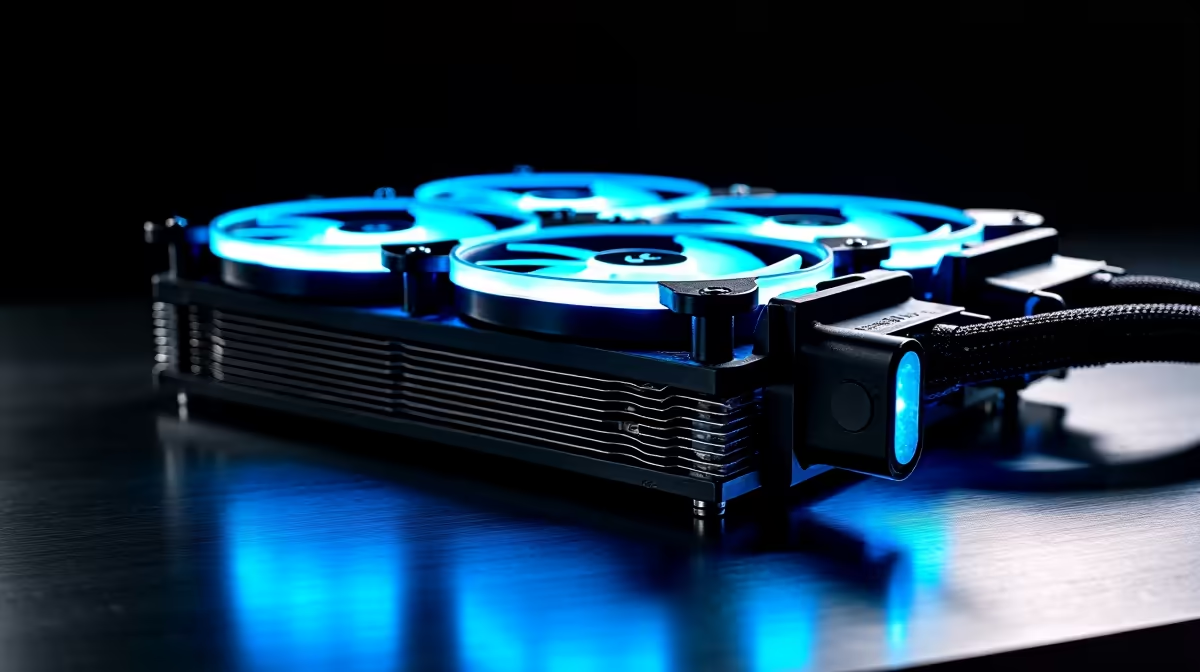
Discovering coolant leaking from your AIO liquid cooler is alarming, but acting quickly and calmly prevents a minor seep from becoming catastrophic hardware failure. Leaks from AIO coolers are relatively rare in modern units, but when they occur, immediate action is everything.
Quick Answer
If your AIO cooler is leaking, immediately shut down the PC and disconnect power. Do not restart until all affected components are inspected and dried. AIO coolers are sealed units that cannot be refilled or repaired - a leaking AIO must be replaced. Check warranty status immediately as most reputable brands cover leaks as manufacturing defects.
🚨 Immediate Steps When You Spot a Leak
Power off your PC immediately - use the power button, or flick the wall switch if there's active leaking. Coolant contacting live electrical components is what turns a leak into catastrophic failure. Do not power back on until you've fully assessed and dried all affected areas.
Remove the side panel and identify the leak origin: pump head-to-radiator hose fittings, the pump head-to-CPU contact point, or pinhole failures in the radiator. Use paper towels to absorb visible coolant, working carefully around the motherboard, GPU, and RAM. AIO coolant is water-based with additives and conducts electricity when wet.
After drying visible coolant, inspect each component carefully. Boards and GPUs need 24–48 hours to dry completely - use 90%+ isopropyl alcohol to displace moisture from PCB surfaces. Check the CPU socket area for coolant residue on pins requiring careful cleaning before any power attempt.
🔄 Replacing a Leaking AIO
AIO coolers are sealed pre-filled units. There is no field repair - replacement is the only resolution. Before purchasing, check your warranty: most reputable manufacturers cover leaks as defects for 2–5 years from purchase. Document with photos and contact your local retailer or distributor.
When replacing, consider whether another AIO or a quality air cooler better suits your needs. Air coolers carry zero liquid risk by design - a large tower cooler from Noctua, be quiet!, or DeepCool matches AIO performance in many scenarios. Browse CPU cooler options at Evetech to compare current stock and pricing.
Frequently Asked Questions
Can I keep using my PC with a slow AIO drip? No. Any coolant on live components risks short-circuit damage. Shut down and replace the cooler before using the PC again.
Is AIO coolant toxic to touch? Low-toxicity - water mixed with propylene glycol and corrosion inhibitors. Avoid prolonged skin contact and clean spills promptly.
My AIO leaked and now my PC won't POST - what next? Dry all components for 24–48 hours using isopropyl alcohol on affected PCB surfaces. Heavy coolant exposure while powered on may cause permanent damage requiring professional assessment.
Evetech stocks Graphics Card Deals and Evetech Best Sellers — shop online with fast delivery across South Africa.
Ready to Find Your Perfect Match? Replace your cooler with confidence - browse CPU coolers at Evetech.











