Dropping into Dust 2 with high ping is bad enough... but missing a crucial AWP flick because your frames dipped is heartbreaking. If you want to climb the Premier ranks in South Africa, a buttery smooth 144Hz experience is non-negotiable. Wondering how to get 144Hz in CS2 on RTX 5070 setups? It is actually easier than you think, provided your rig is balanced and your settings are dialled in.
Achieving 144Hz in CS2 on an RTX 5070 Setup
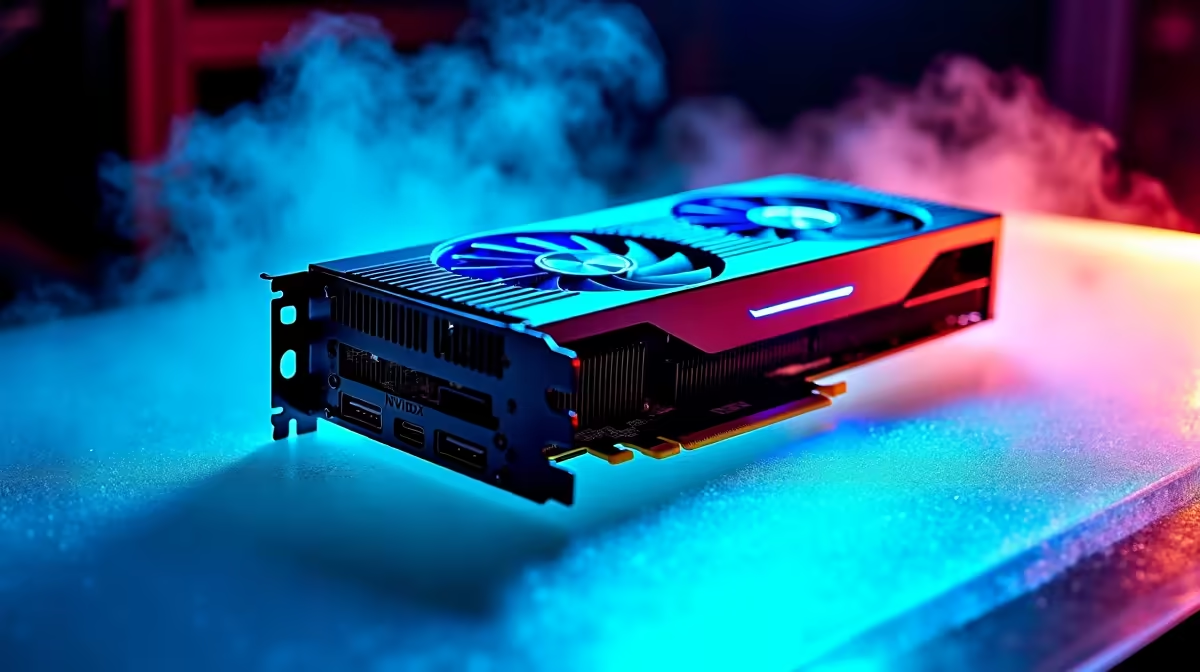
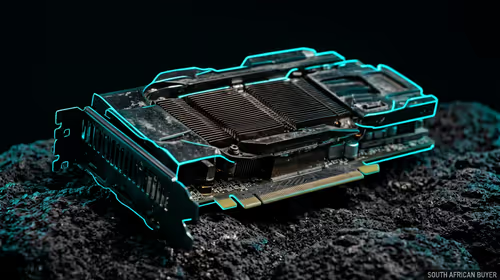
The RTX 5070 is an absolute powerhouse. It pushes pixels effortlessly, making Counter-Strike 2 look incredible while maintaining insane frame rates. However, raw GPU power is only part of the equation. To ensure your 1% lows never drop below that golden 144fps mark, you need the right foundation. If you are building from scratch or upgrading an older rig, checking out the latest graphics cards is your first step to visual dominance.
Balancing Your Hardware for Competitive Play ⚡
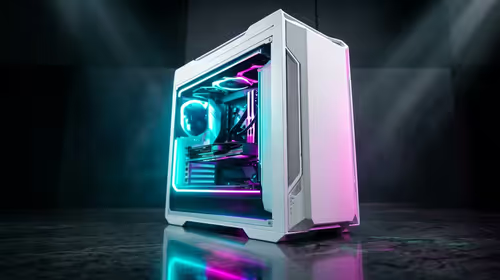
CS2 is notoriously CPU-intensive. You could have the beefiest GPU on the market, but pairing it with an outdated processor will bottleneck your performance. To truly unlock how to get 144Hz in CS2 on RTX 5070 graphics, you need a modern CPU to feed it data quickly. If you want to skip the hassle of building, exploring some best gaming PC deals ensures you get a balanced system right out of the box. Alternatively, our pre-built PC deals offer incredible ZAR value for competitive gamers looking for plug-and-play performance.
Mobile Alternatives and Budget Wins 🚀
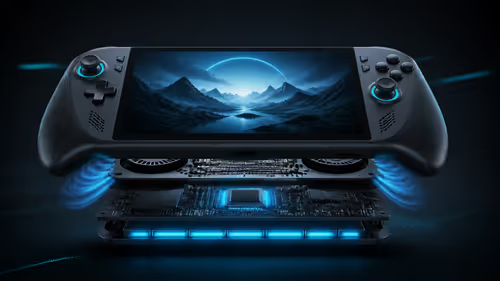
Not tied to a desk? You do not have to sacrifice frame rates when you are on the move. Modern gaming notebooks pack desktop-class performance into portable chassis. Browsing notebooks for sale in South Africa will reveal powerful machines capable of driving a 144Hz display natively. Plus, keeping an eye on our specials means you can stretch your Rand further, leaving extra budget for a high refresh rate monitor or premium peripherals.
CS2 Optimisation Pro Tip 🔧
To guarantee consistent frames, enable NVIDIA Reflex Low Latency in your CS2 video settings. Set it to 'Enabled + Boost' to keep your GPU clock speeds high during intense firefights. Also, drop your shadow quality to medium... it improves visibility and frees up extra resources for that 144Hz target.
Ready to Dominate the Leaderboards?
Getting consistent high frames in CS2 requires the right hardware balance. Whether you are hunting for a massive desktop upgrade or a portable powerhouse, Evetech has you covered. Explore our massive range of gaming PC specials and find the perfect machine to conquer your next match.