


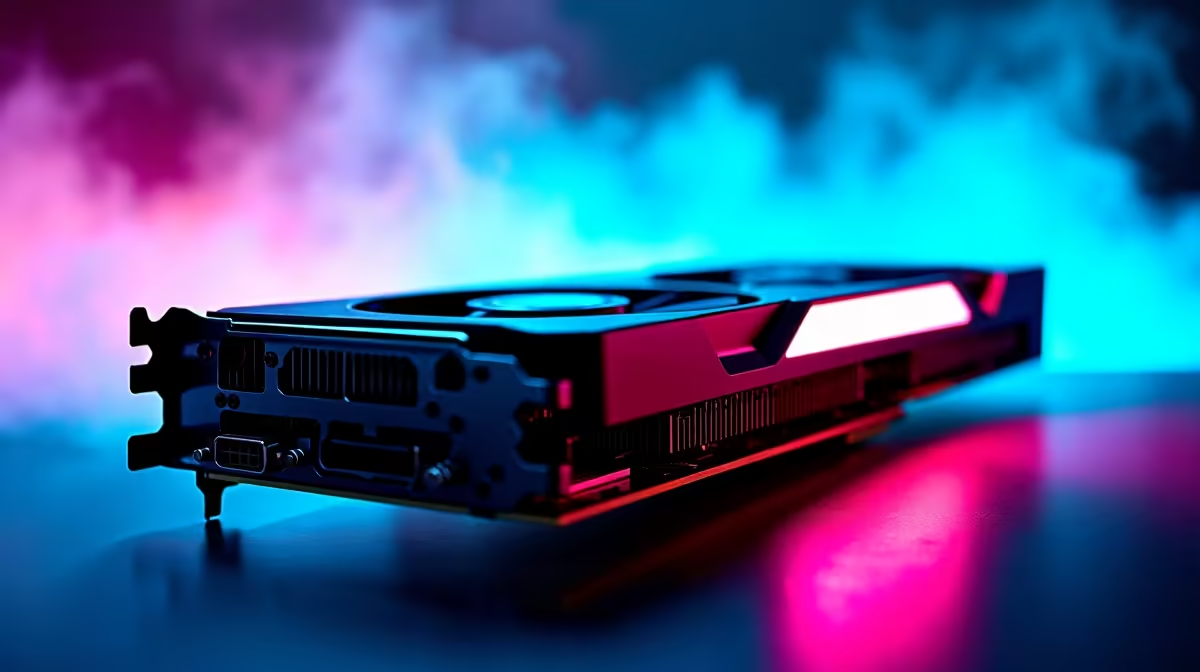
Unlocking the Best Performance: Optimise Your RX 9060 for CS2
If you’re diving into Counter-Strike 2 on a budget, your RX 9060 graphics card can deliver solid performance with the right tweaks. South African gamers want smooth gameplay without breaking the bank. This guide reveals how to optimise your RX 9060 for CS2, balancing settings and controls to unlock reliable frame rates without unnecessary heat or noise. Ready to squeeze every frame per second out of your hardware? Let’s jump in! 🔧
Fine-Tuning Settings for CS2 on Your RX 9060
CS2 demands precision and speed. Start by tweaking your in-game graphics settings to prioritise FPS over ultra-high visuals. Lower shadow quality and turn off unnecessary effects like motion blur. These changes reduce GPU load, letting your RX 9060 maintain a steady refresh rate. Also, set the resolution to 1080p if you’re not already there—it’s a sweet spot for this card.
Consider using Radeon Software’s built-in optimisation tools for driver-level tweaks. Radeon Chill is excellent for cooling down your RX 9060 without sacrificing responsiveness. For the best experience, keep your GPU drivers updated; Evetech’s graphics card page lists the newest hardware compatible with Radeon’s software.
Cooling and Power: Keep Your RX 9060 Running Cool 🌬️
Overheating can choke performance and stability. Your RX 9060 runs best with clean airflow. Regularly clear dust from your PC case fans and GPU heatsink. South African homes often face warmer seasonal temperatures, so adding extra case fans or upgrading to a better cooling solution can be a smart move.
Power settings in Windows can also impact efficiency. Switch to High Performance mode when gaming to ensure steady power delivery to your RX 9060. Check out affordable solutions like the pre-built rigs Evetech offers to experience balanced components with stock cooling designed for extended gaming sessions.
Pro Tip: Monitor Your Temperatures
Use MSI Afterburner or Radeon Software to log your GPU temperatures under load. If temps creep above 80°C, recalibrate fans or reduce clock speeds slightly for longer lifespan and better stability.
Maximise CS2 Experience: Beyond the Card
Optimising your RX 9060 is just one part of the puzzle. Latency matters in CS2—you want fast, stable internet to complement your hardware. If your home internet lags, consider upgrading to a reliable fibre package for a competitive edge. Also, an ultrafast NVMe SSD reduces load times significantly, enhancing your overall gameplay flow.
South African gamers on the move might prefer laptops. Evetech stocks a range of powerful gaming notebooks capable of supporting RX 9060 or similar cards, giving you flexibility without compromising performance. Don’t miss their latest specials for great deals on upgrades and peripherals that pair perfectly with your system.
Stay Ahead with Evetech Deals and Resources ⚡
Whether upgrading your GPU or seeking the right components for a CS2-capable rig, Evetech has South Africa covered. Browse their best gaming PC deals to score superb value rigs optimized for mainstream cards like the RX 9060. Customisation and affordability come together to fit your precise gaming needs.
Optimising your RX 9060 for CS2 is both a technical and practical process. With sensible graphics settings, robust cooling, and good connectivity, you’re set for enjoyable, smooth matches most days.
Power Your CS2 Battles Now Ready for gameplay that responds instantly? Shop now at Evetech for RX 9060-powered systems and upgrades fit for CS2 performance that leaves lag in the dust.









