Tired of paying monthly subscriptions just to make a YouTube thumbnail? You are not alone. South African gamers and streamers are ditching expensive software for a brilliant alternative. Learning how to use Affinity Photo for gaming content is a brilliant move. It costs a fraction of the price in ZAR. It also runs like an absolute dream. Let us look at how you can level up your digital art.
Why Affinity Photo Makes Sense for Creators 🎨
Every content creator needs sharp visuals. Whether you run a local Discord server or stream on Twitch... your graphics matter. Affinity Photo offers professional tools without the monthly subscription drain. You pay once and own it forever. This leaves more ZAR in your pocket for hardware upgrades.
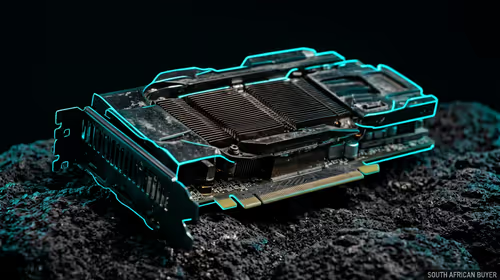
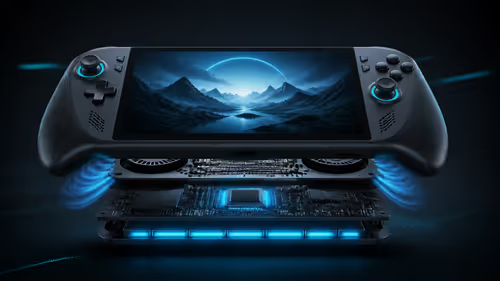
It also features incredible hardware acceleration. If you are running one of the latest graphics cards, the software uses your GPU to render effects instantly.
Crafting Click-Worthy Thumbnails and Overlays 🚀
Your stream overlay is your digital storefront. Affinity Photo makes it incredibly easy to design custom frames. You can import transparent PNG files, add neon glow effects, and export directly to OBS.
Are you editing at a LAN or a coffee shop? Even powerful laptops can handle Affinity Photo with ease because it is highly optimised. You do not need a massive desktop to design a clan logo.
Thumbnail Pro Tip ⚡
Always use the 'Live Develop Persona' in Affinity Photo for your gaming screenshots. It allows you to tweak exposure and contrast non-destructively. This means you can easily fix dark areas in your Warzone captures without ruining the original image quality.
Editing In-Game Screenshots Like a Pro 📸
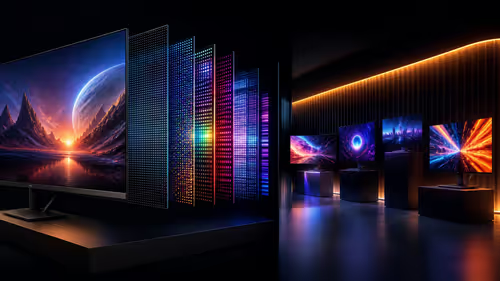
Modern games are visually stunning. Capturing that perfect moment is an art form. However... raw screenshots often look a bit flat. Learning how to use Affinity Photo for gaming means mastering colour grading.
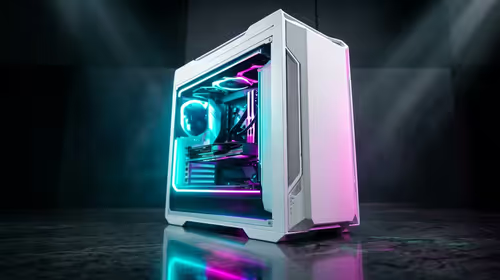
You can boost the vibrance of your Cyberpunk 2077 shots. You can even use the inpainting brush to remove annoying HUD elements. To capture those high-resolution images in the first place... you need serious hardware. Exploring the best gaming PC deals ensures your rig can push max settings at 4K.
The Right Hardware for Smooth Editing 🔧
Affinity Photo is wonderfully efficient. However... working with massive 4K gaming screenshots still requires decent RAM and processing power. We recommend at least 16GB of RAM for smooth multitasking.
If you want a system that balances gaming and creative work... check out our pre-built PC deals. They take the guesswork out of building a workstation. You can boot up and start creating immediately. A good processor also speeds up file exports significantly. Nobody wants to wait ages for a thumbnail to save.
Do not let a slow machine ruin your creative flow. Keep an eye on our daily specials to grab high-speed SSDs or extra memory. Faster storage means your massive project files load in seconds. It is the ultimate quality-of-life upgrade for any digital artist.
Ready to Build Your Creative Gaming Setup?
Great software needs great hardware to truly shine. Whether you are editing stream highlights or designing epic thumbnails in South Africa, Evetech has your back. Explore our massive range of gaming hardware and find the perfect machine to conquer your creative world.