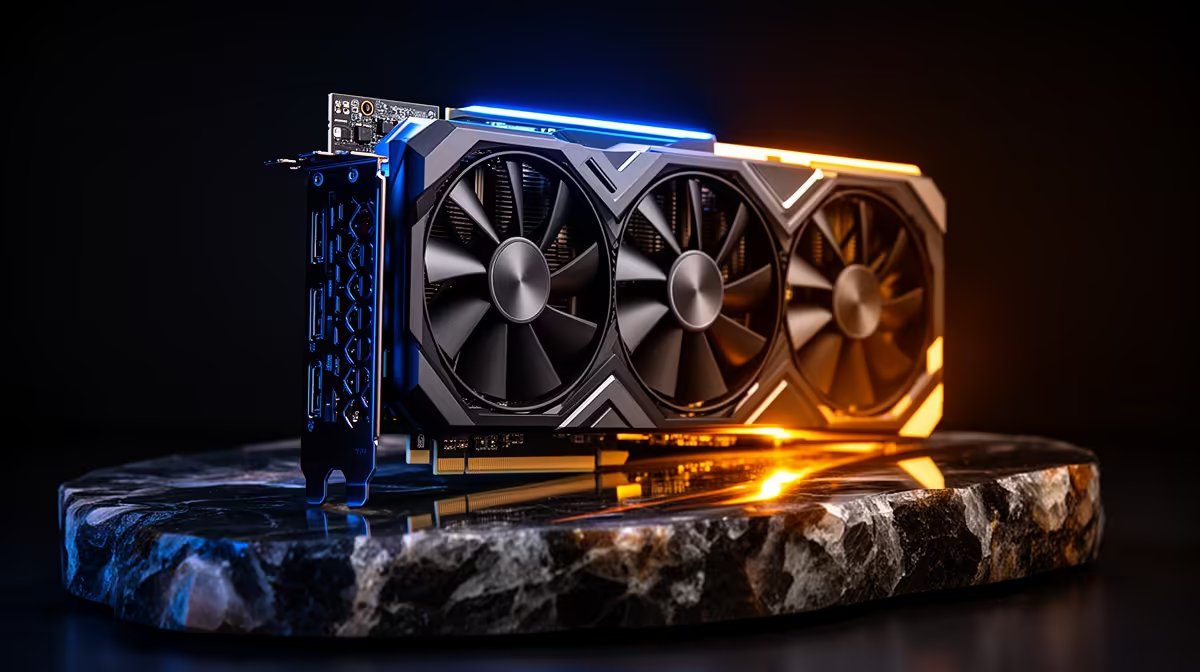
Resolve users and Blender artists tend to ask this question from opposite directions, one worried about grading a busy timeline, the other about a scene full of high-poly assets, yet both are really asking whether a single card's memory pool can cover their specific ceiling. For most of that work, the answer sits with a 24gb creator graphics card, which comfortably absorbs both use cases rather than favouring one over the other.
Quick Answer
Twenty-four gigabytes of GDDR6 comfortably covers professional video editing and the majority of 3D rendering work without hitting a memory ceiling. The ASRock Pro B60 Creator pairs that capacity with a 192-bit bus for R14,399, suited equally to Resolve-style grading timelines and Blender-style render scenes. Only unusually large VFX-scale projects would realistically push past what this configuration offers.
🎨 Where 24GB Sits For Colour Grading And Editing
A busy Resolve timeline with multiple grading nodes, several video layers and real-time effects previews can consume a surprising amount of graphics memory before export even begins. Twenty-four gigabytes gives that kind of project enough headroom that grading previews stay responsive rather than dropping frames as complexity increases through a project.
Editors working across several 4K sources simultaneously, rather than a single clean timeline, are exactly the group who benefit most from this much capacity.
🧱 Where 24GB Sits For 3D Rendering
Blender scenes behave differently, with memory demand driven by texture resolution, geometry density and how many render passes are active at once. A 24GB pool covers dense character models, detailed environments and multiple simultaneous render layers on almost any freelance or small-studio job, without the scene-specific guesswork that smaller cards force on artists.
⚙️ What Keeps That Capacity From Going To Waste
None of this matters if the card cannot move data quickly enough to use it, which is where the 192-bit memory bus and 2400 MHz Xe2-HPG clock come in. DirectX 12 Ultimate support keeps the card compatible with both editing and rendering software, and onboard XMX engines take on AI-assisted tasks like denoising separately from the main pipeline.
Full specifications are available on the product listing here, and it sits within Evetech's workstation category alongside comparable options. Anyone comparing across the same manufacturer can also browse ASRock's card lineup.
Frequently Asked Questions
Is 24GB enough for professional colour grading in Resolve?
Yes, it comfortably handles busy multi-node grading timelines with several video layers without hitting a memory ceiling.
Does Blender rendering need more VRAM than video editing?
It depends on the scene, but dense geometry and high-resolution textures in Blender can demand as much or more memory than a busy editing timeline.
What kind of project would actually exceed 24GB?
Only unusually large VFX-scale scenes with extensive 8K texture sets or extremely dense geometry would realistically push past this capacity.
Does the memory bus width matter as much as the VRAM total?
Yes, a 192-bit bus is what allows the full 24GB to be used at speed rather than sitting as unused capacity the card cannot access quickly enough.
Can this card handle editing and rendering without switching hardware between tasks?
Yes, its combination of capacity, architecture and software compatibility covers both workloads on the same card without needing to swap hardware.
Ready to cover video editing and 3D rendering with one card?
Browse the Pro B60 Creator card inside Evetech's stock of creator GPUs, listed for R14,399 ready to cover both video editing and 3D rendering on one card.