


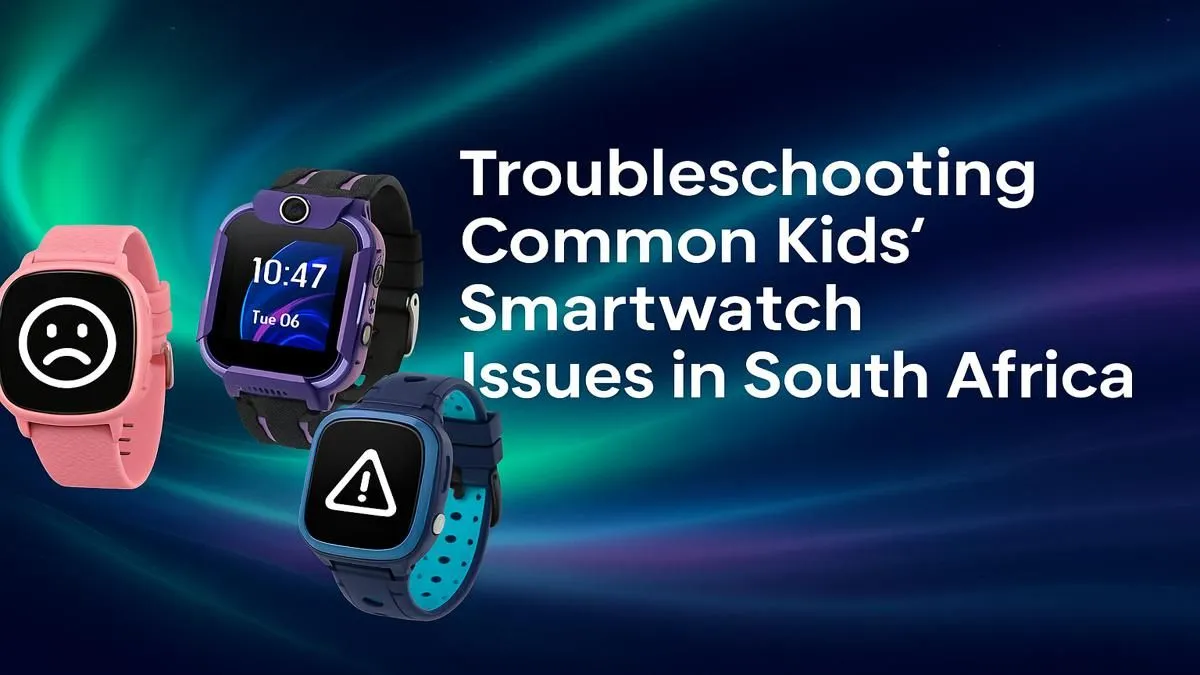
Your kid loves their new smartwatch, but suddenly it’s not charging... or the GPS is playing up. Sound familiar? Before you start thinking about a replacement, take a breath. Most common issues are surprisingly easy to fix right here at home. This simple guide for kids' smartwatch troubleshooting in South Africa will walk you through the most frequent glitches, helping you get that cool gadget back on their wrist in no time. Even the most budget-friendly kids' smartwatches under R1000 can hit a snag occasionally.
Common Kids' Smartwatch Problems & Fixes
Let's dive into the most common smartwatch headaches and how to solve them. Start with the simplest fix first before moving on to more complex steps.
The Watch Won't Charge or Turn On 🔋
This is the number one panic-inducer for parents, but the solution is usually simple. Effective kids' smartwatch troubleshooting starts with the basics.
- Check the Cable & Port: Make sure the charging cable is plugged in securely at both ends. Inspect the watch's charging port and the cable contacts for any dirt or grime. A quick wipe with a dry, soft cloth can work wonders.
- Try a Different Power Source: The USB wall adapter might be the problem. Plug the charging cable into a different adapter or a computer's USB port to see if it starts charging.
- Perform a Hard Reset: If it’s charged but unresponsive, check the user manual for a hard reset sequence. This usually involves holding the power button for 15-30 seconds.
Inaccurate GPS or Location Tracking 📍
A key feature for peace of mind is GPS tracking. When it's not working, it's frustrating.
- Get a Clear Sky View: GPS signals need a clear line of sight to satellites. Take the watch outside for a few minutes to help it acquire a strong signal, away from tall buildings or dense tree cover.
- Check App Permissions: Ensure the companion app on your phone has full location permissions enabled in your phone's settings.
- Update Everything: Make sure both the watch's firmware and the smartphone app are updated to the latest versions. Developers often release patches that improve GPS accuracy.
The Golden Rule of Tech ⚡
you do anything else, try the universal fix: turn it off and on again. Power down both the smartwatch and the smartphone it's paired with. Wait 30 seconds. Turn the phone on first, let it fully connect to your network, and then power on the smartwatch. This simple sequence resolves over half of all syncing and connectivity problems!
SIM Card & Network Connectivity Issues
If the watch uses a SIM card for calls or data and it's not connecting, it can feel like a major problem.
- Confirm SIM Activation & Data: Is the SIM card activated and loaded with data? Pop it into a phone to double-check that it can connect to the network.
- Re-seat the SIM Card: Power down the watch, carefully remove the SIM card, and then re-insert it, making sure it clicks into place properly.
- Check Network Compatibility: Most modern smartwatches are compatible with major South African networks. If you're still battling with signal, it might be a network compatibility issue, though reliable options from brands like Promate are designed to work well with local networks.
When Troubleshooting Isn't Enough
Sometimes, after trying everything, the problem might be with the device itself. Constant glitches, poor battery life that doesn't improve, or physical damage are signs it might be time for an upgrade. If these fixes for your kids' smartwatch don't work, the internal hardware might simply be failing. It could be the perfect time to browse our full range of smart watches for a more durable and feature-rich replacement. ✨
Ready for a Worry-Free Upgrade? While troubleshooting can save the day, sometimes an upgrade is the best move for more features and reliability. From GPS tracking to fun fitness goals, the right watch makes a world of difference. Explore our fantastic range of smart watches for all ages and find the perfect fit for your family.











