


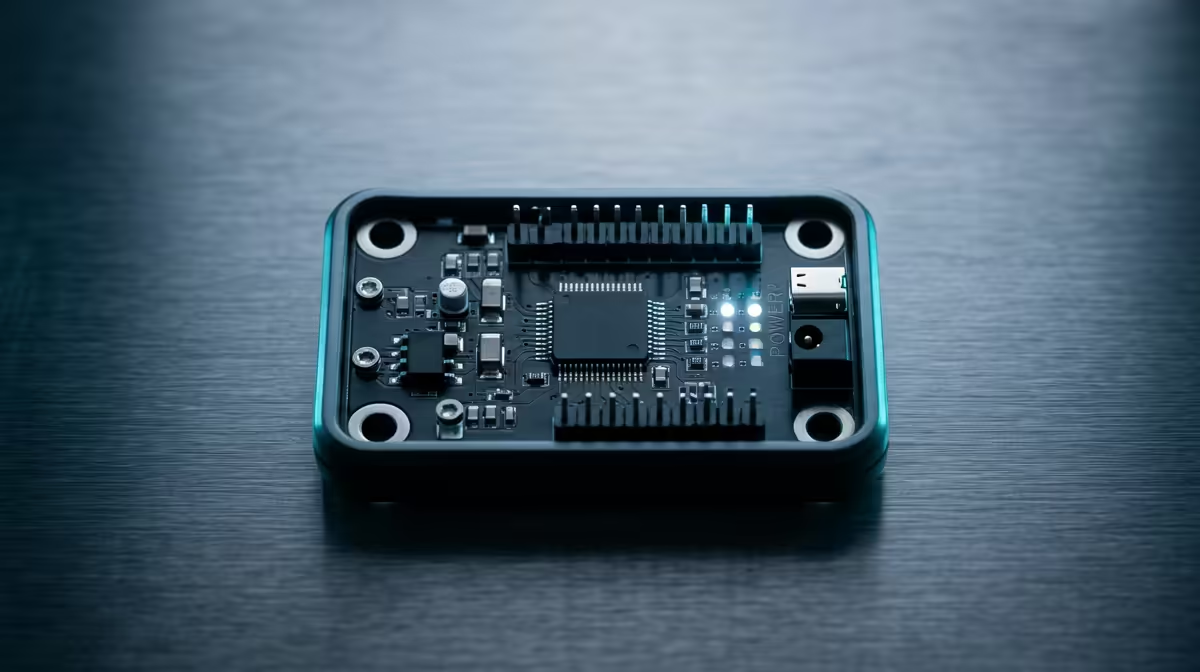
A micro:bit that refuses to show up on your PC is almost always a cable problem before it is anything else. The board powers on, the lights blink, the demo runs, yet the MICROBIT drive never appears in your file explorer and the editor cannot flash code. Frustrating as that is, the fix is usually quick once you know the order to check things in.
Quick Answer
The most common cause is a charge-only USB cable with no data wires inside, so the board powers up but never registers as a drive. Swap to a known data-capable USB cable and the MICROBIT drive should appear within seconds. If it still fails, the next suspects are WebUSB in the browser and, rarely, a driver issue.
Start With the Cable
Many USB cables, especially the ones bundled with phone chargers and power banks, carry only the power lines and leave out the data lines entirely. They will charge a device perfectly and transfer nothing. Plug a micro:bit into one and it lights up and runs whatever was last flashed, which fools you into thinking the board is fine and the PC is at fault.
The test is simple. Find a cable you know transfers data, ideally the one that came with the micro:bit or one you have used to move files from a phone, and try that. When the MICROBIT drive pops up in your file manager, the original cable was the culprit. This single swap resolves the majority of connection complaints.
If the Drive Still Will Not Appear
With a confirmed data cable in place, work through these in order:
- Try a different USB port. Some front-panel ports and unpowered hubs are flaky. Plug directly into a rear port on a desktop or a main port on a laptop.
- Check the LED. A steady power light with no drive points to the cable or port. No light at all points to a dead cable or a board fault.
- Reflash the firmware. Occasionally an interrupted flash leaves the board in maintenance mode. Holding the reset button while connecting puts it into a recovery state where you can drop fresh firmware onto it.
- Reboot the PC. A stuck USB subsystem clears with a restart more often than it should need to.
The WebUSB Angle
If you flash from the online editor using WebUSB, which lets the browser talk to the board directly and stream errors back, a few extra things can trip you up. WebUSB is supported in Chrome and Edge but not in every browser, so a board that will not connect for direct flashing may simply need the right browser. The board firmware also needs to be reasonably current for WebUSB to work, so an older micro:bit may connect as a drive for drag-and-drop flashing but refuse the WebUSB handshake until its firmware is updated.
When WebUSB fails, you always have the fallback of downloading the compiled file and dragging it onto the MICROBIT drive manually. That path works regardless of browser and is worth remembering when you are troubleshooting in a classroom and just need code on the board.
If you are kitting out a class or a maker space, the smart home and maker components range is a sensible place to source spare boards and tested cables together. Keeping a couple of known-good cables from the accessories best-sellers on hand saves a lot of guessing later.
Frequently Asked Questions
How do I tell if my USB cable carries data?
The reliable way is to test it: connect a phone or the micro:bit and see if the device appears as a drive on your PC. Cables that only charge will power the device but never mount it. There is no visible marking that distinguishes them, so a known-good spare is your best diagnostic tool.
My micro:bit lights up but no MICROBIT drive shows. What now?
A lit board with no drive almost always means a charge-only cable or a faulty port. Swap to a data cable and try a different USB port, ideally a rear port on a desktop. If neither helps, reflash the firmware using the reset-and-connect recovery method.
Does WebUSB work in every browser?
No. WebUSB is supported in Chrome and Edge but not in some other browsers. If direct flashing fails, switch to a supported browser or fall back to downloading the file and dragging it onto the MICROBIT drive manually.
Could it be a driver problem?
Rarely, on older Windows versions. Most modern systems recognise the micro:bit as a standard drive with no driver install needed. If you suspect drivers, update the board firmware first, as that resolves far more cases than chasing a driver does.
Setting up a classroom or starting a maker project? Browse Evetech's smart home and maker tech and grab the boards and tested cables that just work.










