


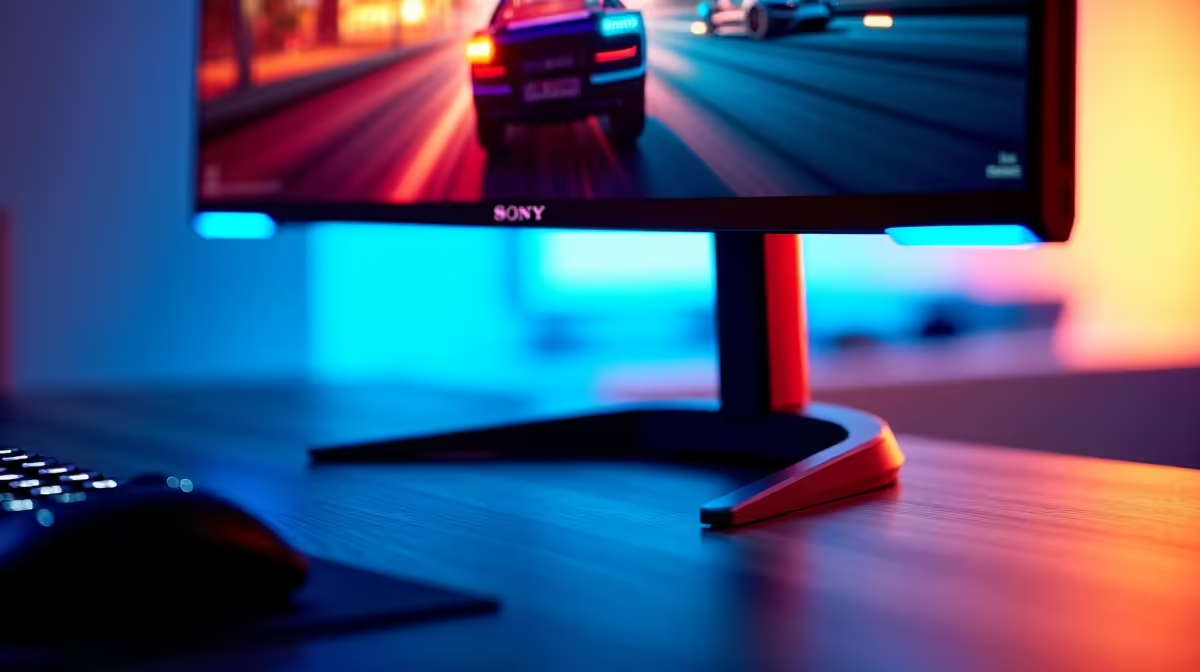
Most desk setups in South Africa spend more time on work than on games, but the monitor has to handle both convincingly. The answer is not a compromise panel -- it is knowing which specs genuinely serve both roles and which only serve one. The monitor specs that matter for a balanced productivity and gaming setup sit in a tight cluster, and hitting them does not require spending at the top of the market.
Quick Answer
For a dual-purpose desk, prioritise a 27-inch 1440p IPS panel with 144Hz and adaptive sync. That combination covers sharp text for work, smooth motion for gaming, and accurate colour across both. A solid model near R5,500 hits the sweet spot for SA mixed-use setups.
🔧 Resolution and Sharpness for Real Work
Text rendering is where resolution matters most for productivity. At 1080p on a 27-inch panel, the pixel density drops to 81 PPI, which is visible in fine letterforms and fine-detail document work at close viewing distances. Moving to 1440p on the same screen size raises that to 109 PPI -- the same crispness as a 24-inch 1080p panel -- and small fonts, spreadsheet figures, and browser text all sharpen noticeably.
For gaming the same density improvement applies to in-game text, UI elements, and distant scene detail. The upgrade from 1080p to 1440p on a 27-inch display serves both roles simultaneously, which is the core reason it sits at the top of the priority list for a mixed-use desk.
✨ Panel Type and Colour Accuracy
IPS wins for mixed use because wide-angle viewing is a realistic daily scenario on a desk used for work. Tilting back to consult a second person beside you, angling the screen during a video call, or viewing the display slightly off-axis during a long session -- all of these expose the weakness of TN panels, which shift colour and brightness sharply beyond narrow viewing angles.
An IPS panel holds its colour profile to within a few percent Delta E across most of the viewing cone. For photo editing or any work where accurate colour representation matters, this is important. For gaming it means consistent colour read of environments regardless of seating position. Target 99 percent sRGB coverage -- the colour space used by most productivity software and games -- rather than a wider DCI-P3 gamut that adds little for a dual-purpose desk.
🎯 Refresh Rate and Adaptive Sync for Both Roles
144Hz is not a gaming-only feature. Scrolling a long document, moving between browser tabs, and dragging windows across the desktop all look smoother at 144Hz because the cursor and animation updates register 144 times per second. Over a full working day the ergonomic benefit of this smoothness is real, even if it is less dramatic than the difference in fast-paced games.
For gaming, 144Hz paired with adaptive sync -- FreeSync or G-Sync Compatible -- removes tearing and smooths variable frame rates across the whole operating range. These two features together mean the monitor performs well across the session whether the GPU is pushing 130fps in a shooter or 70fps in a demanding open-world game.
Adaptive sync at this price point is essentially standard. Any QHD IPS gaming panel without it is worth questioning.
Frequently Asked Questions
What resolution suits both work and gaming on a single screen?
1440p at 2560x1440 covers both roles well. It adds significantly more pixels than 1080p for crisp document and spreadsheet text while remaining within the capability of a mid-range GPU for smooth gaming. At 27 inches it delivers 109 PPI, the point where text sharpness stops being a visible concern.
Does refresh rate affect productivity tasks or only gaming?
Both. While 144Hz shows its biggest benefit in fast game sequences, desktop tasks also benefit: cursor movement, window animations, and page scrolling all update more frequently. Anyone accustomed to 60Hz office monitors will notice the difference on day one of using a 144Hz panel for work.
Which panel type handles both colour accuracy and off-angle viewing?
IPS is the practical choice for a mixed-use display. It holds colour accuracy across wide viewing angles and typically covers 99 percent sRGB, which suits both office software and gaming. TN panels sacrifice angle performance for lower cost; VA panels offer deeper contrast but also vary at off-angles more than IPS.
What size works best for a single mixed-use monitor?
27 inches at 1440p is the practical choice. The screen area handles split-screen document work without head movement, gaming fills the field of view correctly, and 109 PPI means no Windows scaling adjustments are needed.
Is adaptive sync useful outside of gaming?
Yes. Video playback at 24fps or 30fps on a fixed 60Hz display can introduce subtle judder. Adaptive sync panels smooth this out during video and any application that renders below the display ceiling, which covers a broader range of daily use than gaming alone.
Ready to find a single monitor that works as hard as you do? Browse the 27-inch QHD gaming and productivity monitors at Evetech and compare IPS panels that cover both roles from one desk.











