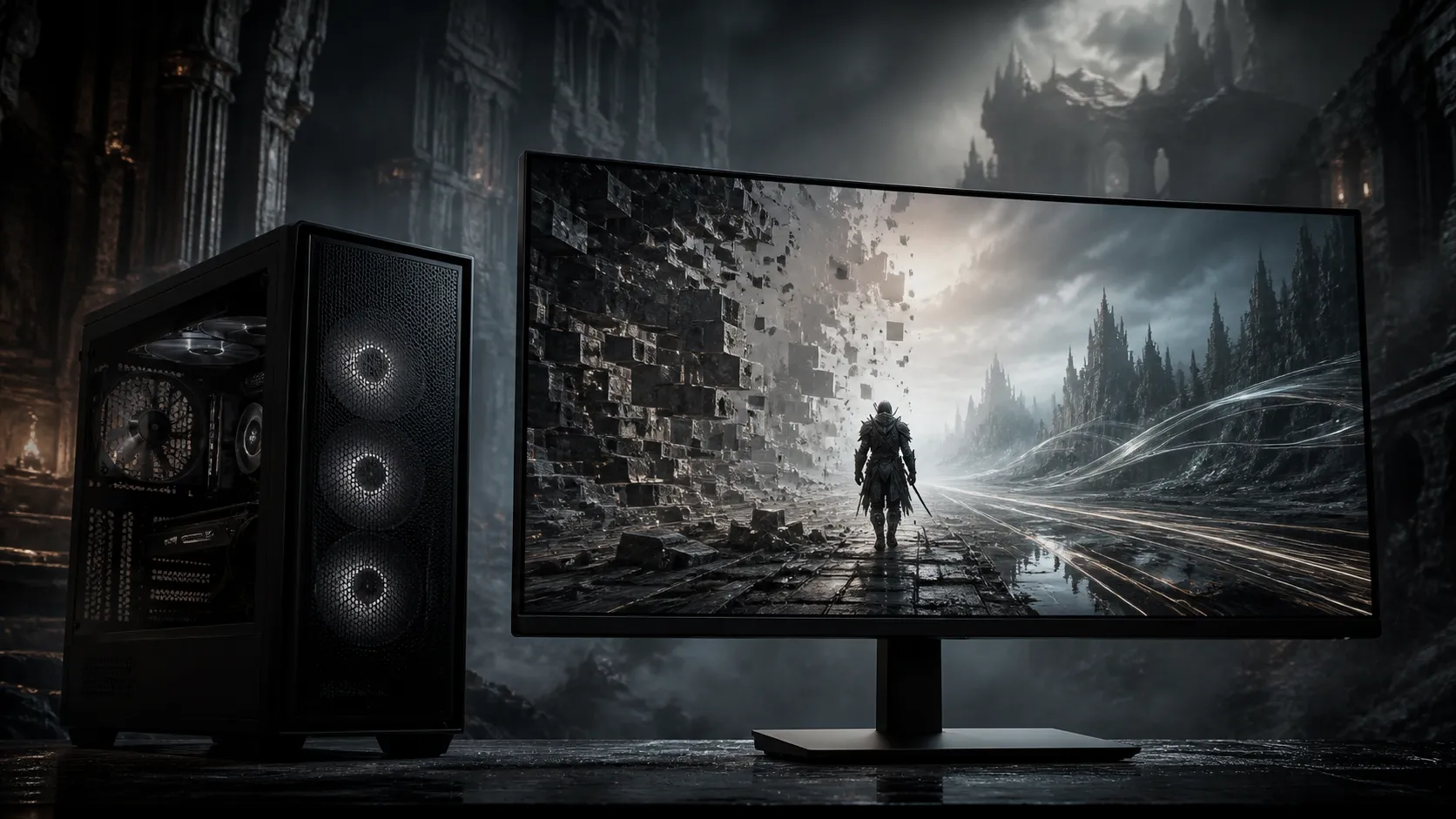
Mortal Shell II has a published minimum specification but no official recommended tier or resolution target. That makes Mortal Shell II PC settings a measurement exercise rather than a race to select Ultra. The 20 August release expands into a compact interconnected world with stamina-free combat, sidearms and eight possessable Shells.
Quick Answer
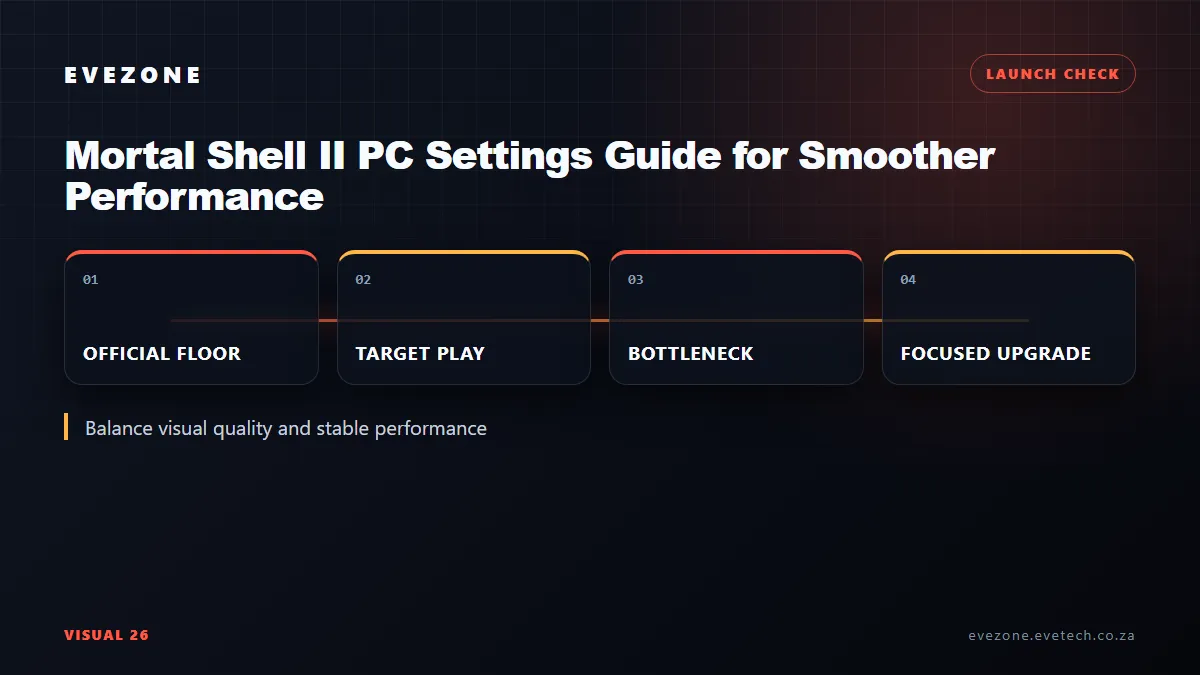
Use R0 as the starting upgrade spend. On the official minimum of Core i7-10700K or Ryzen 5 3600, 16 GB RAM and RTX 2060 Super 8 GB or RX 6600 8 GB, begin at 1080p with the default preset, ray-heavy effects reduced, and a stable frame cap. Change one option at a time because no official fps promise accompanies that minimum.
🛡️ Create a repeatable combat test
Choose an area with several enemies, particle effects and quick camera movement. Run the same route for each change. The game's posture system, executions and sidearms can produce a very different load from quiet exploration, so a menu or empty corridor is not a useful approval test.
Start with textures that fit within 8 GB VRAM, moderate shadows and motion blur set to personal comfort. If the GPU stays saturated, reduce resolution or use an available upscaler before stripping every surface detail. If lower resolution barely changes frame time, investigate the processor and background software.
The Evetech graphics-card category is the right comparison surface once monitoring proves the GPU is the limit.
🌲 Test streaming in the open world
Cold Symmetry calls the world compact and interconnected. That design can expose storage or shader hitches when moving rapidly between areas even if an enclosed fight is smooth. The official minimum requires 70 GB on an SSD, so running from a hard drive falls outside the published configuration.
Keep free space beyond the listed capacity and allow initial shader activity to settle. A repeatable hitch at the same boundary may be asset streaming; random spikes can be a background task, temperature change or unstable tuning. Record observations instead of applying several supposed fixes together.
Browse internal SSD choices from Evetech when the current drive cannot meet the SSD requirement or lacks usable space.
🎚️ Balance clarity with frame-time stability
Fast melee benefits from a consistent camera response. A cap that the PC can hold through busy encounters is often preferable to an uncapped average that collapses during parries. Keep the display refresh rate and adaptive-sync settings consistent while comparing presets.
Avoid claiming that one universal Low, Medium or High setup fits every machine. Laptop power limits, cooling and background loads can separate two PCs with the same GPU name. Record the actual clock, temperature and utilisation during the test.
Frequently Asked Questions
Is the RTX 2060 non-Super an official Mortal Shell II minimum?
No. The listing specifically names the RTX 2060 Super with 8 GB, alongside the Radeon RX 6600 8 GB.
Does Mortal Shell II publish a recommended PC tier?
Not on the cited official store page as of 29 August 2026. It lists only a minimum configuration.
Why is an SSD important for Mortal Shell II?
The official requirement mandates one for the 70 GB installation, supporting faster loading and streaming through its connected world.
Should I remove the frame cap in Mortal Shell II?
Test both ways. A sustainable cap can smooth heavy fights, while uncapped output is useful for discovering the system's true ceiling.
Tuning a smoother path through Mortal Shell II?
Measure one demanding fight and one streaming route, then compare only the Evetech component that fails the official baseline.