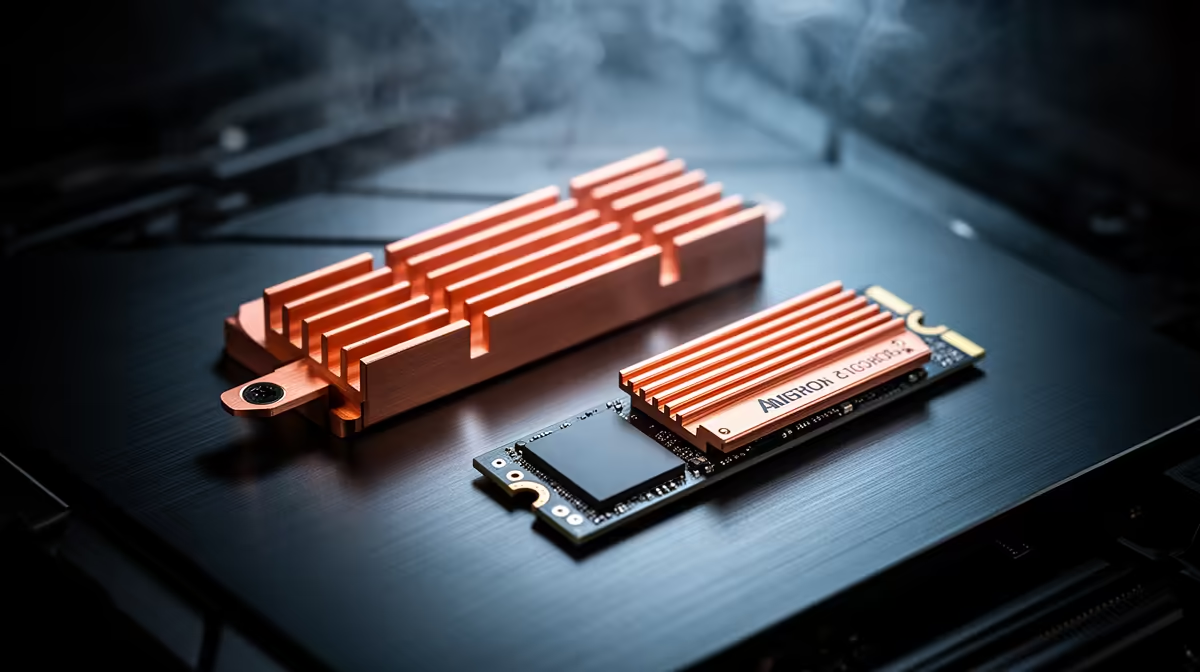
Use one properly fitted M.2 heatsink and thermal-pad stack. A motherboard cover and an SSD's factory heatsink are each designed to contact the drive from a certain height. Stacking them can bend the module, crush pads or stop the motherboard plate from seating.
Quick Answer
If the SSD arrives bare, use the motherboard's M.2 heatsink with its protective film removed. If the drive has a factory heatsink, use it in an open slot that accepts its height and leave the motherboard cover off. Remove a factory heatsink only when the SSD maker documents that it is removable without damage or support consequences.
Compare form factors in the SSD catalogue and use the popular drive shortlist to find alternatives. Check whether each listing is a bare module or a heatsink edition before ordering.
Fit Comes Before Mass
The thermal pad must touch the controller and intended packages without lifting the SSD from its socket. A doubled pad stack can apply uneven pressure. A cover screwed down over a tall factory sink can bow the board.
Read the motherboard manual for the slot and plate. Some boards use a latch, backplate or two-sided pads. Keep unused pad films in place until the layout is confirmed.
Factory Heatsinks Can Be Structural
Some SSD heatsinks use clips, adhesive pads or labels tied to the assembly. Pulling one off can damage NAND packages or alter warranty support. Check written manufacturer guidance before disassembly.
For a PlayStation or compact card, height limits can decide the choice. A large motherboard plate may cool well in a desktop but cannot follow the drive into every device.
Verify With Temperature
After installation, monitor controller and composite temperature during a sustained transfer. Model-specific throttle thresholds matter more than a universal target. Confirm the speed stays consistent and the drive remains detected after a restart.
Good case airflow helps either heatsink. A large metal plate with no moving air can still soak heat during a long write.
Install the Motherboard Plate Cleanly
Seat the bare M.2 drive and secure its latch or screw before lowering the heatsink. Peel only the film from the pad face that will touch the SSD. Keep the drive flat while tightening the plate in the sequence shown by the board manual.
Remove and inspect the assembly if the plate rocks, the SSD lifts at the socket or the screw needs force to start. The pad should show a light, even contact impression. Do not add a thicker pad to close a gap unless the board maker specifies that thickness.
After first boot, verify the negotiated PCIe link and complete a sustained read and write check. A mounting change should improve or preserve temperature without reducing detection reliability.
FAQ
Can I stack the SSD and motherboard heatsinks?
Do not assume they fit. Use one assembly designed for the slot and required pad thickness.
Should I strip every factory heatsink?
No. Leave it intact unless the drive maker documents safe removal and the target device requires it.
Does every NVMe SSD need a heatsink?
No. Controller, workload, slot airflow and device guidance determine the need.
Choose one heatsink designed for the SSD and slot, verify pad contact without board pressure and prove the result under a sustained transfer.