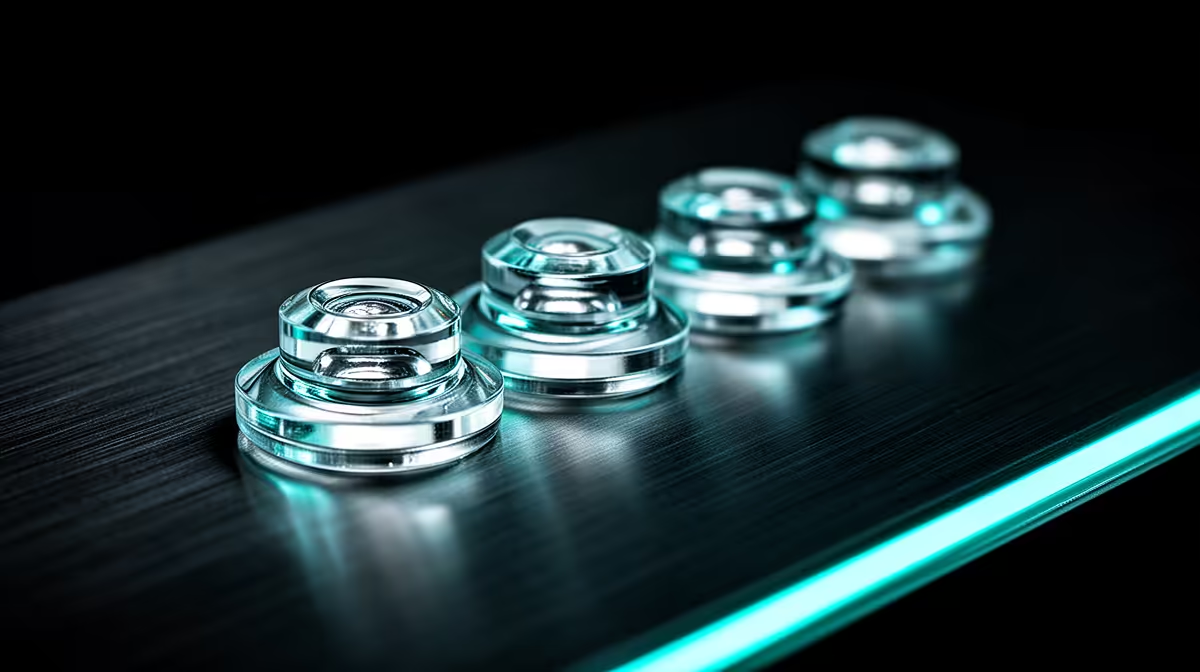
The small feet under a mouse shape glide, stopping force and how evenly the shell rides over the pad. Choosing PTFE vs glass mouse skates means matching material, exact cut and surface before wear changes the feel.
Quick Answer
Mouse skates are the low-friction feet between the mouse shell and pad. PTFE is common, while glass and other materials create different speed, noise, stopping feel and surface compatibility. Replace skates when they become uneven, scratch, expose the shell or remain inconsistent after cleaning. Choose a set cut for the exact mouse and pad.
Use the gaming mouse deals page to inspect base layouts and current models. The mouse best-seller range provides another view of shapes and factory designs. A replacement that fits the wrong revision can cover a screw or sensor ring.
PTFE is the everyday baseline
Good PTFE skates can offer smooth quiet glide on cloth and many hard surfaces. Purity, thickness, edge rounding and adhesive quality influence the feel.
White colour does not prove material purity, and a thicker skate is not automatically better. The mouse sensor and base were designed around a certain height. Use a reputable exact-fit part.
Glass changes the pairing
Glass skates can feel fast on suitable cloth pads and may react strongly to moisture or pad texture. Pairing glass skates with a glass pad can be noisy, harsh or outside maker guidance. Check both manufacturers before combining hard surfaces.
Different materials wear the pad and skates in different ways. Keep the surface clean and stop if the mouse scratches, catches or sheds material.
Inspect before replacing
Clean the pad and mouse base first. Look under side lighting for uneven height, lifted adhesive, sharp edges and a sensor ring that drags.
Worn skates can change glide and tilt the base. Sensor tracking problems can also come from hair, dust, pad incompatibility or firmware. Clean and compare before blaming the feet.
Replace as one complete set
Follow the maker's disassembly and adhesive-removal guidance. Warmth or solvents can damage the shell when used carelessly. Remove old adhesive without gouging the base.
Apply every skate from the same set on a clean dry surface. Mixing old and new heights can make the mouse rock. Let adhesive settle as instructed, then retune sensitivity through a short practice session.
Check the sensor ring
Some mice use a small skate around the sensor. It helps keep sensor height and base movement consistent. Replace it when the exact set includes one and the maker's layout shows it belongs there.
Do not add a generic ring to a base that was designed without it. Extra thickness can tilt the mouse or alter lift-off behaviour. Keep screw covers and label access aligned with the original design.
After replacement, draw slow horizontal and vertical lines in a trusted test application. Watch for wobble, skips and a base that rocks. Clean the sensor opening with the approved dry method before changing settings.
Break in without chasing speed
Fresh PTFE can feel different after its first sessions as sharp edges settle. Give the full set time on a clean pad before deciding to polish, replace or change sensitivity again.
Keep the removed set only for comparison, not reuse. Old adhesive and deformation make a second installation unreliable.
FAQ
Are glass skates better than PTFE?
They feel different and depend on the pad. Speed, control, moisture, noise and compatibility decide the better pairing.
How often should I replace skates?
There is no fixed interval. Inspect wear, glide, scraping and shell clearance for your surface and use.
Can worn skates affect tracking?
They can change base height or tilt, while dirt, sensor condition and pad compatibility must also be checked.
Clean the pad and base, identify the exact mouse revision, and replace all skates together only when measured wear or glide proves they are finished.