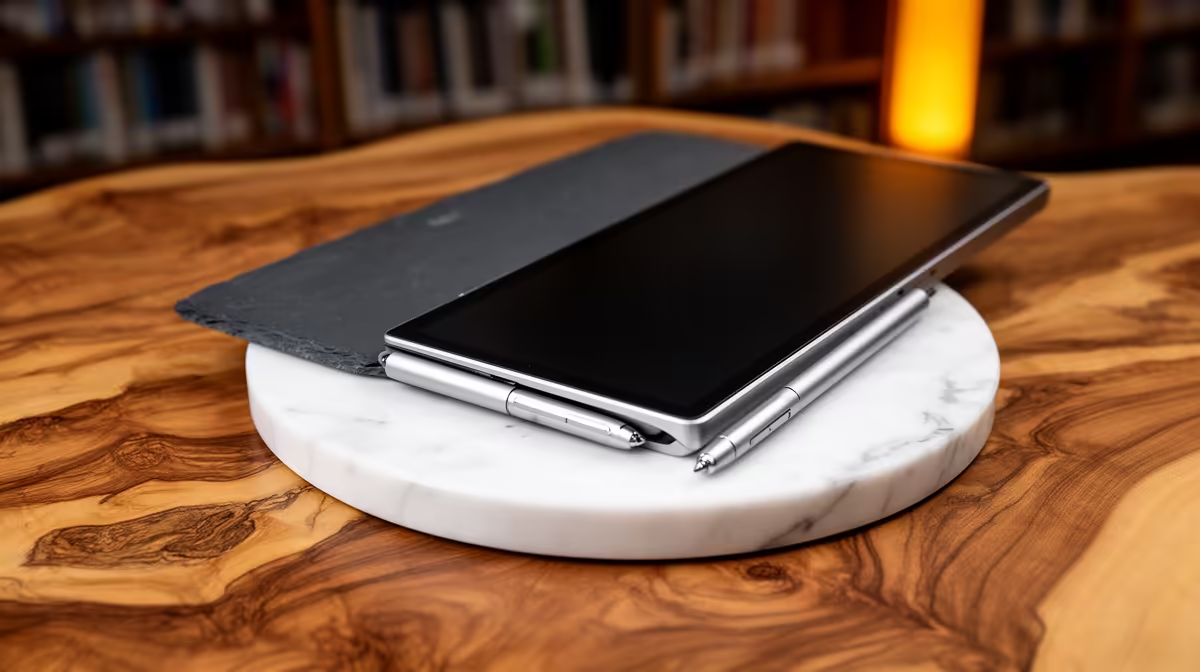
A note-taking tablet can be worthwhile for reading papers, annotating PDFs and capturing ideas during thesis work. It should not become the only place for references or drafts, and it may not replace a laptop when citation software, statistics or complex formatting require desktop applications.
Test the complete research loop
Import a real paper, annotate it, export the marked copy and link the notes to a chapter outline. Check stylus comfort, search, split-screen reading, keyboard needs and whether citation files remain usable. Confirm that the thesis can continue offline when synchronisation or the app is unavailable.
No note-taking tablet with verified pricing appears in the evidence. The ASUS ExpertBook P1503 at R9,858 is a confirmed laptop reference, not a tablet or thesis-software guarantee. The Dell S2725QC 4K USB-C monitor at R6,128 is a separate display reference. Verify current pen support, app compatibility, storage, updates, keyboard options, repair terms and warranty for any tablet.
Export important annotations to common formats, use versioned backups and keep original research material in authorised storage. Protect participant or confidential data with approved access controls. A handwritten note is useful only if it can be found and cited later.
Buy after a realistic chapter trial shows that the tablet reduces friction. Keep the supported computer and backup process as the foundation for drafting, analysis and final submission.
Building a thesis workflow? > Compare Evetech computers and monitors after testing note export and recovery.