


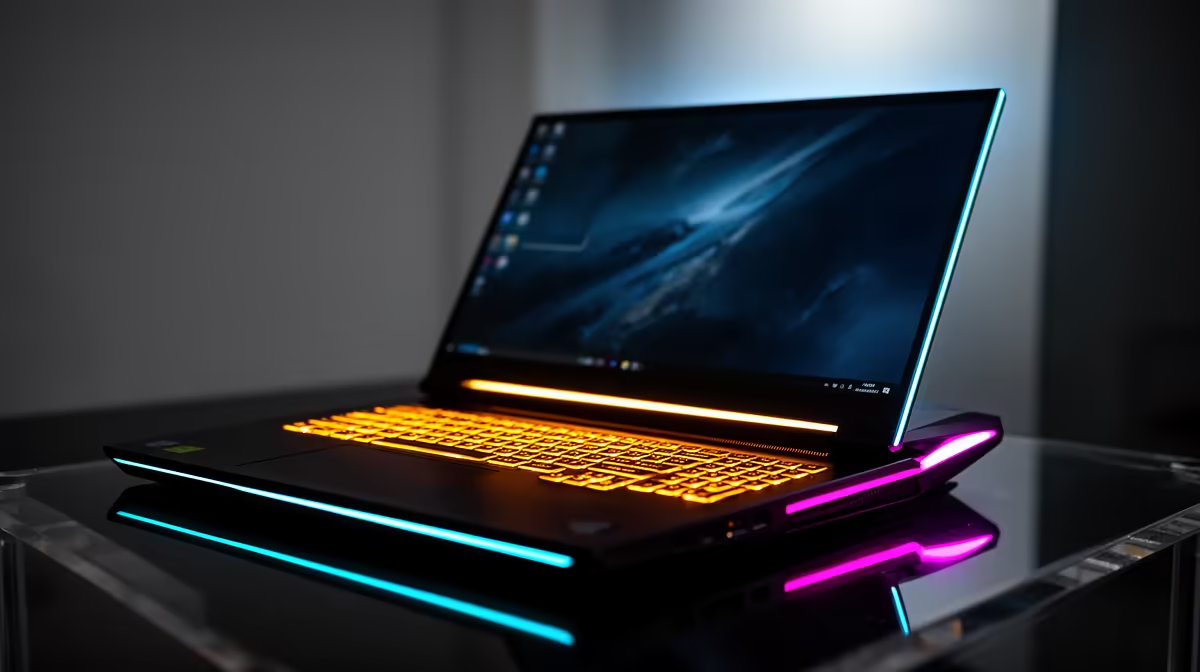
For SA students, the NSFAS laptop question is sharp: the R5,200 NSFAS allowance does not cover even Evetech's cheapest laptop at R8,000, so planning matters. The honest answer is to treat the allowance as a head start and budget the gap.
Quick Answer
The NSFAS device allowance is around R5,200, but the cheapest laptop at Evetech starts at R8,000, so the allowance alone will not buy a machine. SA students should plan to cover the roughly R2,800 difference, then choose a laptop with at least a Ryzen 5 or Core i5, 16GB RAM and a 512GB SSD for university work.
What To Look For In A Student Laptop
Prioritise a current Ryzen 5 or Intel Core i5 CPU, 16GB of RAM and a 512GB NVMe SSD; these handle research, coding, design tools and multitasking without lag for years. A full-HD (1920x1080) IPS screen protects your eyes over long study sessions, and 8-plus hours of battery suits campus and res use. For students in creative or engineering courses, step up to 16GB-plus RAM and a discrete GPU if budget allows.
Stretching The NSFAS Budget In SA
Since the allowance falls short of the R8,000 entry price, watch for value configurations at Evetech that bundle adequate specs without overpaying for gaming features you do not need. A reliable productivity laptop beats a flashy underspecced one. Avoid machines with only 8GB of soldered RAM, as modern coursework and browsers quickly fill it. Plan the purchase around the start of the academic year so the device lasts the full degree.
FAQ
Does the NSFAS allowance cover a full laptop?
No. The roughly R5,200 NSFAS allowance falls short of Evetech's R8,000 entry laptop, so students need to budget the difference, around R2,800, to afford a capable machine.
What specs should an NSFAS student laptop have?
At least a Ryzen 5 or Core i5 CPU, 16GB of RAM and a 512GB NVMe SSD. That combination handles research, coding and design tools smoothly for the length of a degree.
Is a gaming laptop a good NSFAS choice?
Only if your course needs the GPU, since gaming laptops cost more and have shorter battery life. For most students, a well-specced productivity laptop offers better value and battery life.
the start of the academic year and prioritise 16GB RAM and a 512GB SSD over screen size; that combination keeps a student laptop fast for the full length of a degree.











