


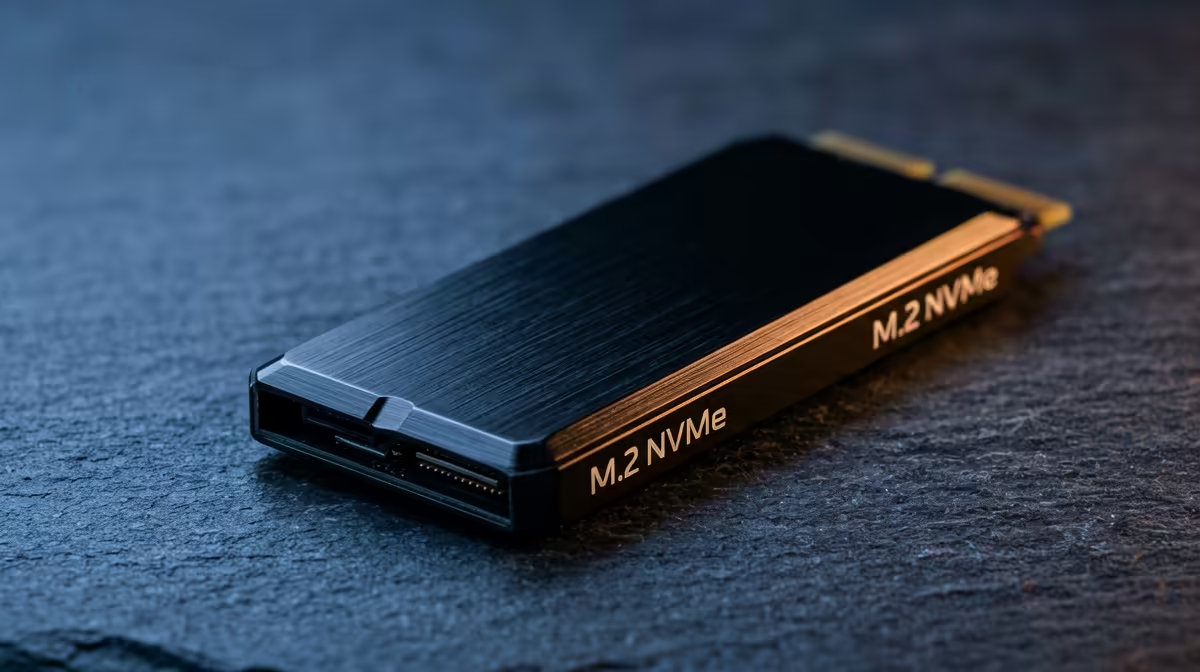
An NVMe drive is one of the easiest parts to get right on a first build, as long as you match the slot, skip slow QLC, and size it for today's huge game installs.
Quick Answer
For a first build, fit a single 1TB Gen4 NVMe (around R1,300) as your only drive - it boots Windows, holds your games and is fast enough that Gen5 isn't worth the premium yet. The most common mistakes are buying a slow QLC drive, forgetting the M.2 heatsink, and not checking which M.2 slot shares lanes with your GPU.
Compatibility checks before you buy
Confirm three things: your motherboard has a spare M.2 slot, that slot is Gen4 (most AM5 and modern Intel boards are), and it isn't the slot that drops your GPU to x8. A 1TB Gen4 drive like a WD SN770 or Kingston NV2-class SSD (around R1,300) hits 5,000MB/s+ - plenty for gaming. Gen5 drives reach 10,000MB/s but cost far more and need active cooling; skip them on a first build.
Mistakes that cost first-time builders
Avoid cheap DRAM-less QLC drives for your boot disk - they slow to a crawl when their cache fills during big game installs. Fit the motherboard's M.2 heatsink so the drive doesn't thermal-throttle. And size up: 500GB fills fast when modern titles are 100GB+ each, so 1TB is the sensible 2026 floor, with a second 2TB drive (around R2,200) added later for a library.
FAQ
Gen4 or Gen5 NVMe for a first build?
Gen4. A 1TB Gen4 drive at ~5,000MB/s loads games as fast as you'll notice, costs far less than Gen5, and doesn't need extra cooling. Save Gen5 for specialised workloads.
How big should my first NVMe be?
1TB is the practical floor today - Windows plus a few 100GB games fills 500GB quickly. Add a second 2TB drive later if you keep a large library.
Do I need a heatsink on an NVMe?
For Gen4 gaming drives, the motherboard's M.2 heatsink is enough and prevents throttling during long installs. Gen5 drives genuinely need active cooling, which is another reason to skip them on a budget build.
Buy one 1TB Gen4 NVMe, fit the board's M.2 heatsink, and confirm the slot won't drop your GPU to x8 before you screw it down.









