


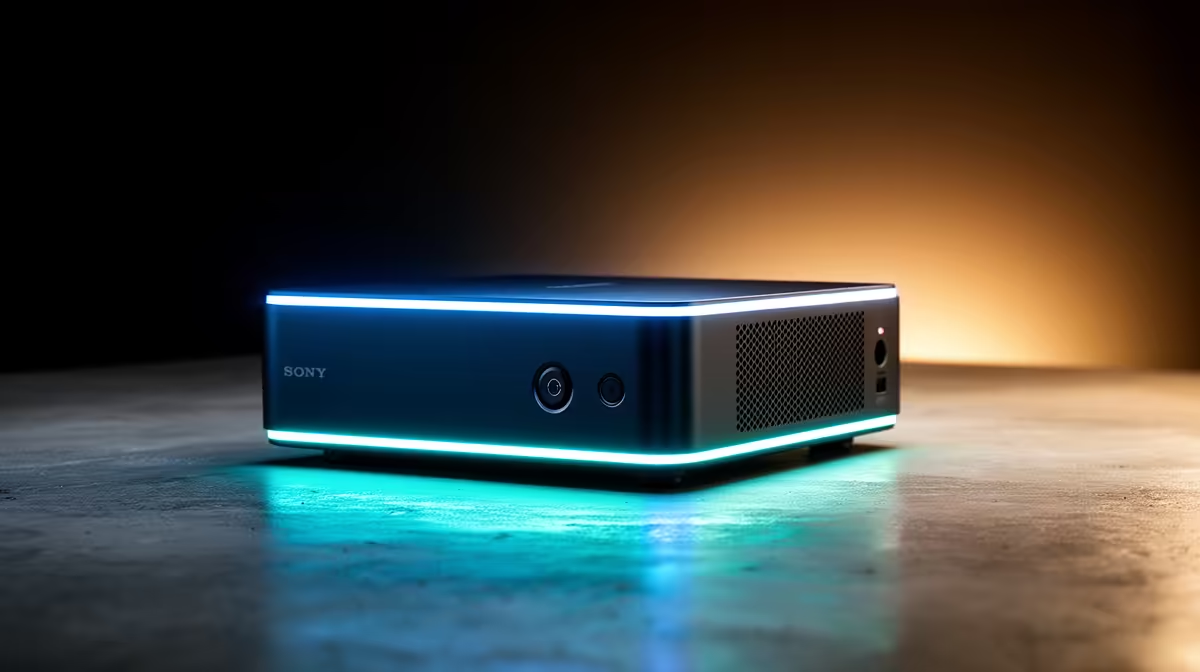
A palm-sized mini PC that drives a full desktop graphics card sounds like a contradiction, yet OCuLink mini PCs make it ordinary. The trick is a port that exposes a direct PCIe 4.0 x4 link to an external GPU enclosure, skipping the protocol translation that holds back Thunderbolt and USB4 connections.
Quick Answer
OCuLink gives a mini PC a native PCIe 4.0 x4 path to an external GPU, with around 64 Gbps of bandwidth and far lower latency than Thunderbolt because it does not tunnel the signal through extra controllers. In real testing, the same card runs roughly 20 percent faster over OCuLink than over Thunderbolt 5, with worst cases nearing 40 percent.
Why OCuLink beats the alternatives
Thunderbolt and USB4 eGPU links wrap the PCIe signal inside their own protocol and rely on controllers at both ends, which adds overhead and latency. OCuLink does none of that. It is essentially a raw PCIe lane brought out to a connector, so the graphics card talks to the mini PC almost as directly as if it were seated in a motherboard slot.
The numbers back it up. OCuLink adds only a fraction of a microsecond of latency, while Thunderbolt's protocol translation adds several. Even though Thunderbolt 5 now matches OCuLink's headline bandwidth on paper, the controller overhead means it loses in practice, and benchmarks show the gap clearly in gaming workloads.
What you actually need to build one
The setup is two parts: a mini PC with an OCuLink port, and an external GPU dock that takes a standard desktop card and supplies its own power. You connect the two with an OCuLink cable, drop in your graphics card, and the mini PC sees the GPU over the PCIe link. Because OCuLink is becoming common on mini PCs, the dock and a card are usually the only extras to source.
There is one honest trade-off. Unlike Thunderbolt, OCuLink does not carry power, displays and peripherals down the same cable, and it has no hot-plug standard, so connections are made before boot rather than on the fly. For a desk-bound setup that stays connected, that is a minor inconvenience against the performance you gain.
If a compact machine that can borrow desktop graphics power appeals, you can browse the mini PC range at Evetech to see which models carry an OCuLink port, and the best-selling PCs right now give a quick sense of where small-form-factor demand is heading.
Frequently Asked Questions
How much bandwidth does OCuLink provide?
OCuLink delivers a PCIe 4.0 x4 link, around 64 Gbps, with very low latency. The advantage over Thunderbolt is not just headline speed but the lack of protocol overhead, which preserves real-world performance.
Is OCuLink really faster than Thunderbolt for an eGPU?
Yes. Testing shows the same card running roughly 20 percent faster over OCuLink than Thunderbolt 5, with worst cases close to 40 percent, because OCuLink avoids the controller-to-controller translation Thunderbolt relies on.
Can I hot-plug an OCuLink GPU?
No. OCuLink has no hot-plug standard, so you should connect the dock and card before powering on the mini PC. Plugging in after boot will usually fail to establish the link.
Does an OCuLink cable also carry video and power?
No. Unlike Thunderbolt's single USB-C cable, OCuLink only carries the PCIe data link. The external dock supplies its own power, and your displays connect to the graphics card directly.
Curious whether a tiny PC plus a desktop card suits your desk? Browse the mini PC range at Evetech (https://www.evetech.co.za/PC-Components/mini-pcs-194) and check which models bring an OCuLink port to the party.









