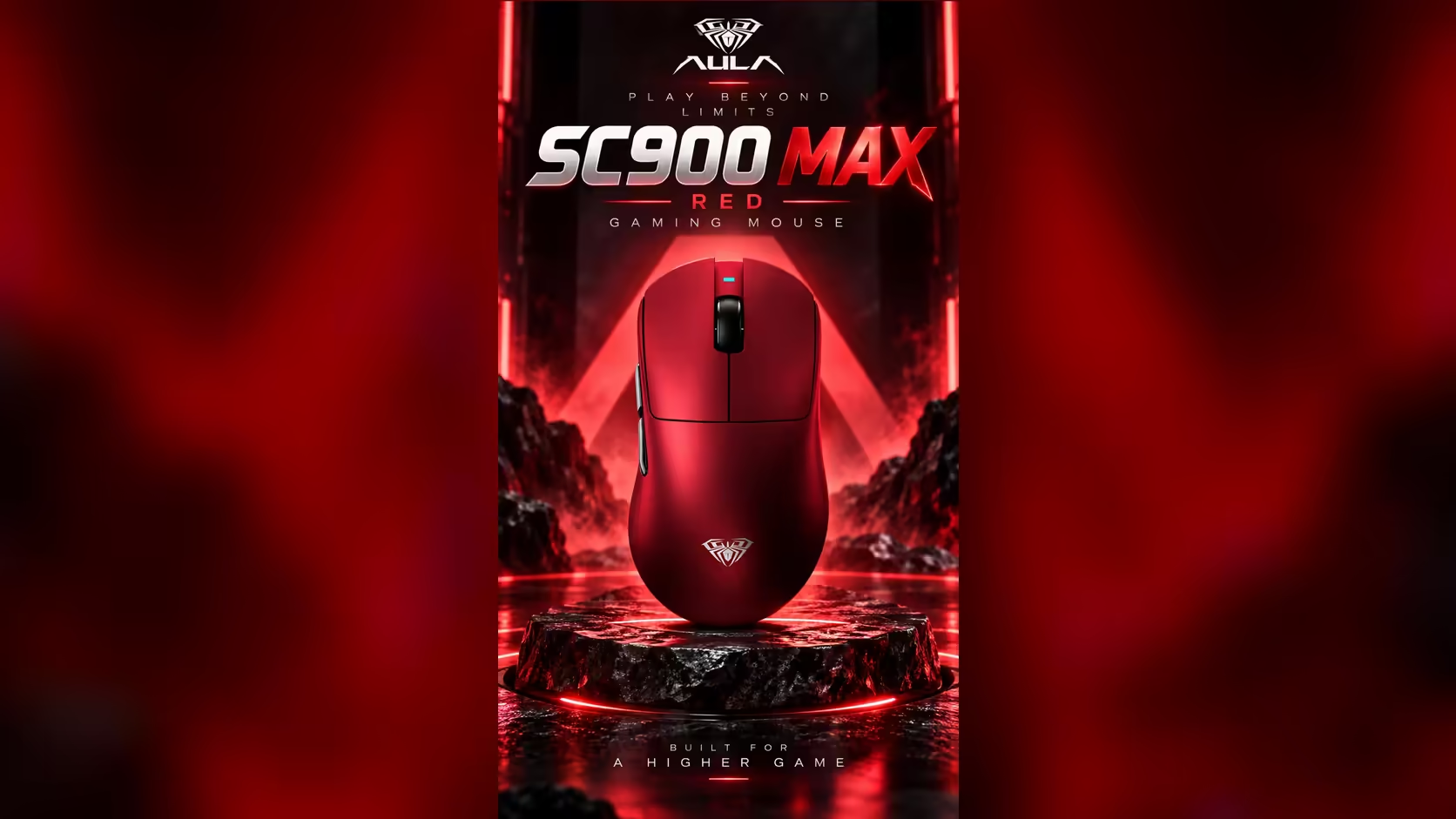
A wireless mouse dying mid-match is one of the more avoidable frustrations in gaming, and the AULA SC900 MAX gives you two ways out of it. One is its swappable battery. The other is simpler and needs no spare at all: plug in the USB-C cable and carry on. As a wired and wireless gaming mouse, it loses nothing in responsiveness when the cable goes in, because wired play reaches the same 8000Hz ceiling as its 2.4GHz receiver.
Quick Answer
When the battery runs flat, connect the SC900 MAX to your PC with a USB-C cable and keep playing at up to 8000Hz. The cable charges the 400mAh battery at 5V 300mA as you go, and the swappable cell is a second route back if you have a charged spare. The mouse carries a 1 Year Local Warranty from Evetech. It sells for R749 at Evetech.
🔌 Wired versus wireless: any speed loss?
None in the polling department. The SC900 MAX reaches up to 8000Hz both over the 2.4GHz receiver and over the USB-C cable, a ceiling you unlock in AULA's software. Switching from wireless to wired mid-session therefore keeps the same reporting rate you were already using.
Bluetooth is the exception. It runs at 125Hz, so if you had been using Bluetooth for office work, moving to the cable is actually a big step up for gaming.
⚡ Charging while you play
Through the cable, the battery charges at 5V 300mA. That is a gentle rate, which is fine for a small 400mAh cell, and it means a normal gaming session on the cable will put meaningful charge back in. AULA does not publish a full charge time, so the practical approach is to play wired until the level is comfortable, then return to wireless.
Does the cable add drag?
A cable does add some resistance as the mouse moves, which a light 62g mouse can make easier to notice. A few simple steps reduce it: route the cable over the back of the desk rather than letting it lie across the mouse pad, give it some slack, and consider a mouse bungee if you play wired often.
🔋 Swap the cell or plug in?
Both work, and which is better depends on what you have to hand.
- Plug in if you have only the one battery. You keep playing immediately, at the full polling rate, while the cell recharges.
- Swap cells if you have a second charged battery. Pop the base cover, change the 400mAh cell over in seconds, and you stay cable-free.
Since a spare is not part of what the listing describes, most owners will reach for the cable.
🧵 Choosing a cable
Use a good-quality USB-C data cable rather than a charge-only one, since you need data for the mouse to work as a wired connection. A lighter, flexible cable also reduces drag. If a cable seems to charge but the mouse does not respond, try another cable before assuming a fault.
🔁 Is playing wired while charging harmful?
Using the mouse while it charges is normal for this design, since the cable doubles as a wired connection. General lithium-battery care still applies: avoid letting the mouse sit hot in direct sun while charging, and do not leave the battery completely flat for long periods.
The SC900 MAX is tri-mode, weighs 62g with its battery, and offers six DPI steps up to 30,000. Look through Evetech's gaming mice or the wider wireless mouse range to compare.
Frequently Asked Questions
Is wired mode slower than wireless?
No. Plugged in, it can report at 8000Hz, exactly as it does on the dongle.
How fast does the cable charge the battery?
At 5V 300mA. AULA does not publish a full charge time.
Will the cable get in the way of my aim?
It adds a little drag. Route it off the pad, give it slack, or use a mouse bungee.
Does any USB-C cable work?
Use one that carries data, not just power, so the mouse works as a wired device.
Should I swap the battery or plug in?
Plug in if you have one cell. Swap if you have a charged spare and want to stay wireless.
Is it bad to play while it charges?
No. The cable is designed to double as a wired connection. Just keep the mouse out of direct heat.
Ready for a mouse that never leaves you stranded?
Browse Evetech's gaming mice and compare the SC900 MAX's wired and wireless options with other models.