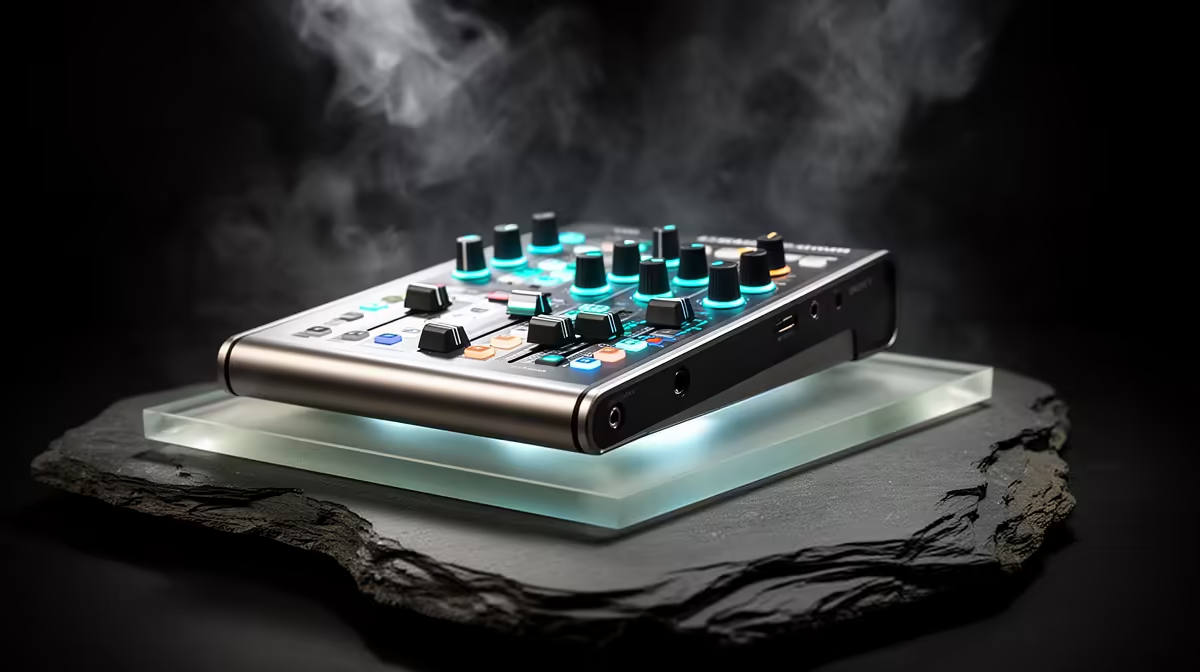
A podcast mixer has a place in a home lab only when you record tutorials, host technical discussions or combine several audio sources during demonstrations. It contributes nothing to servers, storage or network management. A single USB microphone covers most solo lab walkthroughs with less software and cabling.
Sketch the teaching signal path
List the narrator, remote guest, system audio and any hardware alert you plan to capture. Decide which sources need separate tracks and live monitoring. A mixer makes sense when you adjust simultaneous inputs during a stream. Recorded solo tutorials can use software routing and one close microphone.
Evetech product evidence for this batch confirms no podcast mixer for a priced pick. The HyperX SoloCast 2 USB microphone is verified at R690 as a direct computer input. The NearStream AM10X-P USB/XLR microphone carries a verified R730 price for a path that can later use compatible audio hardware.
Record a failure demonstration
Capture a short tutorial while restarting a disposable service and speaking over system audio. Listen for keyboard noise, fan pickup, clipping and audio drift. Confirm that recording software cannot expose passwords, IP addresses or private dashboards. Keep the lab network isolated from guest equipment and store tutorial files away from configuration backups.
Buy a mixer after a second live input creates a repeatable control problem. A solo lab creator should improve microphone placement and screen privacy first.
Recording a home-lab guide? > Ask Evetech to compare USB and USB/XLR microphones for the desk.