



650W PSU Planning for RTX 5090 Builds in SA
650W for RTX 5090 needs a full-build check, not a simple yes. Review GPU guidance, CPU draw, transient load, connectors, PSU quality, and upgrade plans before deciding.
Read morePrevent avoidable charging wear by cleaning dock contacts, seating the controller correctly and avoiding repeated interruptions. The R999 Cyclone 2 uses smart charging, while heat, battery age and heavy use still affect health over repeated use.
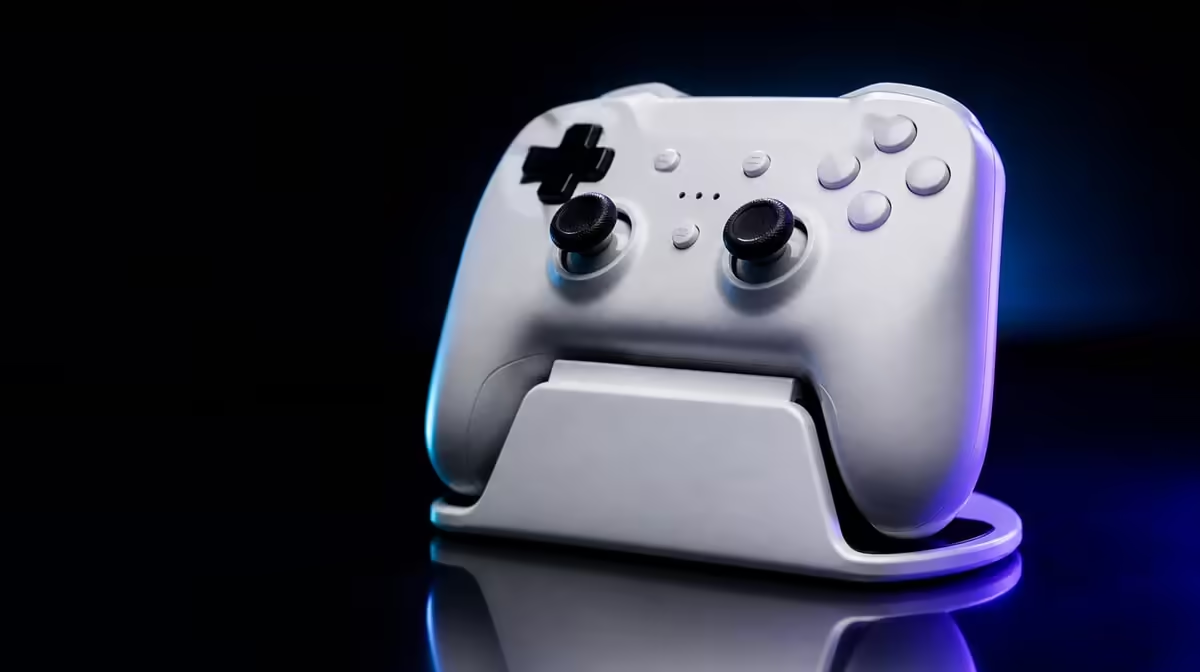
Automated charging helps most when the dock remains cool, clean and consistently connected. To prevent battery wear with automated charging, seat the Cyclone 2 correctly and avoid repeated contact interruptions. The R999 package includes Smart Start-Stop management, while heat, age and heavy use still affect the battery over time.
Use the Cyclone 2 dock on a level surface, keep its contacts clear and confirm that charging does not repeatedly reconnect. Smart Start-Stop Charging manages power around a stable docked state. The included controller-and-dock package is R999, but no charging feature can guarantee a fixed battery lifespan.
Place the dock where the controller can settle naturally. If the base rocks or the cable pulls it sideways, correct the position before relying on automatic management.
Watch the charging state after seating. Repeated changes suggest alignment, debris or power-path instability. Resolve those physical variables one at a time.
Use the same placement several times. A stable result only when the controller is pushed or twisted suggests that its normal resting contact needs attention. Correct the dock position instead of turning an awkward seating method into a habit.
Cable tension can imitate poor alignment. Give the lead slack, then observe whether the base remains still while the controller is lifted and replaced.
The Evetech controller category provides useful context for buyers comparing included charging systems.
Smart Start-Stop Charging does not stop chemical ageing or increase battery capacity. Keep the dock away from direct sun and avoid unnecessary heat around the controller.
Heavy gaming changes how often the battery cycles through use and charging. Judge the feature by how well it simplifies charging and how the controller behaves over time.
Battery health is a long-term outcome affected by several variables. Smart charging addresses power application around the docked state, not every part of ageing. Keeping that boundary clear prevents unrealistic expectations.
Return the controller after play and confirm seating. A consistent habit gives automation a stable condition to manage.
Observe whether the controller and dock are still warm from the session. A shaded, ventilated location is preferable to direct sun or a tight space beside hot equipment.
Disconnect power before cleaning. Begin dry and gentle on accessible contacts and the controller resting surface. Avoid liquid entering the charging path.
Inspect the cable for tension and the base for movement. Reseat the controller after cleaning and observe whether contact stabilises.
If instability remains, compare a suitable power source while keeping alignment and the dock unchanged. Changing one variable produces evidence; swapping the cable, surface and source together does not.
Browse gaming accessories through Evetech, then consult popular accessory options once the dock location is sorted.
The R999 price includes the Smart Start-Stop dock, so the feature's value can be judged as part of the complete package. A buyer who returns the gamepad daily is more likely to benefit than one who leaves the dock packed away.
Use a simple end-of-session sequence: finish the host connection, let the controller cool in the normal room environment, place it squarely and confirm stable status. Repetition supports automation better than hurried, angled placement.
Review the dock location whenever the desk changes. New cable tension or direct afternoon sun can alter conditions without any change to the charging feature.
Automation works around a routine; it cannot correct a poor resting position. Place the base where the controller naturally ends each session, confirm that the lead does not pull sideways and leave space to lift the gamepad cleanly. If the base moves whenever another desk item is touched, correct the layout before evaluating charging stability.
Battery care also includes temperature and usage. Keep the dock away from direct sun and unnecessary heat, and do not turn a charging status into a claim about remaining play time. The most useful outcome is predictable readiness without repeated manual cable handling.
Recheck the setup after rearranging the desk. A new monitor, cable route or power position can alter alignment even when the controller settings remain unchanged.
It manages when the dock applies power around the controller's charging state, provided seating and contact are stable.
No. Battery age, temperature and usage remain relevant over time.
Poor alignment can interrupt contact repeatedly, working against a stable managed routine.
Evetech lists the GameSir Cyclone 2 with its included dock at R999.
Ready to support smart charging with smarter placement? Compare docked gaming controllers at Evetech and keep the Cyclone 2 level, cool and consistently seated after every session.
It manages when the dock applies power around the controller's charging state, provided seating and contact are stable.
No. Battery age, temperature and usage remain relevant over time.
Poor alignment can interrupt contact repeatedly, working against a stable managed routine.
Evetech lists the GameSir Cyclone 2 with its included dock at R999.
650W for RTX 5090 needs a full-build check, not a simple yes. Review GPU guidance, CPU draw, transient load, connectors, PSU quality, and upgrade plans before deciding.
Read more
How to fix FPS drops Windows 11 RX 9070 XT starts with GPU drivers, overlays, power plans, and frame pacing checks. For SA gaming PCs, verify chipset updates, HAGS, refresh rate, thermals, and per-game graphics settings.
Read more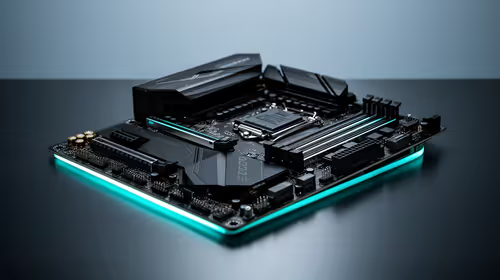
How to fix FPS drops on X870E motherboard starts with BIOS, chipset drivers, PCIe settings, and memory stability. SA gamers can check EXPO, resize BAR, thermals, display refresh, and background apps before replacing components.
Read more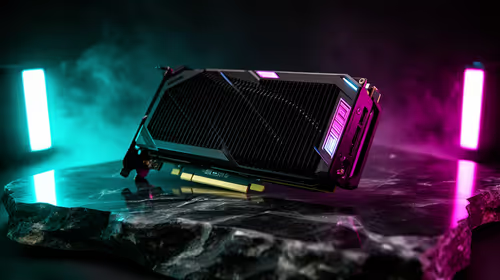
RTX 5060 is popular with SA students because it can fit gaming, coursework, and creative app needs in one setup. Compare total system price, cooling, RAM, storage, and screen quality before picking a desktop or laptop.
Read more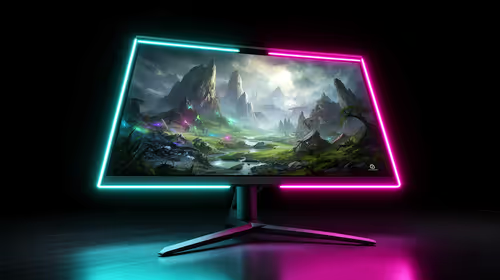
1440p is the sweet spot for SA gamers because it balances sharp visuals, high frame rates, and GPU cost better than 4K. It is a practical monitor target for players who want smoother upgrades without the heavier hardware demands of 4K.
Read more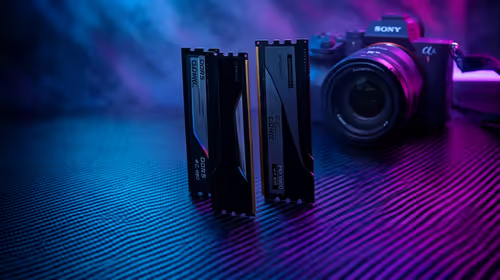
RAM pricing for Midrand gamers can shift with exchange rates, supply, specs, and model tier. Treat the title as a buying prompt, then compare SA warranty, timing, and build priorities.
Read more
From 1 October 2026, WhatsApp Business Platform service replies in South Africa are expected to cost about $0.0076, or 12 cents, per delivered message.

DDR5-8000 RAM Kits pros and cons depend on the build, budget, and workload. Weigh gaming needs, platform fit, power, cooling, warranty support, and South African pricing context before shortlisting it.

Wi-Fi 6E vs Wi-Fi 6 depends on AAA single-player gaming needs, platform limits, and budget fit. Compare compatibility, latency, upgrade path, and real setup constraints before choosing for an SA build.

Ryzen 9 9950X3D dead pixel checks should isolate the panel first. Run colour fills, inspect the monitor menu, test another cable or input, and capture proof before linking it to the SA CPU upgrade.

YouTube will count public views from the first frame across video formats from 24 August, while earnings and eligibility remain tied to engaged viewing.

Canonical expects Ubuntu on WSL users to outnumber native Ubuntu desktop users before the end of 2026. The software is open source and runs inside supported Windows PCs.

Telkom's daily bundles pair WhatsApp access with 10 all-network voice minutes. The R15 option includes 300MB, while the R17 option uses a fair-use threshold.

A 10,000-hour test found similar image retention across older and newer OLED TVs, while newer panels were brighter and more efficient. Local OLED monitors started at R9,999.

Windows 11 update KB5121003 is linked to crashes in several multiplayer games on versions 24H2 and 25H2. Check the build, report the fault and avoid risky file or update changes unless the problem is confirmed on your PC.

Comsol's standalone 5G network covers about one million Gauteng homes and starts commercial ISP service in September. Early packages range from R275 to R875 a month, but coverage and fair-use rules still decide the real value.

Sennheiser's Momentum True Wireless 5 adds user-replaceable batteries, 12-hour playback and a $299.95 launch price. There is no confirmed South African date, so compare longevity with live earbuds from R199 to R2,999.

AVerMedia's GC531 and GC535 are professional HDMI capture devices for continuous streaming, with RGB24 capture up to 2K30 and 4K30. South African creators should compare them with live 4K capture cards from R2,099.