


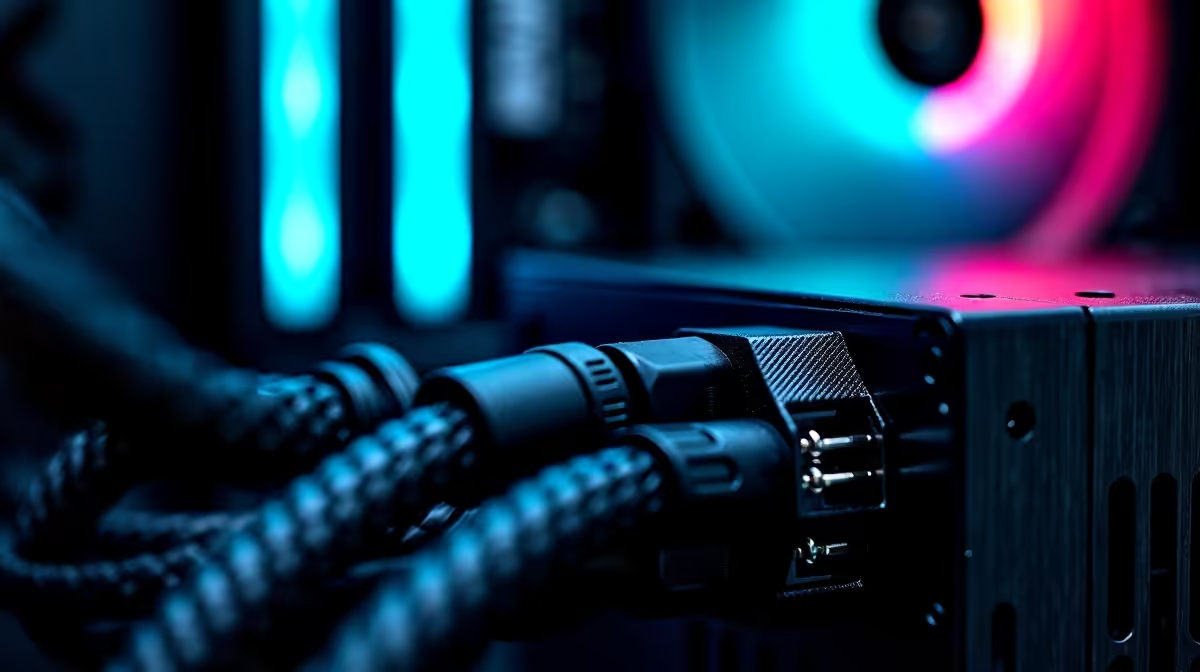
We've all been there. You spend thousands of ZAR on premium components. You assemble everything with care. But the final build looks like a spaghetti monster exploded inside your case. Mastering PSU cable management is essential for any South African gamer. If you want to know how to route cables cleanly, you are in the right place. Let's turn that chaotic wiring into a masterpiece.
Choosing the Right Hardware First ⚡
Before diving into routing techniques, your hardware choice matters deeply. A fully modular unit makes PSU cable management significantly easier. You only plug in the cables you actually need. If your current unit is a messy non-modular block, browse the latest power supplies to find a modular upgrade. It eliminates the bulk of unused wires right from the start.
Step-by-Step: How to Route Cables Cleanly 🚀
Start by planning your layout before plugging anything in. Route the thickest wires first. Your 24-pin motherboard connector is the biggest culprit. Push it through the rubber grommet closest to its destination. Keep it flat against the back panel.
Don't forget the CPU 8-pin power cable. Route it up the back and through the top-left chassis cutout before screwing in your motherboard. Trying to squeeze it in later is a frustrating nightmare. If you are intimidated by this entire process, you can always look at our pre-built PCs. Our experts have already done the hard work for you.
Next, handle the PCIe cables for your graphics card. Try to run them straight down or neatly to the side. Avoid crossing cables over one another. This keeps the back of your chassis slim so the side panel slides on effortlessly. Want some visual inspiration? Check out the pristine wiring on our best gaming PC deals to see exactly how the professionals do it.
Cable Tie Pro Tip 🔧
Skip the plastic zip ties for your main bundles. Use Velcro straps instead. They are reusable, gentle on your cables, and make future hardware upgrades much easier when you need to reroute connections.
Why Neat Wiring Matters in South Africa ✨
PSU cable management isn't just about making your rig look good. It directly impacts your overall system temperatures. Cluttered wires block fresh airflow from your front intake fans. When air cannot reach your GPU and CPU cooler, thermal throttling occurs. This drops your frame rates during intense gaming sessions. In our warm South African summers, every single degree counts. Better airflow means quieter fans and a prolonged lifespan for your expensive components.
Front panel connectors are tiny and often frustrating to manage. Group them together tightly. Route them through the bottom cutouts directly under their motherboard headers. This hides the messy coloured wires from plain sight.
Of course, building a desktop isn't for everyone. If you prefer a clutter-free desk without any DIY hassle, exploring laptops for sale might be your best bet. But for the dedicated desktop purists, a clean build is a true badge of honour. Don't forget to check out our weekly specials to grab premium chassis fans or modular power units at a massive discount.
Ready to Build Your Dream Rig? Now that you know how to route cables cleanly, it is time to put those skills to the test. Explore our massive range of PC components and build a machine that looks just as good as it performs.











