Kingston 16GB current-gen SODIMM at R741 suits a field laptop that mainly handles GIS fieldwork notes, map viewing, forms, and browser-based project admin. A 16GB RAM kit can be worth it when the machine is used on site and the work is light, but 32GB memory is the more comfortable choice once large layers, multiple tabs, and office apps stay open together.
Best memory pick for this workload
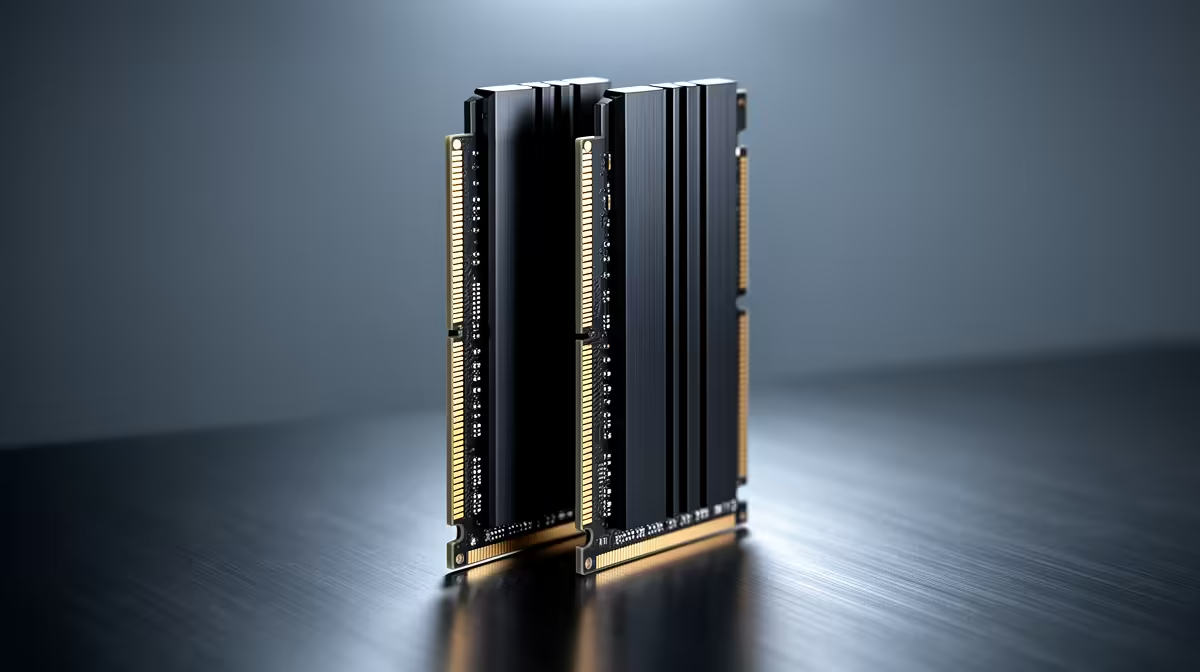
TEAMGROUP VULCAN 32GB current-gen 6000 at R1,460 is the strongest value option here because it doubles the capacity without moving into premium pricing. For a desktop workstation back at the office, that 32GB capacity gives more breathing room for map files, spreadsheets, email, and reference PDFs open at the same time.
Kingston FURY 32GB current-gen 6400 at R2,300 is the better step-up if the workstation is being built around faster current-gen memory. The 6400 speed makes sense for a more responsive daily system, especially when the same PC also handles reporting, photo sorting, and browser-heavy research after field capture.
Field laptop and office desk reality in South Africa
A Kingston 16GB current-gen SODIMM at R741 is sensible when the laptop needs a low-cost refresh for travel, site visits, and quick edits. If the main machine lives on an office desk, the TEAMGROUP VULCAN 32GB current-gen 6000 at R1,460 is the cleaner long-term buy because 32GB memory gives the system more room as projects grow.
KLEVV CRAS V 32GB 7200 RGB at R6,400 is for a higher-end build where the 7200 speed and RGB styling matter. Kingston FURY 32GB 5600 at the stated budget,100 is still a 32GB option, but the TEAMGROUP VULCAN 32GB current-gen 6000 at R1,460 is easier to justify for practical field-to-office work.
Ready to choose the right memory?
Put TEAMGROUP VULCAN 32GB current-gen 6000 speed at R1,460 beside the memory shortlist plan, then use its listed spec as the deciding detail.