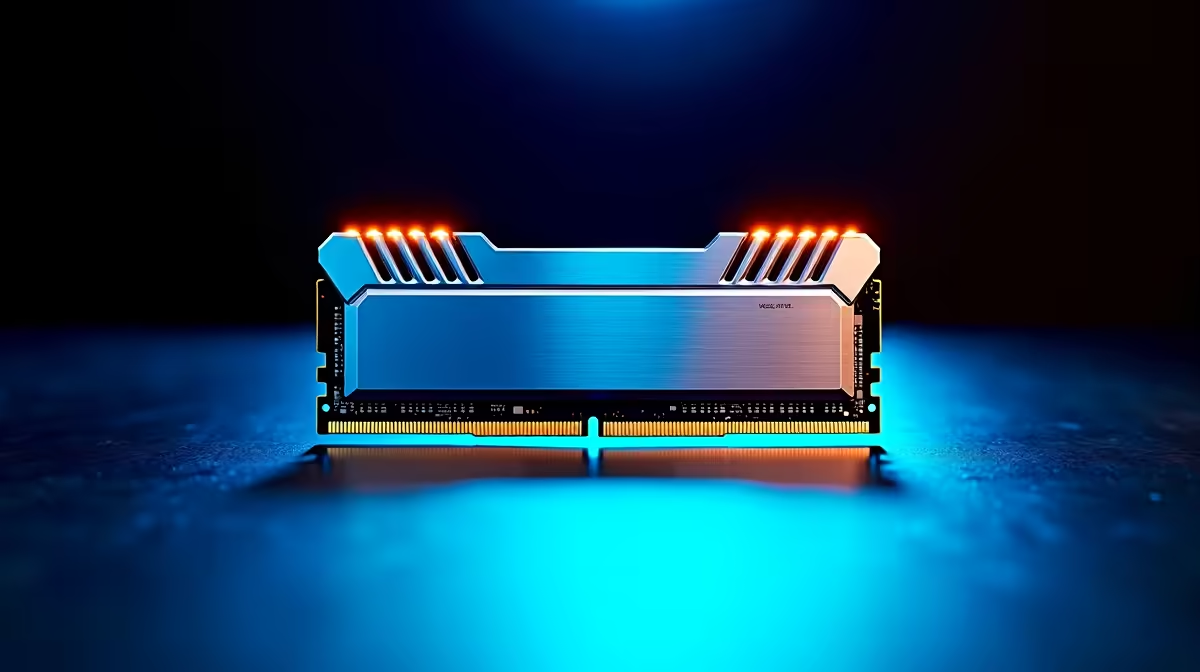
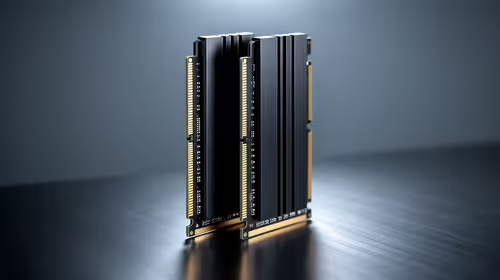
Kingston 16GB current-gen SODIMM at R741 suits a laptop user who needs a simple capacity refresh for documents, browser tabs, and video calls during short power dips in South Africa. A 16GB RAM kit can be enough for light work, but 32GB memory is the cleaner recommendation when you want fewer slowdowns after Wi-Fi reconnects, autosave catches up, and apps reopen in the background.
Better RAM Picks For Interrupted Work Sessions
TEAMGROUP VULCAN 32GB current-gen 6000 at R1,460 is the value pick for a desktop that handles spreadsheets, research tabs, Teams, and admin tools at the same time. The 32GB capacity matters more than chasing a tiny speed difference because it gives Windows and your browser more room when the system has to recover from a brief interruption.
Kingston FURY 32GB current-gen 6400 at R2,300 suits a stronger work and gaming desktop where you want 32GB memory plus a faster 6400 speed. If the machine doubles as an evening gaming PC after office tasks, this is the more balanced option than staying with a basic 16GB setup.
Student Desk And Small Office Reality
At a student desk, reception PC, or small-business counter, the real issue is not only whether the machine stays on. It is whether the browser, files, chat apps, and payment or admin tools feel stable once everything catches up. Kingston FURY 32GB 5600 at the stated budget,100 gives a 32GB kit with 5600 speed for a steadier desktop build, while KLEVV CRAS V 32GB 7200 RGB at R6,400 is more for a high-spec creator or gaming room where the 7200 speed and RGB finish are part of the build.
Ready to choose the right memory?
Anchor the 16gb current-gen memory enough brief around TEAMGROUP VULCAN 32GB current-gen 6000 speed at R1,460 if its listed spec is the feature you need to protect.