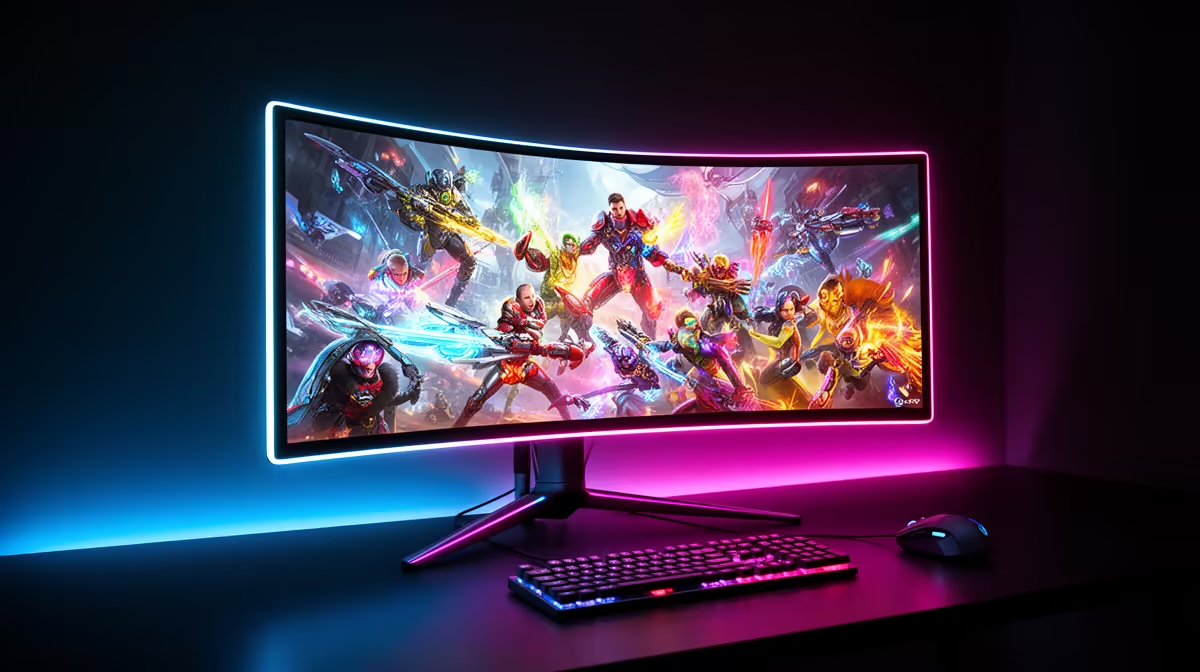
QD-OLED gives games rich colour, deep blacks and fast motion. It also uses organic pixels, so long hours of fixed desktop elements can age parts of the panel unevenly. The choice comes down to what you display and how you use it.
Quick Answer
QD-OLED is worth the burn-in risk for a gaming-led setup where HDR impact, contrast and motion clarity matter most. A good LCD may suit an all-day office screen with static windows. Use the panel-care features, vary content and read the exact warranty before buying.
What QD-OLED adds
The panel combines self-lit pixels with quantum-dot colour conversion. Dark scenes retain true blacks, while bright colours can look vivid without a backlight glowing through them. Fast pixel response keeps movement clean across the refresh range.
Compare the effect in the games and room you use. Reflections, ambient light, peak brightness and screen coating influence the result. QD-OLED does not turn poor HDR support inside a game into good HDR.
Open the monitor range, check monitor best sellers, then narrow the panel search through OLED monitors. Keep size, resolution and refresh rate in the comparison.
Manage the risk through normal habits
Burn-in develops through uneven pixel wear. A fixed taskbar, logo or application frame shown for long periods creates more concern than varied full-screen gaming. Let the monitor run its maintenance cycles, use sleep timers and avoid leaving a static image up when you walk away.
Warranty terms vary by model. Check whether burn-in is covered, for how long and under which conditions. Pixel-refresh tools reduce risk; they do not create a promise that the panel can never show wear.
Text rendering also deserves a look if you work on the screen. Some users notice colour fringing around small text because of subpixel layout. View the exact model in person or use detailed reviews when office work shares the display.
Use the care tools as designed
Pixel-refresh cycles may run after the monitor enters standby. Avoid switching it off at the wall after every session if the manual asks for standby time. Let the maintenance process finish and resist running manual refresh cycles more often than the maker recommends.
Keep the invoice and note the first-use date. If image retention appears, follow the model's support guidance rather than experimenting with aggressive videos or service-menu settings.
Keep static brightness moderate during long desktop sessions.
Frequently Asked Questions
Is QD-OLED burn-in risk worse than OLED?
Both use organic pixels and can age unevenly. Risk depends on panel generation, use, care features and content.
Can I prevent burn-in?
You can reduce risk through varied content, sleep settings and maintenance cycles, but no habit can guarantee prevention.
Is QD-OLED suitable for office work?
It can be, though long static use and text rendering deserve extra consideration.
Compare QD-OLED monitors by warranty, panel care, screen finish and the mix of gaming and desktop work you do.