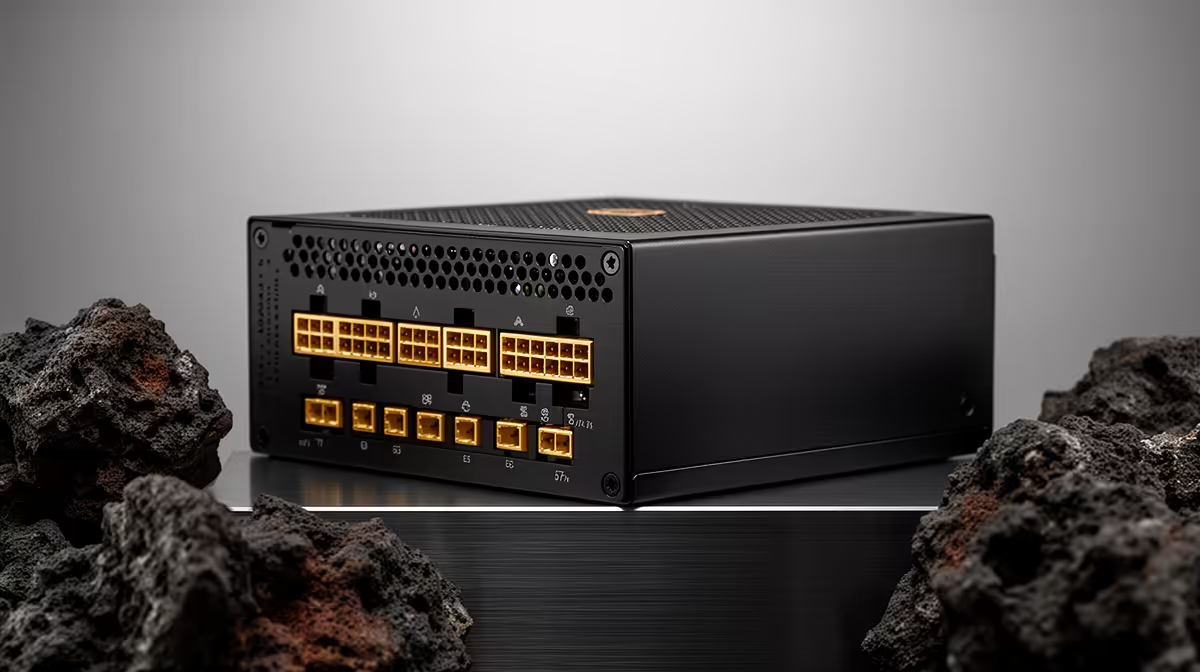
A quality PSU is worthwhile for an AI image-generation PC because sustained graphics workloads need stable power, correct connectors and effective protection. It does not make a model generate faster by itself. Capacity and quality should follow the graphics card, processor, other components and planned upgrades.
Match power to the generation build
The Corsair RM850e power supply costs R1,900, while the DeepCool PF750 costs R550 in the verified facts. Confirm current stock, efficiency certification, protections, connector set, physical dimensions, supported input and warranty. Check the exact graphics-card power recommendation and connector requirements before selecting either unit.
List every component, then allow reasonable headroom for sustained and short peak loads. Avoid unapproved adapters and confirm that power cables belong to the chosen modular PSU, since modular cables are not universally interchangeable. Run repeated generations while monitoring temperatures, crashes and unusual electrical noise. Good case airflow remains important around both the graphics card and power supply.
Spend first on the correct capacity and required connections, then consider efficiency, acoustics and upgrade room. Extreme oversizing does not improve image quality, while a poorly matched unit can undermine an otherwise capable workstation. Keep models and outputs backed up because stable power is not a data-protection plan. A quality PSU earns its place by supporting long generation sessions safely and predictably.
Powering a local AI workstation? > Ask Evetech to match a PSU to your graphics card and components.