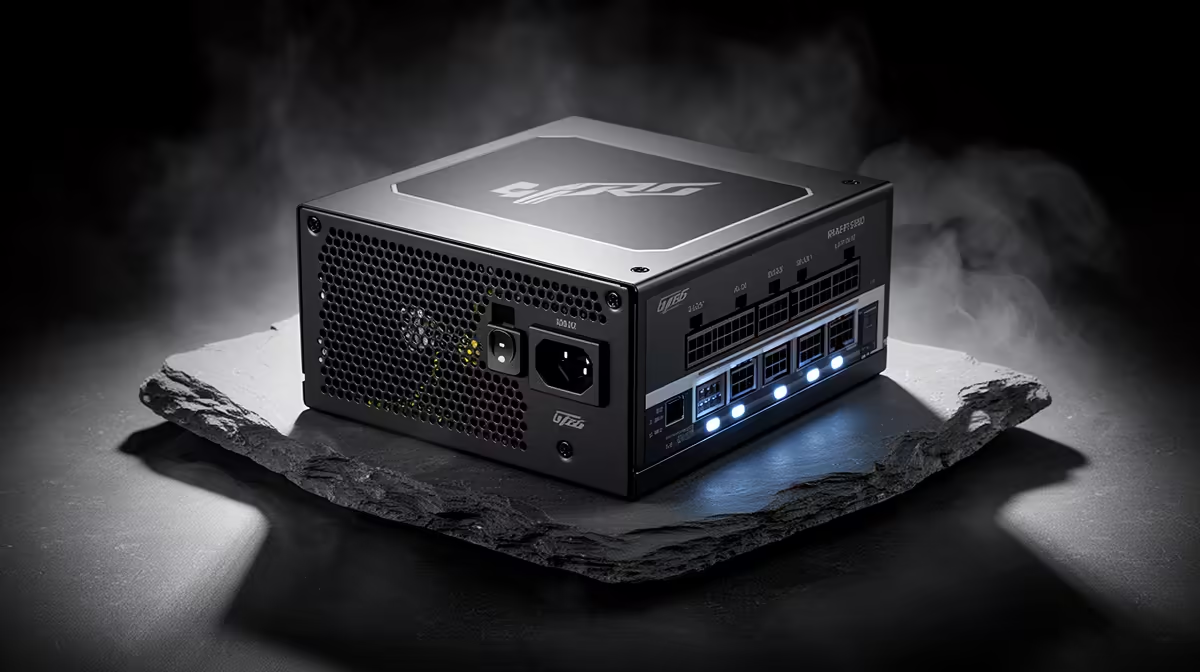
A quality PSU is worth fitting to a desktop used for coding because every component depends on stable, correctly protected power. It will not compile software faster or make programming easier. Its value lies in appropriate capacity, safe connectors, efficiency, warranty and dependable operation across future upgrades.
Buy for the physical PC, not the language
List the processor, graphics card, drives, cooling and expansion hardware. A basic development desktop without a large GPU needs far less capacity than a machine used for game development, local AI or 3D work. Use component requirements and realistic upgrades to calculate headroom.
The DeepCool PF750 is verified at R550 as a lower-cost capacity reference. The Corsair RM850e at R1,900 suits builds whose parts and future plan justify more wattage. Confirm the exact revision, protection features, native connectors, efficiency, case fit and warranty before choosing either unit.
A laptop or mini PC already includes its own power system and does not need a desktop PSU. For a tower, avoid buying only by the largest printed wattage. Route the supplied cables carefully and never mix modular leads from different PSU models. Keep code backed up through version control and another storage location, because even excellent hardware cannot protect against deletion or a failed drive. Match the supply to the machine, then focus learning time on projects rather than unused electrical headroom.
Building a coding desktop? > Compare Evetech power supplies by capacity, connectors, efficiency and warranty.