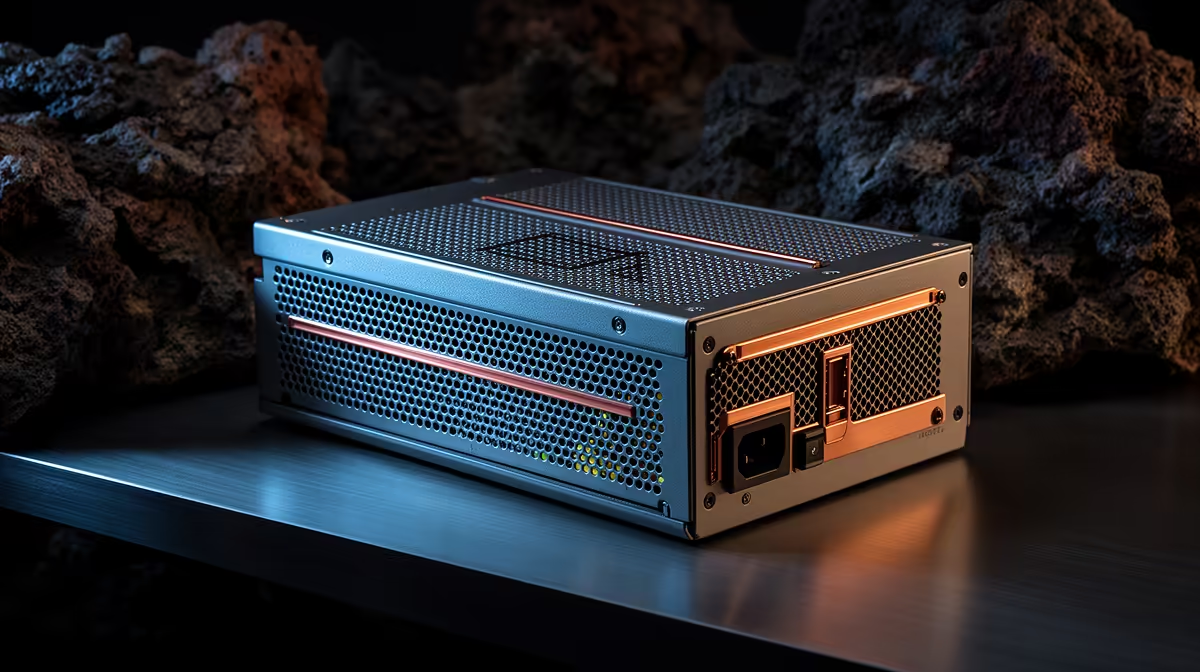
A quality PSU is worth using in a desktop for QGIS and mapping because every component and storage drive depends on stable, protected power. It will not make map rendering faster. Capacity should follow the processor, graphics card and peripherals rather than the software name.
Size the complete mapping computer
List CPU, GPU, drives, expansion cards and powered USB devices. Follow manufacturer guidance and allow sensible margin for peak demand. Check physical dimensions, cable reach and connector count, especially if several storage drives hold local imagery or project data. Leave room for a planned GPU upgrade. Check local mains conditions too.
The DeepCool PF750 750W 80 Plus Standard power supply is listed at R550. The Cooler Master Elite 850W 80 Plus Gold ATX 3.1 unit is listed at R930. Confirm current connectors, protections, dimensions, efficiency certification and warranty, then choose capacity from the final components.
Use only cables intended for the exact PSU. Process a representative layer set or export while watching temperatures and stability. Document any unexpected shutdown before replacing parts. Keep QGIS projects, styles, scripts and source data on versioned, independent backups.
Buy a dependable supply sized for the workstation, not the highest wattage on the shelf. Mapping performance still depends on suitable memory, processor, storage and efficient project design.
Powering a GIS desktop? > Compare Evetech power supplies by capacity, protection and warranty.