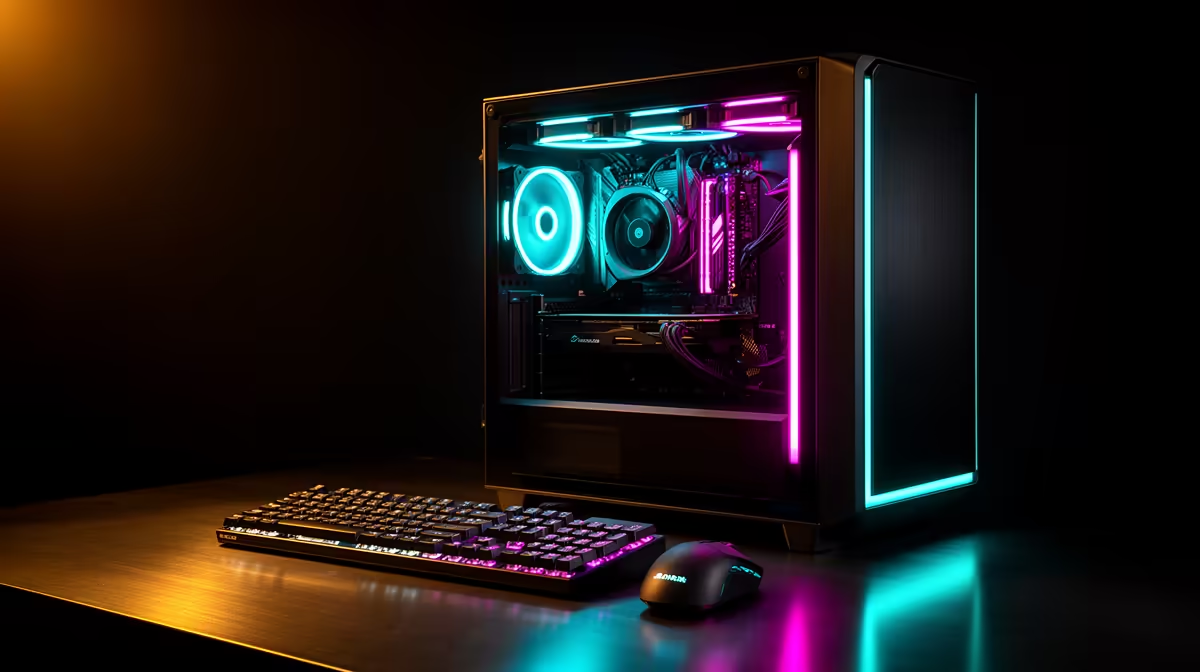
Most content creation PCs do not need a full rebuild when they start feeling slow; they need one well-chosen component swapped out. Before touching the processor or motherboard, it is worth checking whether the graphics card is actually the part holding everything back, since a 24gb creator graphics card dropped into an otherwise capable machine often solves the bottleneck on its own.
Quick Answer
A Rand-conscious upgrade path starts with the GPU, because VRAM shortage is the single most common cause of slow editing and rendering on an otherwise decent PC. Adding 24GB of GDDR6 through the ASRock Pro B60 Creator at R14,399 gives an existing machine meaningfully more headroom without the cost of replacing the processor, motherboard or storage. That single swap can extend a PC's useful working life by years rather than months.
📐 Why The Graphics Card Is Usually The Right First Upgrade
Content creation software leans on graphics memory more heavily than most other components, which means a PC with a fast processor and plenty of system RAM can still feel sluggish if the card itself is thin on memory. Swapping just the GPU avoids the labour and cost of rebuilding a system that is otherwise working fine, and it is usually the cheapest way to remove the actual bottleneck.
Checking Whether The GPU Is Really The Limit
Slowdowns that appear specifically when working with larger files, higher resolutions or multiple effects layers, rather than across every task uniformly, point toward the graphics card rather than the processor.
💸 Getting The Most Value From A Single Component Swap
At R14,399, this card concentrates the upgrade budget into the one component most likely to remove a real bottleneck, rather than spreading it thinly across parts that were never the problem. Its 192-bit memory bus and 2400 MHz Xe2-HPG core mean the extra 24GB actually gets used rather than sitting as an unused number on a spec sheet.
🔧 What Changes Once The Upgrade Is In
DirectX 12 Ultimate support and onboard XMX AI engines mean the same card covers video editing, 3D rendering and AI-assisted tasks, so a single-component upgrade touches more of the workflow than its price tag might suggest. That breadth matters most for anyone stretching a budget across several types of creative work on one machine.
For full specifications, view the listing directly, or compare it against similar cards in Evetech's workstation graphics selection. Anyone weighing other configurations from the same brand can also browse ASRock's GPU lineup before deciding.
Frequently Asked Questions
Should the GPU always be the first upgrade for a content creation PC?
Not always, but it is the most common bottleneck, since editing and rendering software depend heavily on graphics memory rather than just processor speed.
How do I know if my current card is the actual bottleneck?
If slowdowns appear specifically with larger files, higher resolutions or more effects layers rather than across every task, the graphics card is the likely cause.
Is upgrading just the GPU cheaper than a full rebuild?
Yes, a single-component swap avoids the cost and labour of replacing the processor, motherboard and storage when those parts are already performing adequately.
Does this upgrade also help with 3D rendering, or only editing?
Both. The card's memory capacity and Xe2-HPG architecture support rendering, video editing and AI-assisted work without needing separate hardware for each.
Will 24GB be enough headroom for a few years of growing project sizes?
For most freelance and small-studio workloads, yes, since it comfortably exceeds current typical demands and leaves room before another upgrade becomes necessary.
Ready to upgrade your creation PC without overspending?
Explore the 24GB creator GPU from ASRock out of Evetech's workstation graphics selection, on sale for R14,399 and helps upgrade a content creation PC the Rand-conscious way.