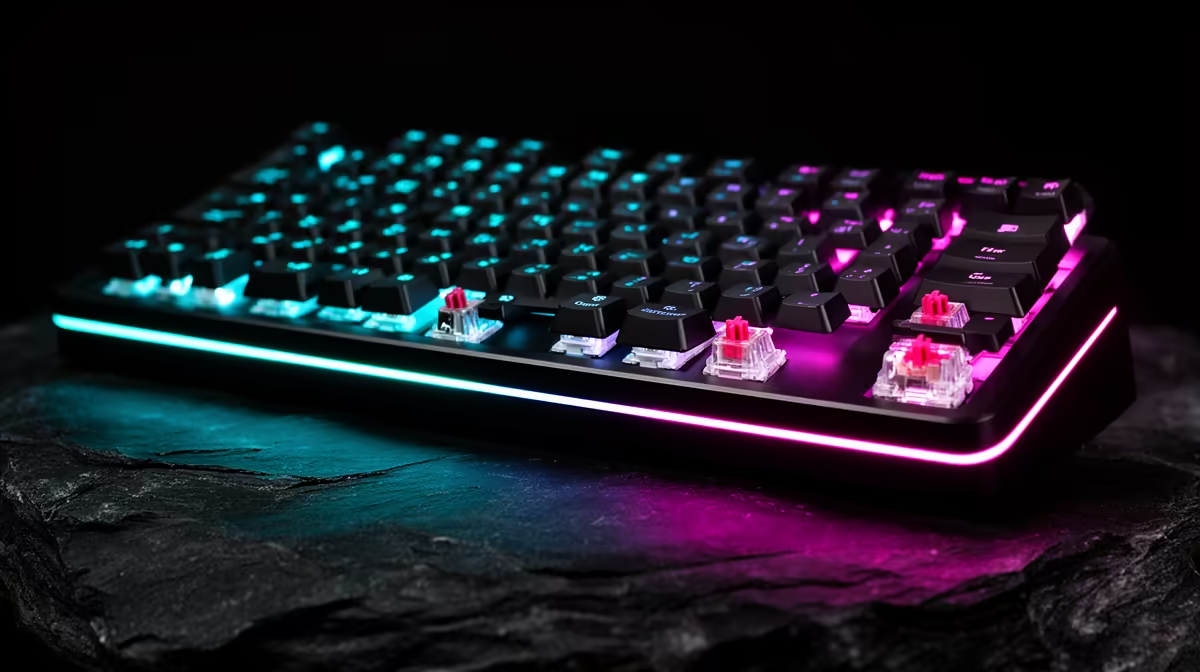
A rapid-trigger keyboard can be worth it for Valorant when precise counter-strafing and repeated movement inputs are part of your play. The benefit is small compared with positioning, crosshair placement and network stability, and an over-sensitive setup can create accidental movement.
Quick Answer
Use rapid trigger on the movement keys after building a stable baseline. Start with a moderate reset distance and reduce it until direction changes feel clean. Keep abilities, chat and menu keys on normal deeper actuation.
Compare supported boards in the gaming keyboard deal selection, then check layouts and current favourites among keyboard best sellers.
What It Changes
Traditional switches actuate and reset at fixed points. Rapid trigger can reset from a small upward movement, then actuate again as you press. This shortens the physical travel between opposing inputs.
Valorant movement accuracy still depends on releasing motion before the shot. Rapid trigger can make that release easier to register, while timing and practice remain yours.
Tune One Variable
Set W, A, S and D to the same moderate actuation and rapid-trigger distance. Use the practice range to stop, fire and reverse direction. Watch for keys activating when you rest a finger.
Change one setting at a time. A 0.1mm minimum is a capability, not a requirement. Many players gain control from a slightly larger distance.
Check Rules and Software
Game and tournament policies for SOCD, macros and automated input behaviour can change. Rapid trigger itself is a reset method, but some keyboards combine it with other features. Confirm Riot's current rules and any tournament policy before enabling them.
Save a clean onboard profile and disable macros. Test after firmware updates because calibration can shift. The keyboard should behave predictably when its desktop app is closed.
Frame Rate and Network Still Matter
The game can only respond cleanly when frame delivery is stable. A rapid reset may arrive during a long frame and feel inconsistent. Track frame times in fights and solve background stutter before blaming the keyboard.
Network delay affects when the server confirms movement and shots. Use Ethernet where practical and separate local input feel from packet loss. A faster switch cannot repair a poor route.
Use a Repeatable Drill
Stand beside one practice-range marker and alternate left and right stops. Fire one shot after each release. Record ten minutes with the old fixed actuation, then ten with a moderate rapid-trigger setting.
Count accidental movement and missed stops rather than keeping only the best run. Increase sensitivity only when control stays clean. Return to the normal profile for typing and other games.
Shape and Switch Feel Still Count
A Hall Effect board can have excellent sensing and uncomfortable keycaps, rattling stabilisers or a layout that removes keys you need. Test the space bar, Shift and Ctrl positions through a full session.
Use named July 2026 prices and compare a good mechanical board. The Valorant feature has to justify the whole keyboard, not excuse weak everyday design.
FAQ
Does rapid trigger guarantee better counter-strafing?
No. It can reduce key travel, while timing, frame rate and practice still matter.
Should I set every key to 0.1mm?
No. Use shallow settings only where they help and deeper actuation where mistakes are costly.
Is rapid trigger allowed in Valorant tournaments?
Rules can change and features differ. Check Riot and the organiser's current policy before competing.
Tune only the movement keys, test accidental inputs in the range and confirm current Valorant rules before carrying the profile into ranked or tournament play.