


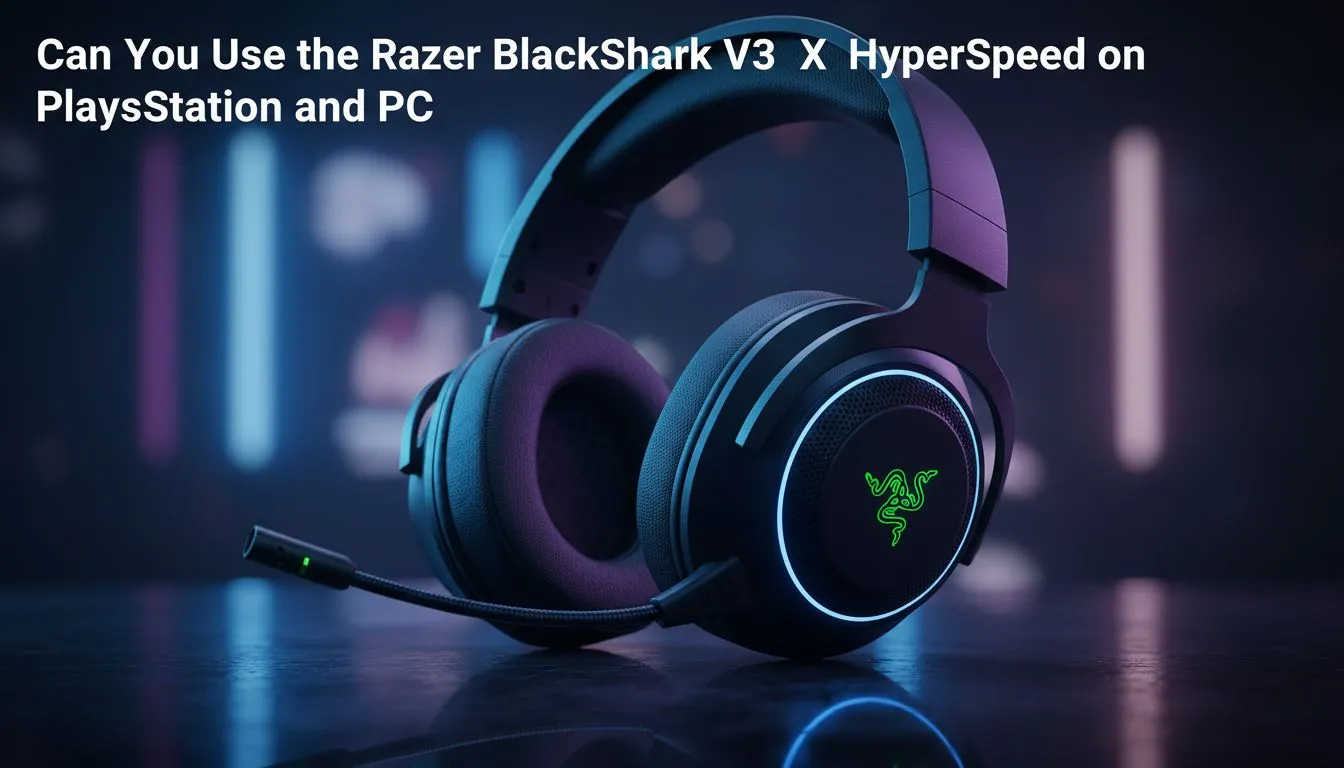
Finding one headset to rule them all is a mission... especially when you switch between a high-end PC and a PlayStation 5. The Razer BlackShark V3 X HyperSpeed compatibility on PlayStation and PC makes it a top contender for South African gamers who value versatility. You want clear comms and lag-free audio without swapping dongles every five minutes. Let’s look at how this headset handles your cross-platform setup. 🚀
Seamless wireless with Razer BlackShark V3 X HyperSpeed compatibility on PlayStation and PC
The core of the experience is the 2.4GHz HyperSpeed wireless dongle. It provides the ultra-low latency you need for competitive shooters. On PC... you get the full suite of Razer Synapse features. This includes deep EQ customisation and THX Spatial Audio for pinpoint accuracy.
When you move to PlayStation... the experience is purely plug-and-play. The console recognises the USB-C dongle instantly. You won't get the Synapse software on console... but the hardware-level tuning still delivers incredible clarity. You can browse our full range of Razer headphones and headsets to see how this model stacks up against the rest of the lineup. ⚡
Audio Setup Tip ⚡
When using the BlackShark on PS5, remember to adjust the 'Microphone Level' in the console settings. The HyperClear Supercardioid mic is very sensitive... so finding that sweet spot ensures your teammates do not hear your mechanical keyboard clicks during intense matches.
Audio performance for the local gamer
South African gamers often deal with noisy environments... from loud fans to background chatter. The TriForce 50mm drivers deliver crisp highs and punchy bass that ground you in the action. If you are looking for something with a bit more flair and RGB... the Razer Barracuda X Chroma in Phantom White offers a different aesthetic for a similar ZAR investment.
However... the BlackShark remains the king of comfort. The breathable memory foam ear cushions are essential for those long summer gaming sessions in Gauteng or Durban. They keep your ears cool while providing enough passive noise cancellation to block out the world. ✨
Making the right choice for your setup
Compatibility is about more than just a connection. It is about how the device fits into your daily routine. Whether you prefer the BlackShark or want to explore other high-quality headphone headsets... Evetech has the stock to get you sorted.
The BlackShark V3 X HyperSpeed is designed for those who want pro-tier performance without the premium price tag of the flagship models. It is a workhorse that handles Discord chats on PC and party chats on PlayStation with equal ease. 🔧
Ready to Find Your Perfect Match? Choosing the right audio gear is essential for a competitive edge in South Africa. Explore our massive range of headset specials and find the perfect gear to conquer your favourite games.
**











