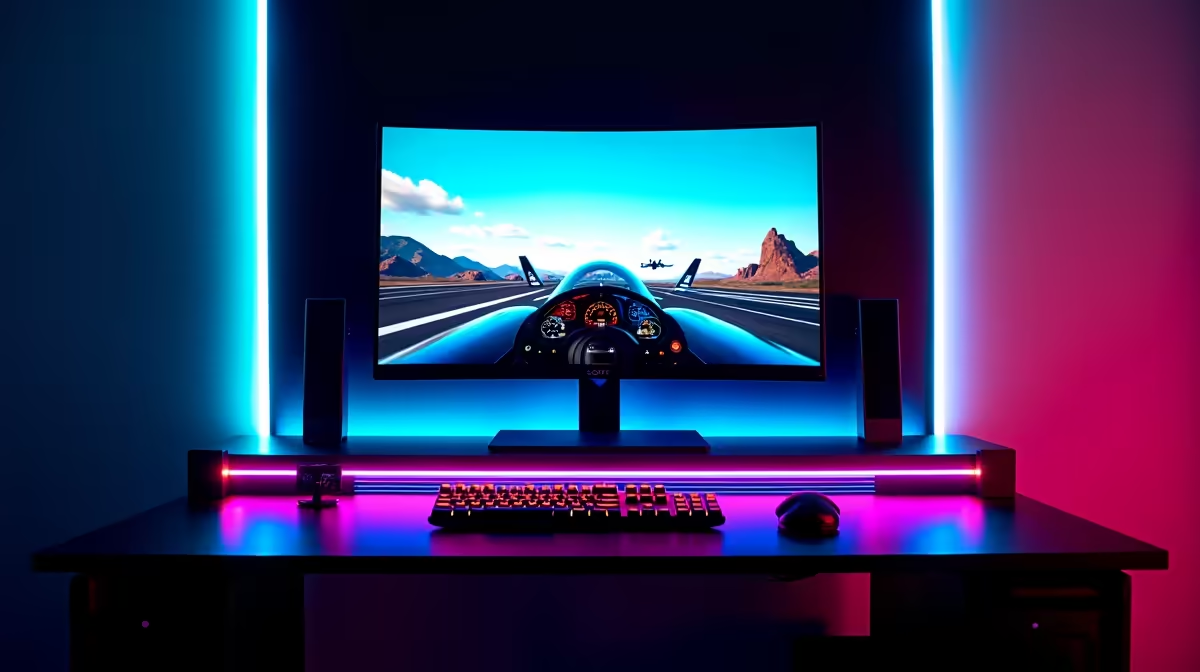
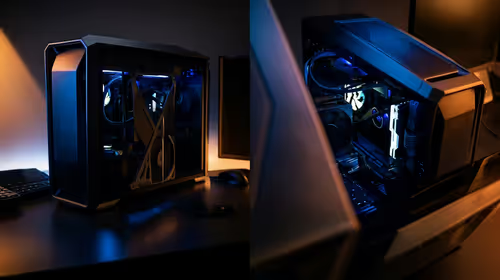
A reception PC is rarely worth buying for flight simulation. Office systems are designed for bookings, documents and browser work, while a simulator can demand strong processor performance, gaming graphics, memory and several USB connections. The business label does not make the computer unsuitable, but the exact GPU, cooling and expansion matter more than its original role.
Test the simulator and control hardware
The Ryzen 5 9600X is listed at R3,500 and the Palit GeForce RTX 5060 8GB at R4,800 in the verified facts as component references. They are not a complete compatible flight-sim system. Confirm motherboard, cooler, memory, storage, power supply, case, USB ports, display target and availability.
Run a busy airport scenario with the intended aircraft, weather, traffic and display arrangement. Monitor frame consistency, processor and GPU load, memory, temperatures and controller detection. Add yoke, throttle, pedals and any panels one by one to expose USB power or driver trouble. A small office case may also limit graphics-card fit and cooling.
Choose a gaming-focused desktop when simulation is the main job. Reuse a reception PC only after its parts pass the real scenario and upgrade costs remain sensible. Keep control profiles and simulator settings backed up before driver changes, because rebuilding a cockpit configuration can take longer than reinstalling the game.
Planning a flight-sim computer? > Ask Evetech to balance processor, graphics, cooling and USB needs for the cockpit.