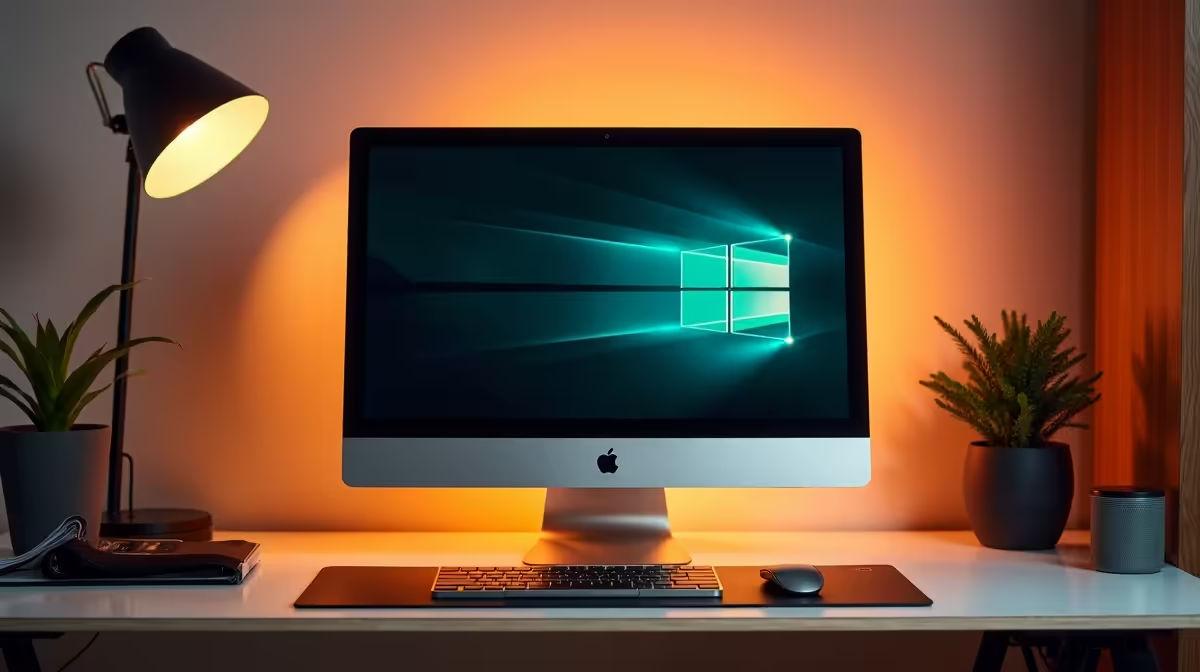
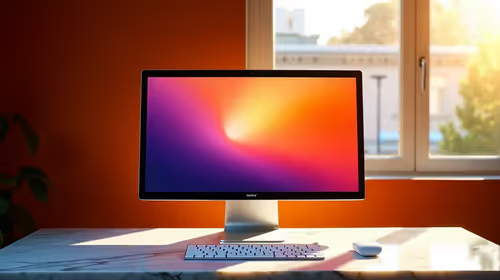
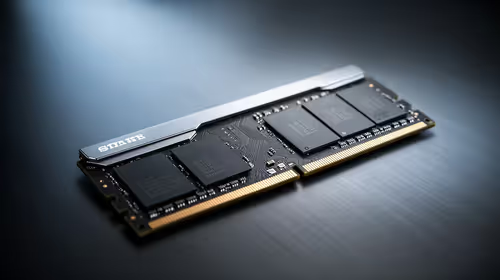
A reception PC is worth buying for Sage and Xero when it meets the supported software, browser, printer and security requirements of the business. These workloads do not need gaming graphics. Quiet operation, reliable storage, enough memory and straightforward support matter more at a front desk.
Build around the complete reception workflow
List booking tools, email, browser tabs, receipt or office printers, scanners and payment peripherals. Confirm the Sage product version and any local database requirements separately from cloud-browser use. Staff accounts should restrict access to payroll, customer and company files appropriately.
The Minisforum NAB6 Lite with Core i5-12600H, 8GB memory and 512GB SSD is verified at R4,150 as a compact desk reference. The Minisforum UM750L with Ryzen 5 7545U, 16GB memory and 1TB SSD is listed at R4,600. Confirm operating system, ports, memory expansion, warranty and software support.
Run a sample invoice, report, browser session and printer job before placing the computer into service. Repeat the workflow after every major application or peripheral change. Back up local application data through the supported procedure and document recovery steps. A reception system earns its cost when staff can operate it consistently and recover quickly from a fault. Avoid creator or gaming hardware unless another regular workload clearly requires it.
Equipping a reliable front desk? > Compare Evetech desktop PCs by software support, ports, memory and storage.