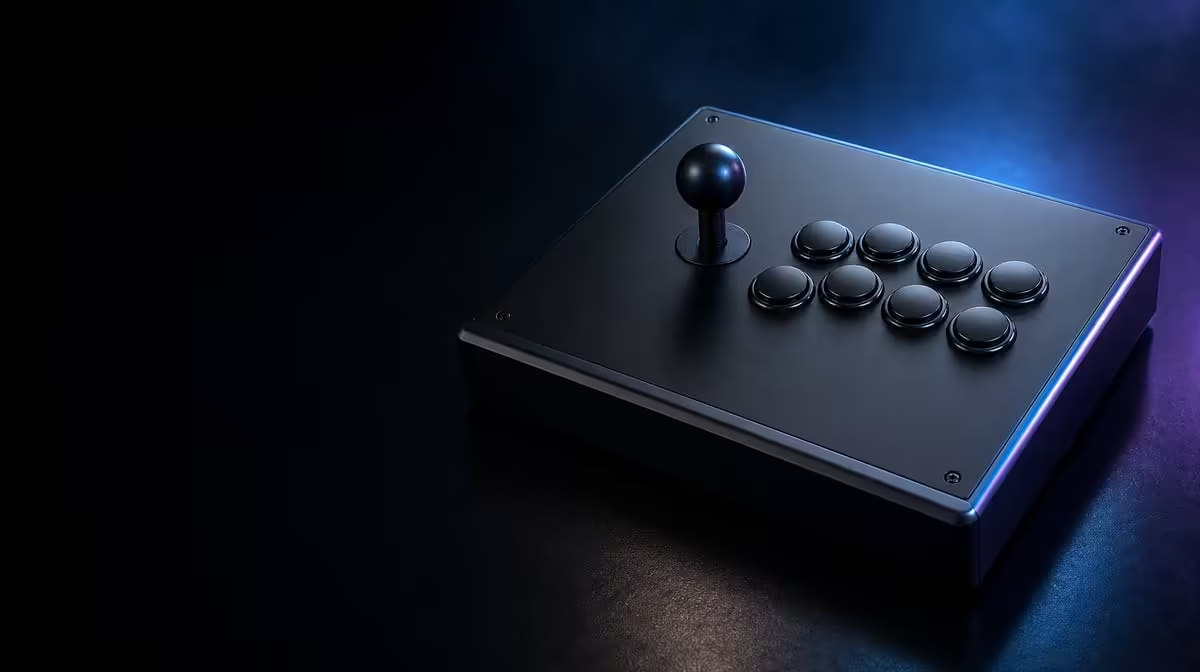
Accidental inputs often begin with a hand that is trying too hard to stay ready. On a fightstick with a Key Lock, the reliable fix combines a lighter neutral position, deliberate finger travel and a tested understanding of which functions the lock protects.
Quick Answer
Reduce stray C2 presses by stabilising the base, relaxing the action hand and practising clean lifts between buttons, then enable the Key Lock for the functions it protects. The R1,799 fightstick still leaves active Sanwa controls responsive, so the lock cannot replace technique.
🖐️ Find where the extra press starts
Record a short overhead video during the sequence that causes trouble. Watch the fingers not assigned to the move. One may collapse onto a neighbouring cap when the wrist rotates, or the palm may drift because the enclosure shifts.
Slow the action and establish a neutral hover. Fingertips can remain close without resting their weight on the buttons. Practise moving one finger while the others stay quiet, then rebuild the full sequence.
Listen to the input history as well as watching the hands. The game may show two actions even when the player notices only the intended one. Mark which neighbour is involved and at what stage of the sequence it appears.
🔒 Learn the Key Lock boundary
Confirm normal operation first. Engage the C2 lock in a menu or training screen, try each protected function and then test the actions required during play. This gives the switch a defined role instead of treating it as a blanket input blocker.
Use Evetech's gaming controllers page to compare control formats and match safeguards. At R1,799, the C2's Key Lock adds value when its boundary matches a real accidental-press risk.
Practise moving the lock deliberately rather than flicking it while the round loads. A calm setting change followed by one protected-function test is easier to trust than a hurried glance.
🧱 Stabilise the playing position
A sliding base makes the hands compensate. Test the fightstick on the same desk or lap position used during long sessions, keep the cable relaxed and set a chair height that does not force the shoulders upwards.
The gaming accessories at Evetech may help complete a tidy station, but first determine whether posture or surface movement is causing the error. Do not remap controls until the physical reach has been tested.
Button spacing cannot be judged with a hand floating above the enclosure. Use the actual seated posture and try outer controls without rolling the wrist. If reach remains awkward, document the specific combination before choosing a new assignment or layout.
⏱️ Rehearse under match conditions
Perform ten repetitions when fresh, then repeat after a normal practice block. Fatigue often brings the unwanted press back. Add the Key Lock check to a brief between-round routine and confirm one protected plus one active action.
If the controller has travelled or been shared, inspect the switch again. Evetech's accessory best sellers can be used to check current availability for related setup needs, while the C2 itself remains a R1,799 control-and-technique decision.
Review progress by counting clean repetitions, not merely by feeling less anxious. A drop from three stray presses to one is evidence that the new hand position is working. Continue until the result survives normal speed.
Separate contact from command timing. The finger may brush a button without producing an input, or the game may show an unintended action that the player never noticed physically. An input history and overhead video viewed together reveal which layer deserves attention.
End each practice set by relaxing both hands completely. Repeated tension can creep into the neutral position and make later runs look worse than the first. A short reset between groups keeps the technique comparison fair.
If a remap is eventually tried, change only the troublesome assignment and preserve the original layout photograph. Repeat every essential combination, not just the one that improved, because solving one reach problem can move difficulty to another finger.
Frequently Asked Questions
Does the Key Lock disable every arcade button?
It protects selected functions. Active buttons still respond when a finger lands on them.
Can remapping solve poor finger reach?
It may move an action, but it does not correct an unstable base or a tense hand. Test physical positioning before changing assignments.
Why practise on the tournament surface?
Different heights and grip levels change how the enclosure and hands move. The closest available match setting provides the most useful rehearsal.
What should be checked between rounds?
Confirm the lock state, directional setting and one normal action. Keep the sequence short enough to perform under pressure.
What is the C2 price?
The GameSir C2 costs R1,799 and includes the Key Lock with its Sanwa Denshi layout.
Ready to quiet the fingers that are not meant to move?
Explore Evetech's controller category, choose a stable layout and build a short Key Lock routine around real match inputs.