Quick Answer
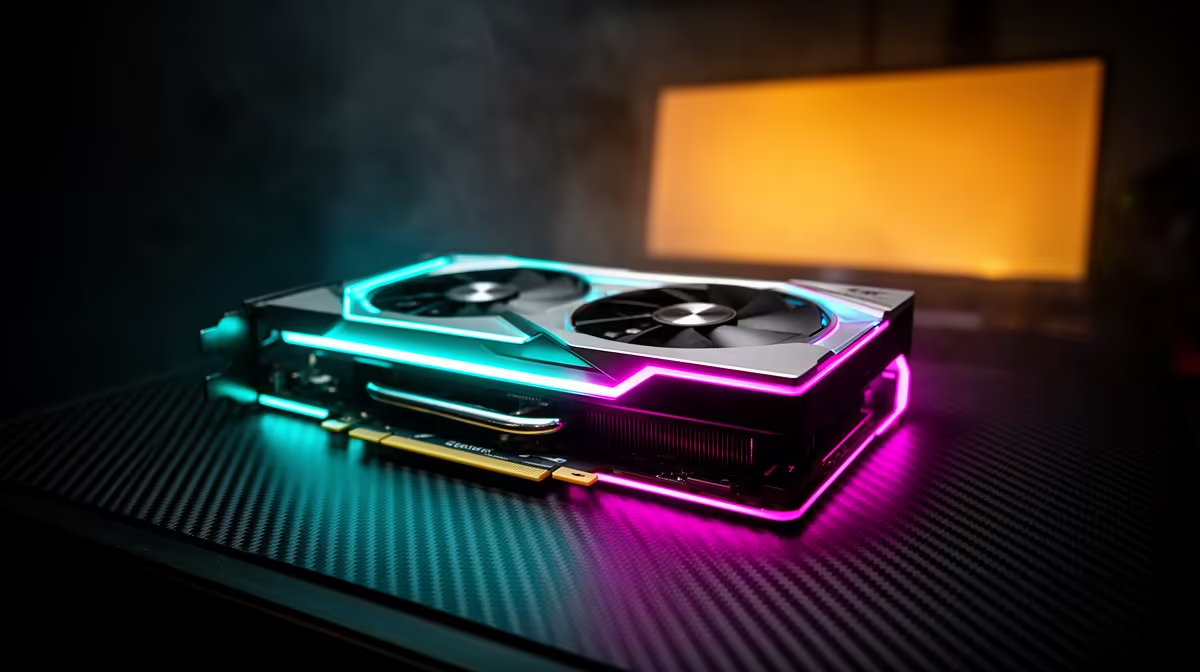
An RTX 5090 runs Cuphead at its locked frame rate at 1080p with zero effort; the hand-drawn 2D run-and-gun is GPU-light and runs on almost any modern hardware. At roughly R55,000-R65,000 at Evetech, the 5090 is dramatically more card than Cuphead will ever use.
Why Cuphead Barely Touches a GPU
Cuphead's 1930s-cartoon visuals are 2D animation, not heavy 3D rendering. The game runs above its target frame rate on integrated graphics, so a 5090 stays at near-idle and your experience is identical to a budget card. There is no 4K texture streaming or ray tracing to load the GPU; the card's power is entirely unused, which simply means low temperatures and silent fans. In practice that means the card spends most of its time well below its 575W power ceiling, so fan noise stays low even in a warm SA room. For a balanced build, a 1TB NVMe SSD also trims load times noticeably, which matters more day to day than a few extra frames here.
Building Right for Cuphead and Friends
For Cuphead, a low-latency display and responsive controller matter far more than the GPU. A Ryzen 5 9600X with 16GB DDR5-6000 and a budget RTX 5060 near R7,000-R9,000 runs it perfectly with frames to spare. Spend any saved budget on a fast 144Hz or OLED panel and a quality gamepad so the tight boss timing feels crisp; reserve a flagship GPU for genuinely demanding 4K titles.
FAQ
Does Cuphead need a strong graphics card?
No. Cuphead is 2D and runs above its target frame rate on integrated graphics. Any modern entry card maxes it without effort.
Will an RTX 5090 help in Cuphead?
No. Cuphead is GPU-light and locked in frame rate, so a 5090 performs the same as a budget card. The spend is wasted on this game alone.
What matters most for playing Cuphead?
A low-latency display and a responsive controller. The GPU is a non-issue, so put budget into a fast panel and a good gamepad instead.
GPU-light. Spend your Evetech budget on a low-latency panel and a responsive controller for the tight boss timing, not a flagship card.