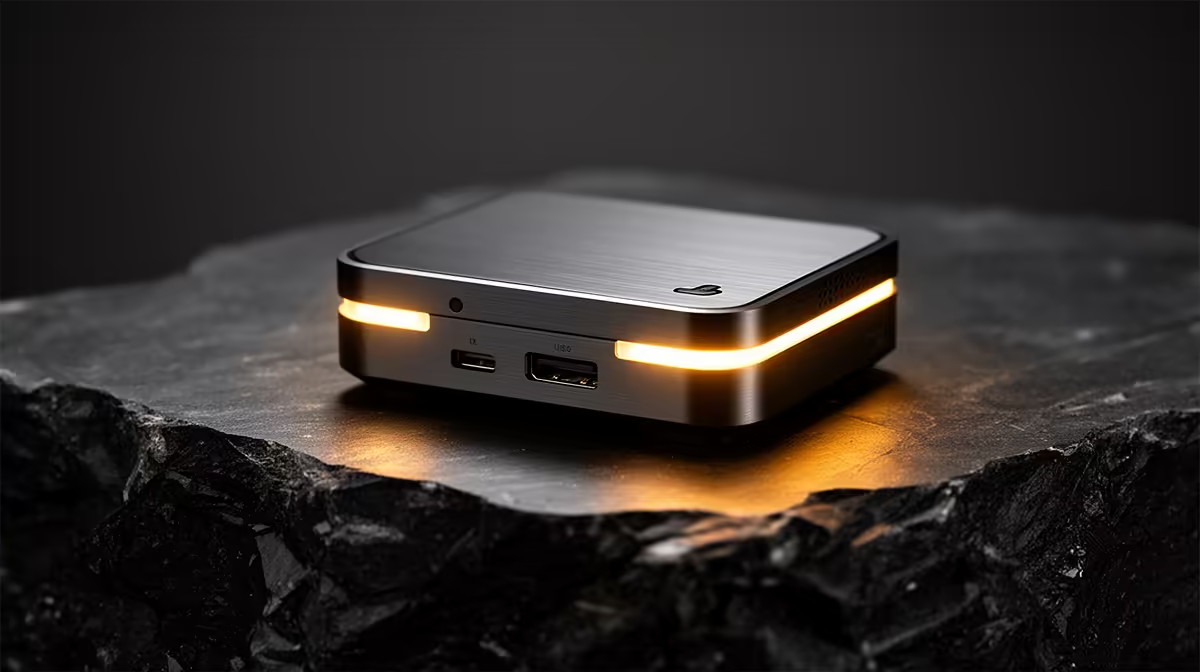
The UM750L 16GB/1TB at R4,600 suits hobby photographers and students who want a compact mini pc for Lightroom-style edits, folder sorting, and web uploads without paying for a full desktop tower. For photo editing, 16GB memory and 1TB storage give you a sensible starting point for RAW batches, exports, and keeping active projects close at hand.
Best compact picks for editing work
The UM750L 16GB/1TB at R4,600 is the sharp value option because the 1TB drive matters as much as the 16GB memory when you are moving camera folders, previews, exports, and client selections around. It is the model I would start with for a creator who edits regularly but still works from one desk.
The NINKEAR M8 16GB/1TB at R8,350 gives the same useful 16GB/1TB balance at a higher tier, which makes sense for a cleaner long-term desk setup where project storage should not feel cramped after a few months. The NINKEAR L12 PRO i9 at R8,150 is worth considering when processor headroom is the priority, especially for heavier export sessions.
Creator desk setup in South Africa
On a small creator desk, the real win is keeping the screen area open for colour work, notes, and an external drive rather than losing space to a tower. The GEEKOM A8 Max 32GB/1TB at R12,900 is the strongest listed option for heavier catalogues because 32GB memory helps when several edits, browser tabs, and file windows are open together.
The HP AIO 22 at R10,036 keeps the computer and display in one purchase, but that also means the screen choice is tied to the machine. A compact box like the UM750L 16GB/1TB at R4,600 lets the desk setup grow around a preferred monitor and storage workflow.
Ready to choose the right mini pc?
Anchor the ryzen enough photo brief around Minisforum NAB6 Lite i5 8GB/512GB at R4,150 if its listed spec is the feature you need to protect.