


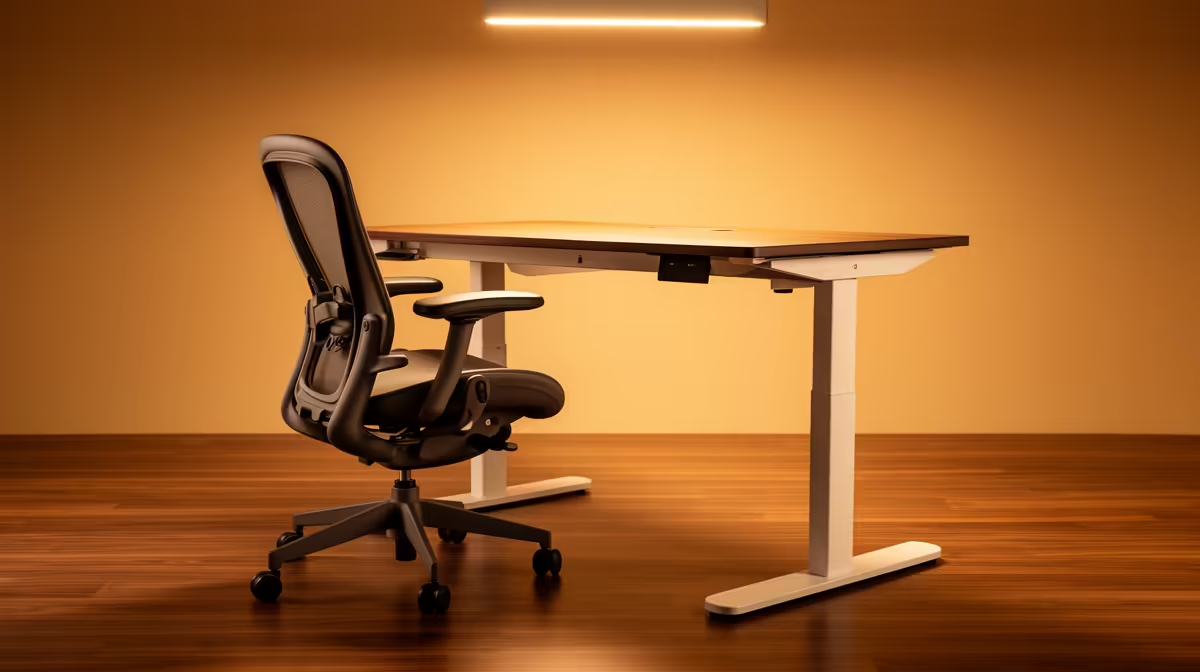
Optimising your SA home office for long-term postural health does not require expensive furniture or a complete room redesign. A few precise adjustments to your existing setup -- chair height, monitor position, desk clearance -- eliminate the slow accumulation of neck, shoulder, and lower-back strain that catches most remote workers off guard after months at the same desk.
Quick Answer
Set your chair so feet rest flat on the floor, knees and elbows both near 90 degrees. Place the monitor top at eye level, about an arm's length away. Desk height around 72-75cm keeps shoulders relaxed. Take a 5-minute stand every 30 minutes.
🪑 Chair Setup: The Foundation of Every Good Posture
Start with the seat height. Drop it or raise it until your feet sit flat on the floor and your knees form roughly a 90-degree angle. Your thighs should be roughly parallel to the floor with no pressure cutting into the backs of your legs. Once your lower body is anchored, check your elbows: with hands resting on the keyboard, elbows should also sit near 90 degrees without your shoulders hiking upward.
Lumbar support is the next adjustment. The small inward curve at the base of your spine needs something pressing lightly against it. If your chair back is flat, a rolled towel or a dedicated lumbar cushion placed just above the seat pan does the job without spending anything. Without lumbar support, the spine rounds forward under its own weight over long sessions, loading the discs unevenly and creating the dull ache most desk workers recognise by mid-afternoon.
Armrests, if your chair has them, should only lightly support the forearms -- not take the full weight of your arms. Resting heavily on armrests lifts one shoulder and rotates the torso, creating asymmetrical strain that builds quietly over weeks.
🖥️ Monitor Height and Distance: Keeping the Neck Neutral
The top edge of your screen should sit at approximately eye level when you are seated upright. Most people place monitors too low, which pulls the head forward and down. Sustained forward-head posture adds significant load to the cervical spine -- a position repeated for six to eight hours daily compounds into real pain over months.
Distance matters as much as height. Position the screen roughly an arm's length away, measured from your seat. At this distance, a typical 24-inch monitor fills a natural viewing cone without requiring you to strain forward to read text. If you find yourself leaning toward the screen regularly, increase the font size on your operating system rather than pulling the monitor closer. SA home offices frequently use laptop screens at desk level with no stand or riser, which is one of the most common sources of persistent neck strain -- a R150 monitor riser or a stack of hardcover books changes the ergonomic outcome immediately.
If you use a laptop as your primary machine, pair it with a separate keyboard and mouse so you can raise the screen independently of the input devices.
🦶 Footrests, Breaks, and the Limits of a Perfect Setup
A footrest is not just for shorter people. In many SA home offices, chairs are adjusted to match desk height rather than body proportions -- meaning feet end up dangling slightly, which tilts the pelvis backward and removes the natural lumbar curve. A footrest costing under R200 restores the foot-flat, knee-at-90 position and takes measurable pressure off the lower back during extended sessions.
No static posture -- however well-configured -- eliminates fatigue entirely. Muscles held in a fixed position for more than 30 minutes begin to tire and lose their ability to stabilise joints effectively. A practical rule: stand for 5 minutes every half-hour. You do not need a standing desk to do this. Walking to refill a glass of water or standing during a phone call breaks the static load and restores circulation in the legs and lower back.
Frequently Asked Questions
How do I know if my chair is set at the right height?
Sit fully back in the seat and check three contact points: feet flat on the floor, knees at approximately 90 degrees, and elbows at roughly 90 degrees when your hands rest on the keyboard. If you need to raise the chair to reach desk height and your feet then dangle, add a footrest rather than lowering the chair again.
Does desk height matter for shoulder strain?
Yes, significantly. A desk that is too high forces you to lift your shoulders toward your ears whenever you type or use a mouse, loading the trapezius muscles and the neck. Standard desk height in the 72-75cm range suits most adults, but the real test is whether your elbows sit at 90 degrees without any shoulder elevation while typing.
Is a footrest worth buying for a home office?
For anyone whose feet do not rest naturally flat at their preferred chair height, yes. The foot-flat position stabilises the pelvis and maintains the lumbar curve that good back support depends on. At under R200, a basic footrest is one of the highest-value ergonomic purchases for a home office.
Ready to build a workspace that protects your posture long-term? Browse Evetech's range of monitors, monitor stands, and ergonomic peripherals to put the right gear at the right height for your setup.











