


Quick Answer
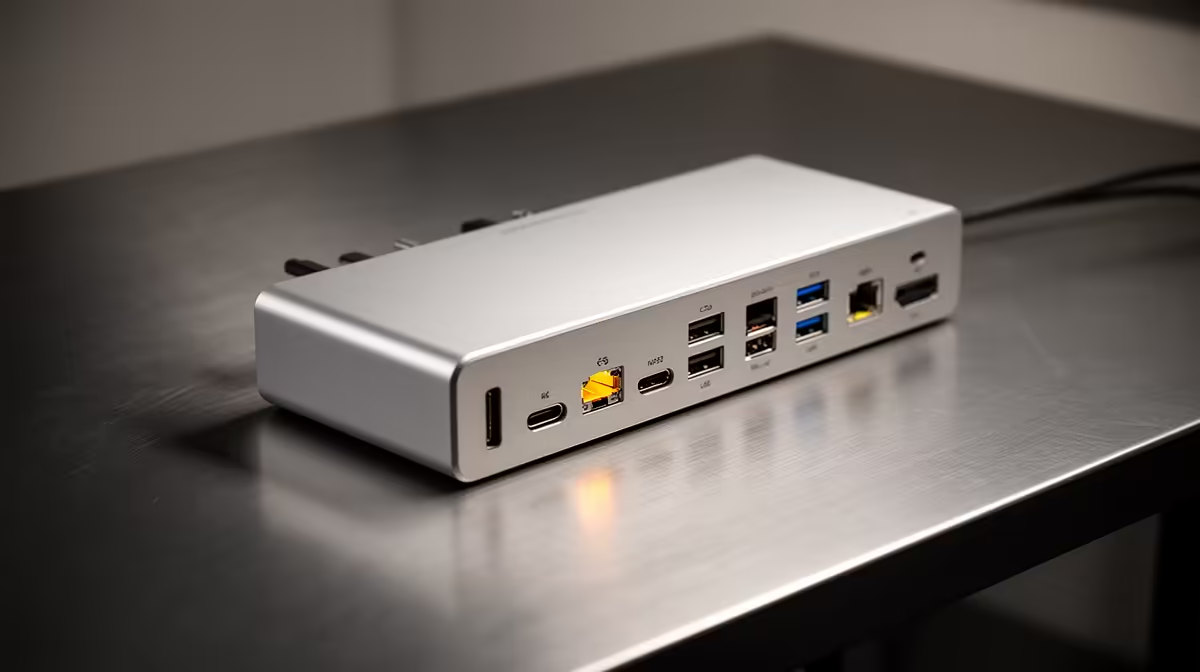
For a school coding club, docking stations matter when several laptops share a few monitors and keyboards, turning a cart of devices into proper workstations in seconds. A classroom-friendly USB-C dock around R1,300 lets each student plug one cable to gain a screen, keyboard and network.
When Docks Help A Coding Club
A coding club juggles many laptops and limited desk gear. Docks shine when students rotate between machines: each docking point keeps a monitor, keyboard, mouse and Ethernet ready, so a learner plugs in one cable and starts coding on a full-size screen instead of a cramped laptop panel. Wired Ethernet through the dock also gives steadier access to school servers and online IDEs than shared Wi-Fi.
When Simpler Gear Is Enough
If each student has a dedicated machine that never moves, docks add cost without much gain; a direct HDMI cable and USB hub may suffice. Docks earn their place specifically in shared, rotating setups. For durability in a school, choose metal-bodied docks with local warranty so a failed port means a quick swap, not a dead workstation mid-term.
FAQ
Why use docks in a coding club instead of plain cables?
Docks turn each seat into a one-cable workstation, so students rotating between laptops gain a full screen, keyboard and network instantly rather than fiddling with several plugs.
Do docks help with school network access?
Yes; a dock's Ethernet port gives steadier wired access to school servers and online IDEs than shared classroom Wi-Fi, which matters when many learners code at once.
Are docks durable enough for school use?
Choose metal-bodied docks with local warranty. They survive constant student plugging, and a warranty means a quick replacement keeps the lab running.
If your laptops rotate between shared monitors, fit one dock per seat so students gain a full workstation from a single cable.










