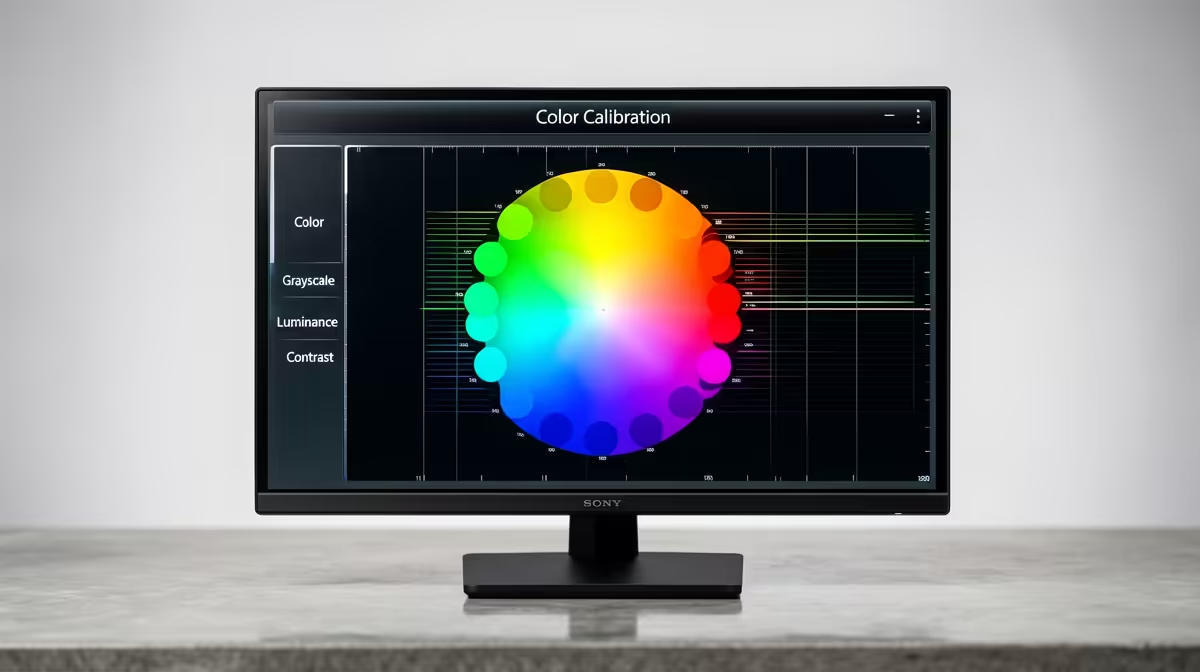
For years, keeping a creator monitor colour-accurate meant clamping a handheld probe to the screen and running a profiling routine every few weeks. The 2026 wave of self-calibrating creator monitors removes that chore by building the colorimeter into the display itself, so the panel measures and corrects its own colour with no separate device to own or remember to use.
Quick Answer
The ASUS ProArt PA32USD, a 31.5-inch 4K QD-OLED, ships with a built-in motorised flip-down colorimeter, and the BenQ PD2770U hides its sensor in the top bezel notch. Both profile the screen automatically on a schedule, so colour accuracy is maintained without a handheld probe or manual calibration session.
How a built-in colorimeter works
A colorimeter measures the light coming off the screen and compares it to a reference, then the monitor adjusts its output to correct any drift. OLED and QD-OLED panels shift slightly over time and with use, so periodic re-profiling keeps colours true. By moving the sensor inside the chassis, these monitors run that measurement on their own, often overnight or on a set interval, and apply the correction without you lifting a finger.
The displays themselves are only half the equation; driving 4K creator workloads also leans on a capable graphics card. The workstation graphics cards at Evetech cover the professional GPUs built for colour-critical creative work.
Two approaches to the same problem
The ASUS ProArt PA32USD uses a motorised flip mechanism: the colorimeter swings down in front of the panel to take a reading, then retracts out of sight. The BenQ PD2770U takes a quieter route, tucking its sensor into a notch at the top of the screen so it can sample without a moving arm. Both reach the same outcome, a screen that re-profiles itself, but the ASUS design measures across the panel from the front while the BenQ keeps everything flush in the bezel.
Who actually benefits
This convenience matters most where colour accuracy is the job, not a nice-to-have: photo and video editors, graphic designers, and anyone delivering work that has to look right across screens and in print. Manual calibration is easy to put off, and a drifted screen quietly pushes your edits off target. A self-calibrating panel removes the discipline problem by handling it for you, which is the real value proposition for a working creator.
Frequently Asked Questions
What is a built-in colorimeter?
It is a colour-measuring sensor built into the monitor itself rather than a separate handheld device. It reads the screen's output and lets the monitor correct colour drift automatically.
Which monitors have this in 2026?
The ASUS ProArt PA32USD, a 31.5-inch 4K QD-OLED with a motorised flip-down colorimeter, and the BenQ PD2770U, which houses its sensor in the top bezel notch.
Do I still need a separate calibration probe?
No. The whole point of these displays is that the colorimeter is inside the panel, so they profile themselves on a schedule without a handheld probe.
Why does a creator monitor need re-calibration at all?
Panels, especially OLED and QD-OLED, drift slightly over time and use. Periodic re-profiling keeps colours accurate so your edits stay true to the reference.