


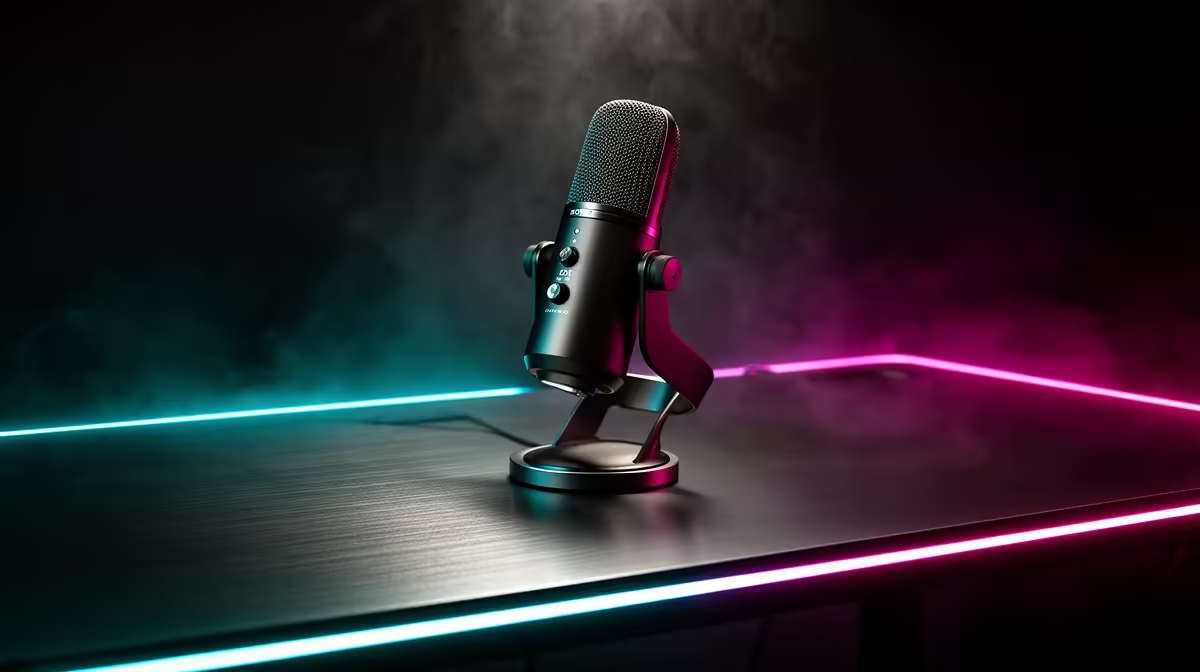
In a shared gaming room or res lounge, microphone choice is really about how much background noise the mic ignores, not how expensive it is.
Quick Answer
A streaming microphone matters in shared spaces when you need clear voice over flatmates, fans and keyboards; a tight cardioid or dynamic mic rejects far more room noise than an omnidirectional headset mic. Decent USB streaming mics start around R1,200 locally, with broadcast dynamic mics from roughly R2,500.
When the Mic Upgrade Pays Off
If your current setup picks up everyone in the room, a cardioid USB condenser or, better, a dynamic mic close to your mouth cuts ambient noise dramatically. Dynamic mics need to sit within 10-15cm of your lips but reward you with near-silent backgrounds, ideal for a busy shared lounge.
When to Skip It
If you game solo with a quiet room, a good headset mic is plenty and saves desk space. Spending R3,000 on a studio mic in a noisy shared room without positioning it correctly gives worse results than a R1,200 dynamic placed properly.
Setup in a Shared Room
Use a boom arm to keep the mic close and off the desk so keyboard thumps do not transmit. Set a noise gate in your software and aim the rear of the mic at the loudest part of the room.
FAQ
What microphone is best for a noisy shared room?
A dynamic cardioid mic positioned 10-15cm from your mouth. It rejects far more background noise than condenser or headset mics, keeping flatmate chatter off your stream.
Is a USB or XLR mic better for shared gaming spaces?
USB is simpler and cheaper to start, from around R1,200. XLR offers more control and upgrade room but needs an interface, so only step up if you stream seriously.
Do I need a boom arm?
For shared spaces, yes. A boom arm keeps the mic close to your mouth and isolates it from desk and keyboard vibration, which matters more than mic price for clean audio.
shared room, position a dynamic mic 10-15cm from your mouth on a boom arm and enable a noise gate; placement beats price for cutting background noise.











