Quick Answer
Spend on desk depth before a monitor arm. A 70-80cm deep desk near R2,500-R4,000 sets a healthy 60-70cm viewing distance and cannot be changed later, while a monitor arm is an R600-R1,200 add-on you can bolt on any time. Only prioritise the arm first if your desk is already deep enough and you need to reclaim surface space.
Depth is the foundation
Desk depth fixes the most important ergonomic factor: viewing distance. A 27-inch 1440p monitor wants roughly 60-70cm from your eyes, which needs about 70cm of depth behind the keyboard. A shallow 60cm desk pulls the screen too close and crowds your hands. Because you cannot deepen a desk after purchase, depth is the spend that matters most.
A 70-80cm deep desk in the R2,500-R4,000 band covers single 27-inch and 34-inch ultrawide setups comfortably.
What a monitor arm actually buys
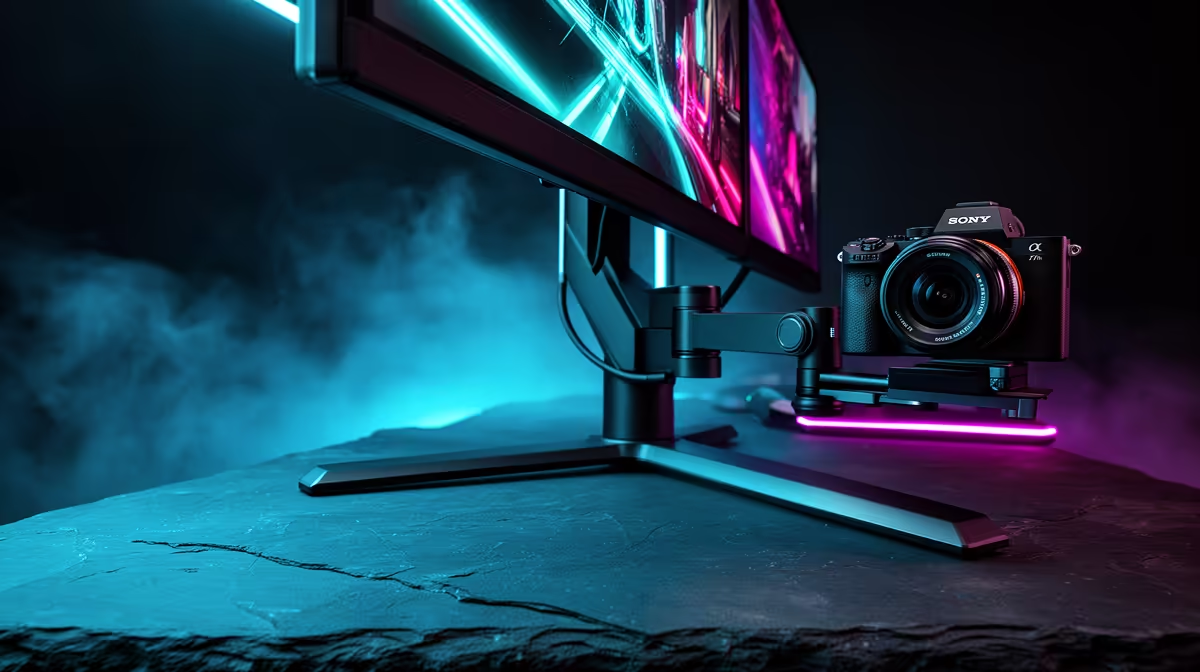
A monitor arm near R600-R1,200 reclaims the desk space a stand occupies and lets you tune height and tilt precisely. It is genuinely useful, but it is also a simple later upgrade that clamps to any sturdy desk edge. So buy the deep desk first, then add the arm when you want the extra surface and adjustability.
If your desk is already 70cm-plus deep, then the arm becomes the better next spend.
Matching arm to desk
Check the desk edge thickness and rear clearance before buying an arm; most clamps fit 10-60mm edges. Confirm the arm's weight rating covers your monitor, typically up to 8kg for single arms, and that the desk top will not flex under a clamped load. A 25mm-thick solid top holds an arm far better than a thin hollow panel.
FAQ
Should I buy a deeper desk or a monitor arm first?
A deeper desk first, because depth sets your viewing distance and cannot be changed later. A monitor arm is a quick clamp-on upgrade you can add any time once the desk is deep and sturdy enough.
Will a monitor arm fit any gaming desk?
Most clamps fit desk edges from 10-60mm thick with a little rear clearance, but check your specific desk. A solid 25mm-thick top holds an arm securely; thin hollow tops can flex or fail under a clamped monitor.
Does a monitor arm save desk space?
Yes. Removing the monitor stand frees the footprint it occupies, useful on a 60cm desk where surface is tight. It also lets you push the screen further back and tune height and tilt for better posture.
Buy a 70-80cm deep desk first, then clamp on a R600-R1,200 monitor arm once you want the reclaimed surface and finer height adjustment.