Spend big on a many-core CPU for SolidWorks and you may watch most of those cores sit idle while the program leans on just one. SolidWorks PC requirements hinge on a fact that catches a lot of buyers out: the software is predominantly single-threaded, so the speed of one core, not the count of them, sets your real-world performance.
Quick Answer
SolidWorks 2026 is mostly single-threaded, so single-core clock speed matters more than core count. A CPU that boosts above 5.7 GHz, such as the Ryzen 9 9950X or Core Ultra 9 285K, is the real spec floor, paired with an ISV-certified RTX PRO GPU if you rely on RealView. Plenty of RAM and an NVMe SSD round out a workstation that stays responsive.
The CPU: Clock Speed Is King
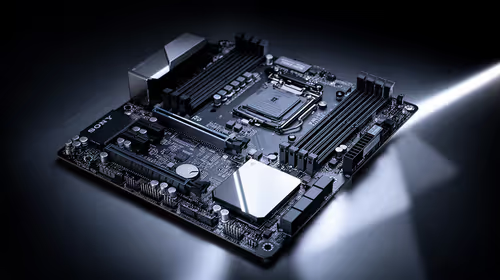
This is the spec that decides whether SolidWorks feels snappy or sluggish. Because part modelling, sketching and most feature operations run on a single thread, the CPU's boost clock on that one core determines how fast they complete.
A processor boosting above roughly 5.7 GHz keeps rebuilds and feature edits quick. The Ryzen 9 9950X and Core Ultra 9 285K both reach those speeds and are sensible picks. A 32-core server chip with a lower boost clock will actually feel slower in everyday modelling, which is the trap to avoid. Cores only help in specific multi-threaded jobs like simulation and rendering, so unless that is your daily workload, prioritise clock speed.
The GPU: Certification Matters for RealView
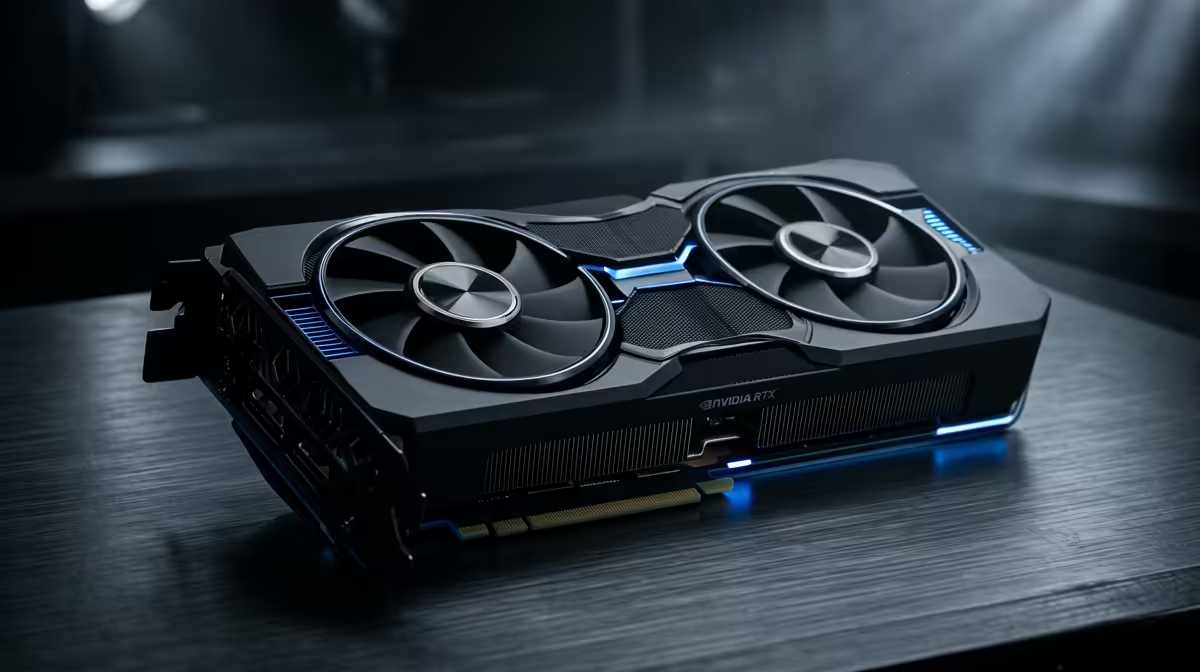
SolidWorks treats graphics differently to a game. To unlock RealView, the realistic material shading in the viewport, and to get stable, supported performance, the software wants an ISV-certified professional GPU.
That means an RTX PRO class card with drivers validated against SolidWorks, rather than a consumer gaming card. A gaming GPU will often display a model, but RealView and certain features may be unavailable or unstable. If you depend on realistic previews, certification is the deciding factor. You can see the professional options in the workstation graphics card range at Evetech, which lists the ISV-certified cards built for CAD rather than gaming.
RAM and Storage
Two more pieces complete a workstation that does not stall:
- RAM: generous memory lets large assemblies load without thrashing. For serious assembly work, plan for a comfortable amount above the bare minimum so the machine holds the whole model in memory.
- Storage: an NVMe SSD makes opening and saving big assemblies far quicker than a hard drive. SolidWorks reads and writes a lot of data, so fast storage removes a frustrating wait you feel every time you open a project.
What Not to Overspend On
The common mistake is buying core count you will rarely use. Unless your day revolves around large simulations or rendering, those extra cores add cost without speeding up modelling. Put the budget into a high-boost CPU, a certified GPU and enough RAM instead. For a sense of how complete workstation builds are configured, the pre-built systems customers choose most show how these parts come together in practice.
Frequently Asked Questions
Why does single-core speed matter so much for SolidWorks?
Most SolidWorks operations, including modelling, sketching and feature rebuilds, run on a single thread. The boost clock of one core therefore sets how fast those everyday tasks complete, which makes clock speed more important than raw core count for typical work.
Do I need a certified professional GPU for SolidWorks?
If you rely on RealView and want stable, supported performance, yes. An ISV-certified RTX PRO class card has drivers validated against SolidWorks, whereas a consumer gaming card may not enable RealView or certain features reliably.
Is a high core count worth it for SolidWorks?
Only for specific multi-threaded jobs like simulation and rendering. For general modelling, a CPU with a higher boost clock and fewer cores will feel faster than a many-core chip with a lower clock, so match the choice to your workload.
How much RAM does SolidWorks 2026 need?
Enough to hold your largest assemblies comfortably in memory. The minimum is low, but serious assembly work benefits from stepping well above it so the machine does not thrash when loading big models.