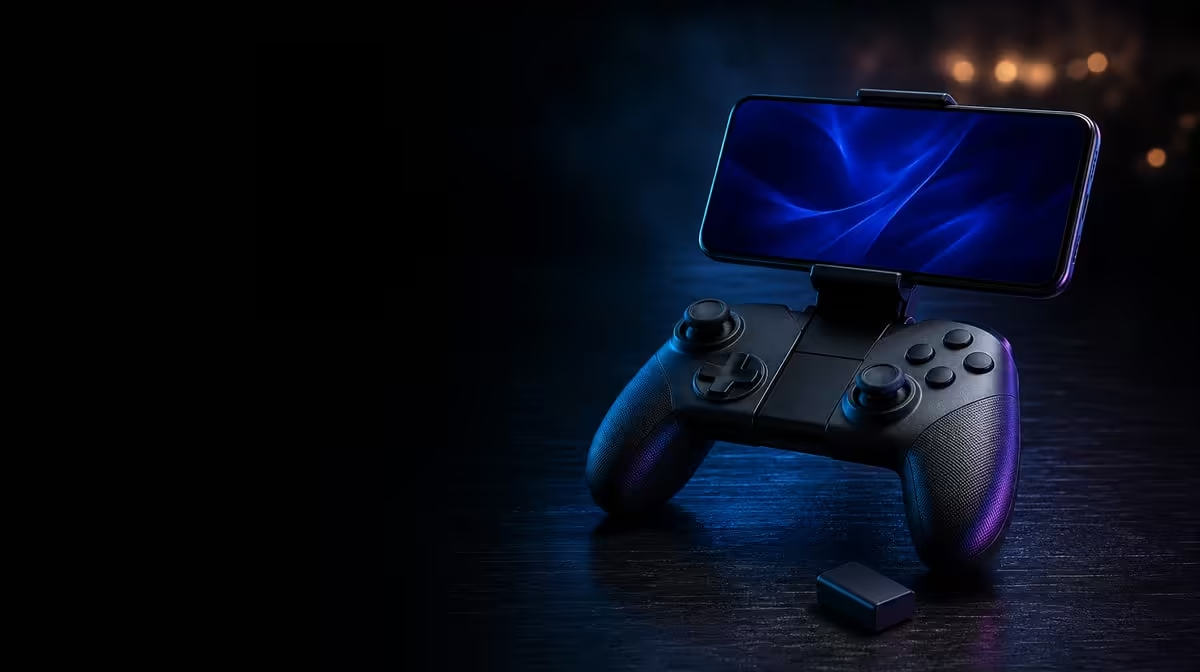
The receiver question should be answered before the first 2.4GHz troubleshooting session. What SA buyers should know about the X5s dongle is simple: it is not included, the controller costs R699, and a compatible receiver must be planned separately. Bluetooth and USB-C remain usable routes within the tri-mode design.
Quick Answer
The GameSir X5s is R699 at Evetech, but that amount does not include its 2.4GHz dongle. South African buyers should confirm receiver compatibility and price before relying on that mode. Bluetooth avoids the receiver on Android, while USB-C offers a direct wired alternative.
🧾 Write two prices, not one assumption
Put R699 on the controller line. Leave a second line for the compatible dongle until the correct hardware and current price have been identified. This prevents the controller figure from being presented as a complete 2.4GHz setup.
The extra line matters only when receiver-based wireless has a real job. A Bluetooth mobile player may never need it. A PC desk designed around 2.4GHz should include it from the start.
Add a purpose beside the receiver line. "Fixed PC wireless" is a concrete role. "Because the controller has 2.4GHz" is not. This prevents an absent item from becoming an automatic expense.
Use the Evetech gaming controller category to compare complete connection packages without guessing at missing parts.
🔍 Compatibility comes before the test
The fact that two devices use 2.4GHz does not prove that an arbitrary receiver will work. Confirm the hardware intended for the X5s and target device before attempting to pair the mode.
Once a compatible dongle is present, test default input first. Navigate a menu, move the Hall sticks, press each face button and check the analog triggers. Software mappings and Turbo should wait until device recognition and game support pass.
Keep the device, game and controller profile unchanged while checking the receiver. If several variables move together, a failed command could come from pairing, mapping or title support. One stable baseline keeps the test readable.
Compare with USB-C on the same PC if the receiver route behaves unexpectedly. The direct path can prove that the game accepts the controller, narrowing the next check to receiver recognition or connection rather than button layout.
Repeat more than one input. A direction, face button and gradual trigger press cover different controls. Consistent default behaviour is stronger evidence than a single menu click.
🔌 Bluetooth and cable remain complete alternatives
Bluetooth provides receiver-free wireless use for compatible Android play. USB-C supplies a direct path at a desk or during diagnosis. These are not inferior placeholder modes; they solve different setup needs.
Use Bluetooth when reducing loose pieces matters, and use the cable when direct input or troubleshooting matters more. The third mode earns its place only after the receiver is confirmed and the wireless PC role is clear.
The missing dongle affects one route, not the X5s Hall sticks, gyro, HD Vibration or custom controls. Keep the exclusion visible without turning it into a claim about the rest of the controller.
Browse Evetech gaming accessories when planning the receiver, and consult popular accessory choices for wider setup context. Check current compatibility before committing to any accessory.
Finish with a five-item checklist: controller price, target device, intended game, chosen connection and required receiver. If every line is filled without assumptions, the dongle decision is ready. If the compatibility line remains uncertain, pause that route and use Bluetooth or USB-C where appropriate.
Store the receiver as part of the PC routine once it has a confirmed role. The practical risk is not a claim about the hardware; it is simply that a small separate item must remain available when that mode is chosen. A clear setup pouch or desk location reduces repeated searching and keeps the Bluetooth mobile kit independent.
Retest default input after moving the receiver to another device. Recognition should be confirmed before a saved X5s mapping is blamed for missing commands.
Frequently Asked Questions
Is a dongle packaged with the X5s?
No. The GameSir X5s itself is R699, with a compatible 2.4GHz receiver planned separately.
Which modes avoid the receiver?
Bluetooth and USB-C. Bluetooth supplies a wireless Android route, while USB-C creates a direct cable connection.
Does the controller stop being tri-mode?
No. It still supports all three paths, but receiver-based use requires the additional dongle.
What should be tested after adding a receiver?
Confirm device recognition and default game input before changing mappings, Turbo, stick response or gyro.
Ready to plan the dongle as a real setup component?
Compare Evetech controllers and accessories, confirm compatibility, and keep the receiver cost separate from the X5s itself.