


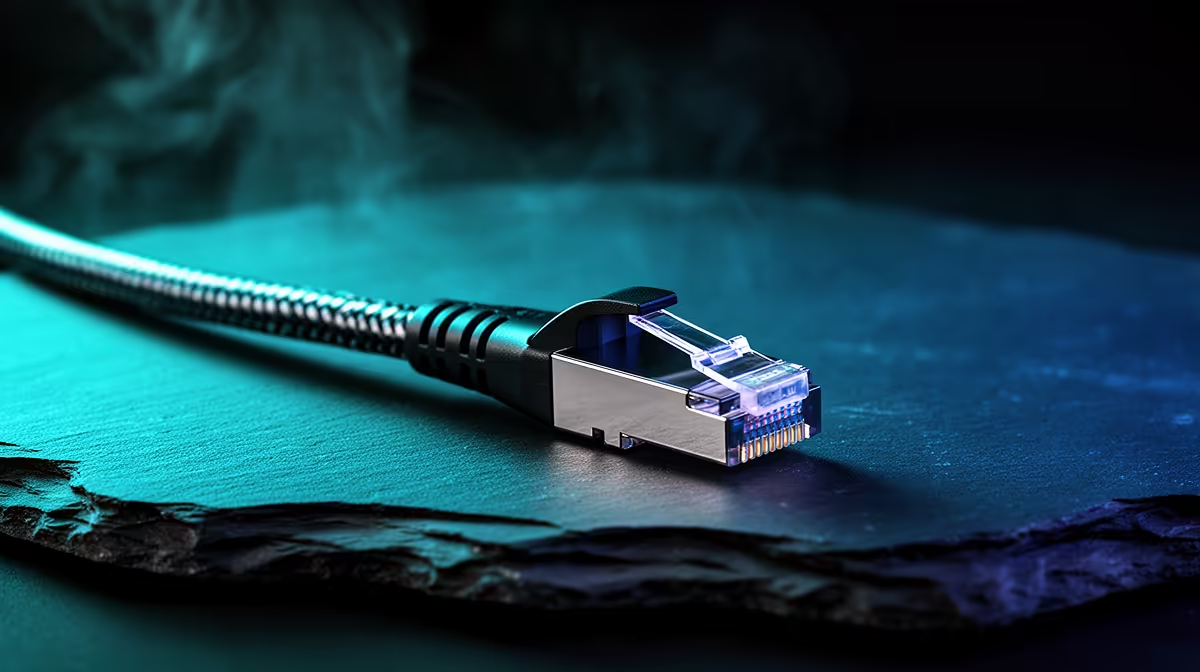
The buffer bar that creeps across a viewer's screen during a live broadcast often has nothing to do with your SA fibre subscription speed. It has everything to do with how your signal travels from the PC to the router. Stable video broadcasting over a wired Ethernet connection removes the single biggest source of stream interruption in a home setup, replacing the variable behaviour of wireless with a consistent, low-jitter link that your encoder can fill reliably every second of a live session.
Quick Answer
A wired Ethernet run from your streaming PC to the router is the most effective single upgrade for broadcast stability. Even a modest 50Mbps SA fibre line delivers clean 1080p or 4K output over Cat5e or Cat6 cable, where the same line over Wi-Fi can drop frames under interference.
⚡ Jitter Is the Enemy, Not Raw Speed
SA fibre plan numbers focus on download and upload speed, but for broadcasting the critical measurement is jitter: the variation in how long successive packets take to travel from your PC to the streaming server.
A stream encoder sends data in a continuous flow and the ingest server at the other end expects packets at predictable intervals. When jitter causes some to arrive late, the server drops them, and dropped packets appear as pixelated frames or a frozen image on the viewer's end.
A wired Ethernet cable transmits with single-digit millisecond jitter under normal household conditions. A Wi-Fi connection on a busy 5GHz network in an apartment block shares spectrum with nearby access points and produces jitter spikes into the tens of milliseconds during interference events, enough to drop frames regardless of raw upload speed.
🔌 Understanding Cat5e and Cat6 for Your Streaming PC
Both Cat5e and Cat6 are rated for gigabit speeds at runs up to 100 metres, far beyond any home streaming setup, so either handles 1080p or 4K broadcast bandwidth with ease.
Cat6 includes a spline separator between twisted pairs, reducing crosstalk when the cable runs near power cables or through walls. For a clean desktop run, Cat5e is entirely adequate. In an older home where the cable shares wall conduit with electrical wiring, Cat6 is the more robust choice.
Both terminate in a standard RJ45 connector that fits every Ethernet port. Patch cables from 0.5 to 20 metres cover virtually any desk-to-router distance.
🧠 The Practical Test Before Going Live
Testing your connection stability before a broadcast prevents discovering the problem on air. Run a five-minute test stream to a private channel at your target resolution and bitrate. In your streaming software, open the performance statistics panel, usually accessible from the tools or stats menu, and watch the dropped frames counter throughout the test.
Under 0.1 percent dropped frames over five minutes means the wired link is performing as expected. A counter that climbs steadily during the test points to a cable issue, a router problem, or interference on the line that needs investigation before the live session. Finding this during a test costs five minutes. Finding it live costs your audience.
After a stable result, note your CPU usage during the same test. A clean network removes the variable that most commonly sends troubleshooting in the wrong direction.
Frequently Asked Questions
Does cable length affect stream quality between the desk and the router?
At the distances involved in a home or small studio, no. Cat5e and Cat6 maintain their rated performance to 100 metres, and most desktop-to-router runs fall well under 10 metres. The electrical signal in copper over those distances experiences no meaningful degradation. The only concern is physical damage to the cable jacket, which can cause intermittent faults that mimic a network problem.
Can a Wi-Fi 6 router replace a wired connection for serious broadcasting?
Wi-Fi 6 improves throughput and reduces congestion on a busy network, but it does not eliminate the fundamental jitter variability of wireless transmission. For casual or infrequent streaming at 720p or 1080p30, Wi-Fi 6 is often reliable enough. For consistent 1080p60 or 4K broadcasts where dropped frames would be visible, a wired run remains the baseline recommendation.
What upload speed does a clean 1080p60 stream need?
A 1080p60 stream encoded at quality settings appropriate for a gaming or talk show broadcast typically runs between 6 and 8Mbps upload. Any SA fibre plan at 25Mbps or above has ample headroom. The wired connection matters not because the speed is insufficient on Wi-Fi, but because the jitter and consistency on a wired link keeps that 6 to 8Mbps flowing smoothly rather than in bursts.
Does a switch between the router and the PC help stream quality?
A basic unmanaged switch adds negligible latency and does not change stream stability. A managed switch with quality-of-service settings can prioritise your streaming PC's traffic over other wired devices, which helps when another machine on the same network is running a large download during your broadcast.
Ready to build a broadcast setup that stays stable through every live session? Browse the range of networking accessories and streaming hardware available for South African creators and wire your setup for a dropped-frame-free broadcast.











