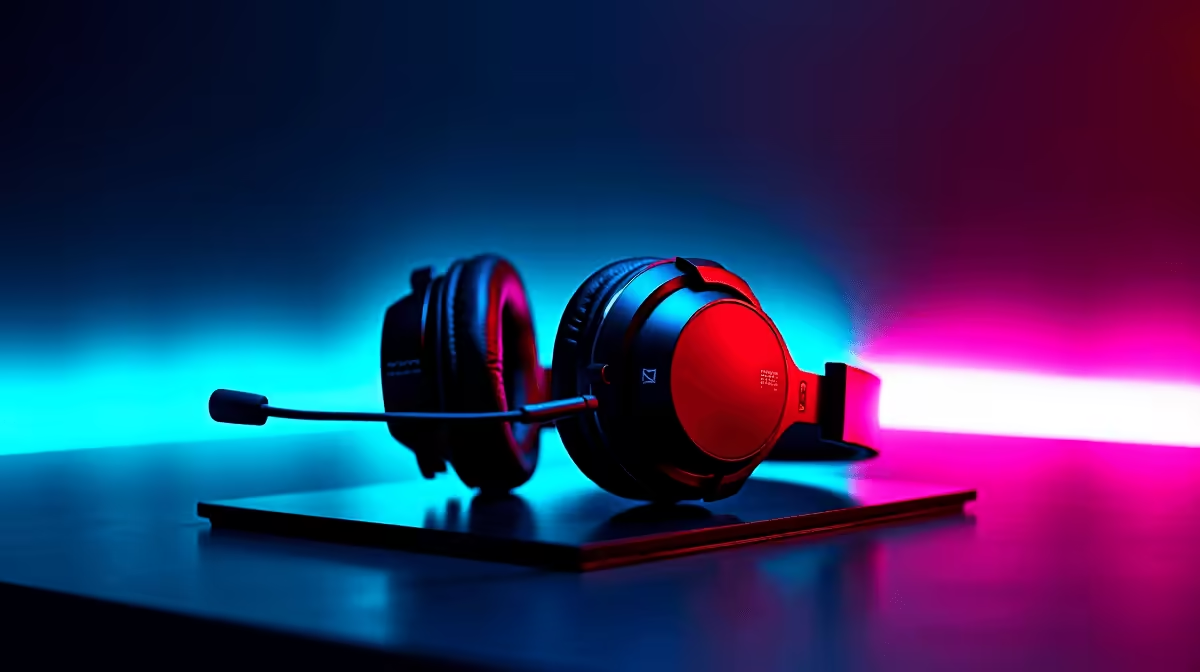
Let's face it. When Eskom finally restores the grid, your gaming room should light up like a December braai. A proper setup needs more than just raw power. It needs personality. That is exactly why we created this SteelSeries RGB software guide for South African gamers. We will help you turn that dark room into an immersive, glowing masterpiece.
Mastering the SteelSeries GG Software 🔧
Before you can paint your desk with light, you need the right tools. SteelSeries GG is the command centre for your peripherals. It houses the Engine app... the exact place where the customisation magic happens. You can easily map out different zones on your keyboard or adjust the glow of your mouse wheel. Creating an account lets you save your profiles to the cloud. This means your favourite colour schemes travel with you wherever you play. Whether you run a rig from our best gaming PC deals or a starter machine, this software is vital.
Setting Up PrismSync for Harmony ✨
Nobody wants a messy, chaotic rainbow of clashing colours. PrismSync allows you to synchronise your keyboard, mouse, and headset with a single click. Imagine your entire desk pulsing in green and gold just in time for a Springbok match. If you recently grabbed one of our amazing pre-built PC deals, syncing your SteelSeries gear is incredibly rewarding. It matches your internal case fans to create a seamless look. It makes your setup feel premium without spending an extra ZAR.
Practical Reliability Tip
Create a custom "Low Power" RGB profile in SteelSeries Engine that dims your peripheral lights. If you are gaming on an inverter or UPS, reducing LED brightness can actually lower your power draw... keeping you in the match just a little longer!
Reactive Lighting and System Alerts
Your RGB lighting can be incredibly smart, not just pretty. You can configure your keyboard to flash red when your health drops low in your favourite shooter. You can even set up Discord notifications to blink a specific colour when your squad finally logs on. There is even an Audio Visualiser app within the software. It turns your keyboard into a graphic equaliser that dances to your favourite local beats. If you game on the move, these visual cues are incredibly useful on modern laptops and notebooks. The software lets you bind specific lighting effects to individual games... ensuring you always have the right vibe.
Pushing Your Hardware Further 🚀
Aesthetics are absolutely fantastic, but raw performance is still king. As you tweak your lighting profiles, remember that your internal components do the heavy lifting. You might want to explore our massive range of specials to upgrade your core hardware. After all, a beautifully glowing setup deserves incredibly high frame rates to match.
Upgrading your visual fidelity is simple when you buy graphics cards that push games to their absolute limits. A smooth framerate makes those reactive RGB effects feel much more responsive. Do not let old hardware hold back your glorious new lighting setup.
Ready to Complete Your Dream Setup?
Now that your RGB is perfectly synced, it is time to make sure your hardware can keep up. Explore our massive range of SteelSeries gear and find the perfect peripherals to conquer your world.