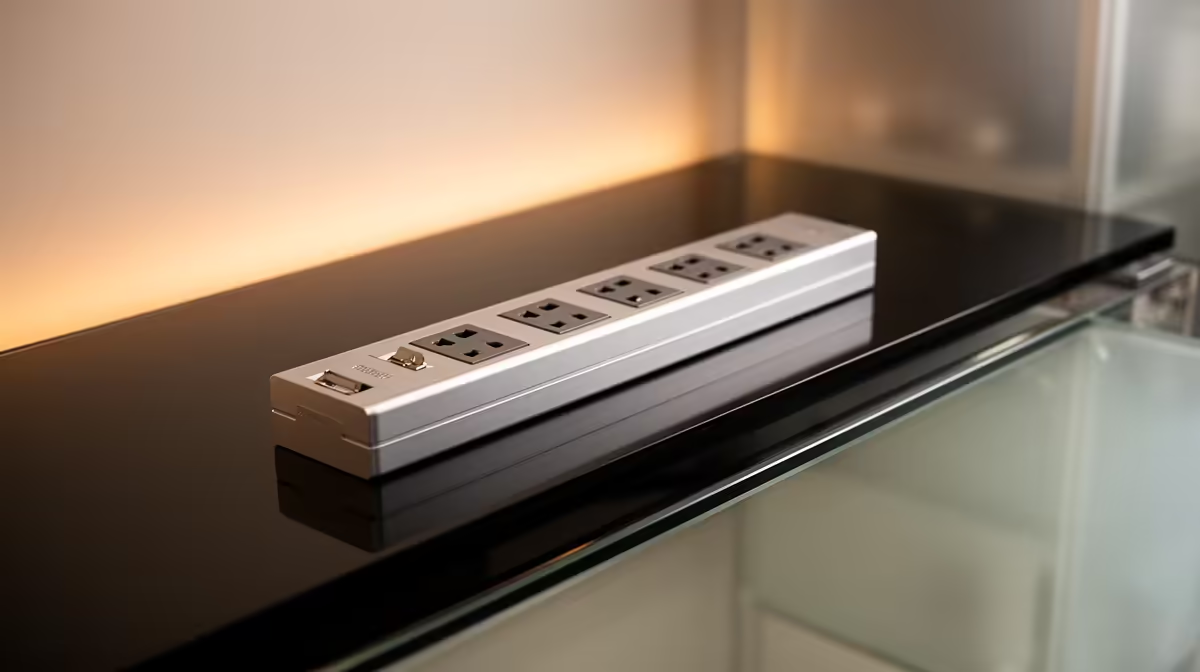
A rated outlet strip with surge protection can serve an invoicing workstation when it is compliant and kept in good condition. The strip protects connected hardware against specified events; it does not protect invoice data from deletion, malware or drive failure. Backups remain essential.
Calculate the office load
List the computer, display, router, external drive and chargers. Current supplied facts verify no surge-protected power-strip SKU or price for invoicing use. Check socket type, joule rating, protection indicator, warranty and South African compliance. Keep laser printers or other high-startup-load equipment off a small strip unless its specification permits them.
Protect the documents separately
For R9,858, the verified ASUS ExpertBook P1503 provides Core i5-13420H, 8GB memory, 512GB storage and Windows 11 Pro as an invoicing option. Its battery can provide short local continuity, but the router and external display may still lose power. Save invoice templates and customer documents to an authorised, versioned backup.
Do not daisy-chain extensions or route cables beneath chair wheels. Mount the strip in a dry, ventilated position and replace it after damage, a failed status light or an event covered by manufacturer replacement guidance. Ask a qualified electrician to inspect questionable sockets or earthing.
Choose a suitable UPS when orderly shutdown or temporary operation also matters. Test one invoice restore and one complete startup after installing the protection.
Securing an invoicing desk? > Ask Evetech to compare business computers and current power-protection options against the full load.