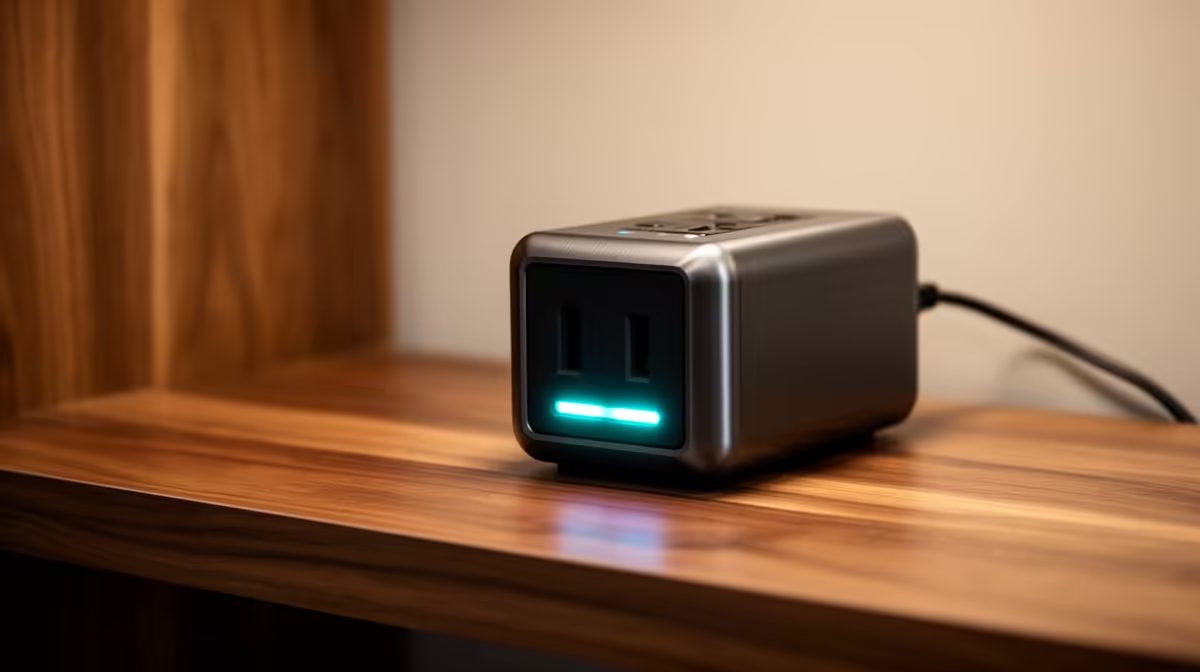
A surge-protected power strip is worthwhile in a learning corner when it is properly rated, correctly earthed and placed where children cannot touch sockets or trip on cables. It reduces exposure to some electrical spikes. It cannot repair unsafe wiring or keep the computer running through an outage.
Make the study corner safe first
List the laptop charger, monitor, router and printer. Keep heaters and other high-draw appliances off the strip. Mount cables away from chair wheels and use covered outlets where the installation requires them. A loose socket, scorch mark, repeated trip or warm plug needs a qualified electrician. Adults should handle every power connection.
The supplied facts do not verify a specific surge-strip SKU or price. The ELECSTOR 18W Mini UPS 8000mAh is verified at R536 for compatible low-power network equipment, not for a learning computer and monitor. Confirm voltage, connector and wattage before using it with a router. A mini UPS serves a different purpose from surge protection.
Protect schoolwork too
Save assignments to an approved backed-up location and test a restore. Label each plug so an adult can disconnect the correct device. Shut equipment down before rearranging the desk and keep the power strip ventilated. Ask an electrician to verify earthing when the installation history is uncertain.
Buy protection after checking the load and room. Child-safe placement and recoverable files matter as much as the electrical device.
Protecting a family study corner? > Ask Evetech to compare compatible network power and computer hardware around the site check.