


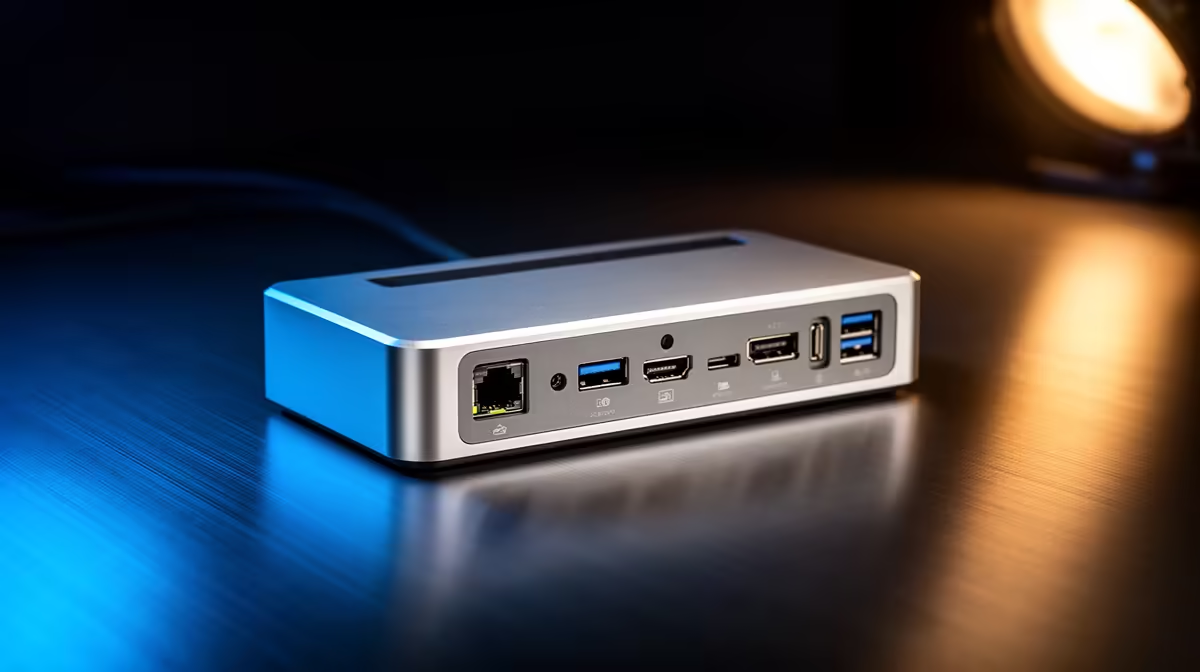
Quick Answer
For a clean cable-managed setup, the dock short list comes down to three things: 100W power delivery so one cable charges the laptop, the exact display outputs you need (DisplayPort 1.4 or HDMI 2.1 for high refresh), and a port count that avoids a second hub. A capable single-cable USB-C dock runs about R1,500 to R3,500.
The three specs that keep cables to a minimum
A tidy desk depends on one dock doing everything over a single host cable. First, 100W power delivery so the laptop charges without a separate brick. Second, the right display outputs, native DisplayPort 1.4 or HDMI 2.1 if you run a high-refresh or 4K screen, so you don't need an add-on adapter. Third, enough USB ports for your keyboard, mouse and peripherals so a second hub never appears. Get all three and a R1,500 to R3,500 dock turns a cable mess into one clean connection.
Placement finishes the job
Even the right dock looks messy if it sits on the desk with cables splayed out, so mount it under or behind the desk and route the leads through a tray or sleeve. Keep only the single host cable to the laptop visible. Confirm each display output matches your monitor's resolution and refresh natively, since a DisplayLink output can both cap refresh and look untidy with its software quirks. The short list is power, the right outputs, enough ports, and then clean placement, in that order, for a genuinely tidy setup.
FAQ
What dock specs matter most for a tidy desk?
100W power delivery, the right native display outputs for your monitor, and enough USB ports to avoid a second hub. Those three let a single cable to the dock serve the whole desk cleanly.
Do I need DisplayPort 1.4 on the dock?
If you run a high-refresh or 4K monitor, yes, native DisplayPort 1.4 or HDMI 2.1 drives it without an add-on adapter. For a basic 60Hz screen, a standard output is fine.
How do I keep the dock itself looking tidy?
Mount it under or behind the desk and route cables through a tray, leaving only the host cable to the laptop visible. Good placement matters as much as the dock's spec for a clean look.
with 100W power, native DisplayPort 1.4 and enough ports, then mount the dock behind the desk so one host cable serves the whole setup.











