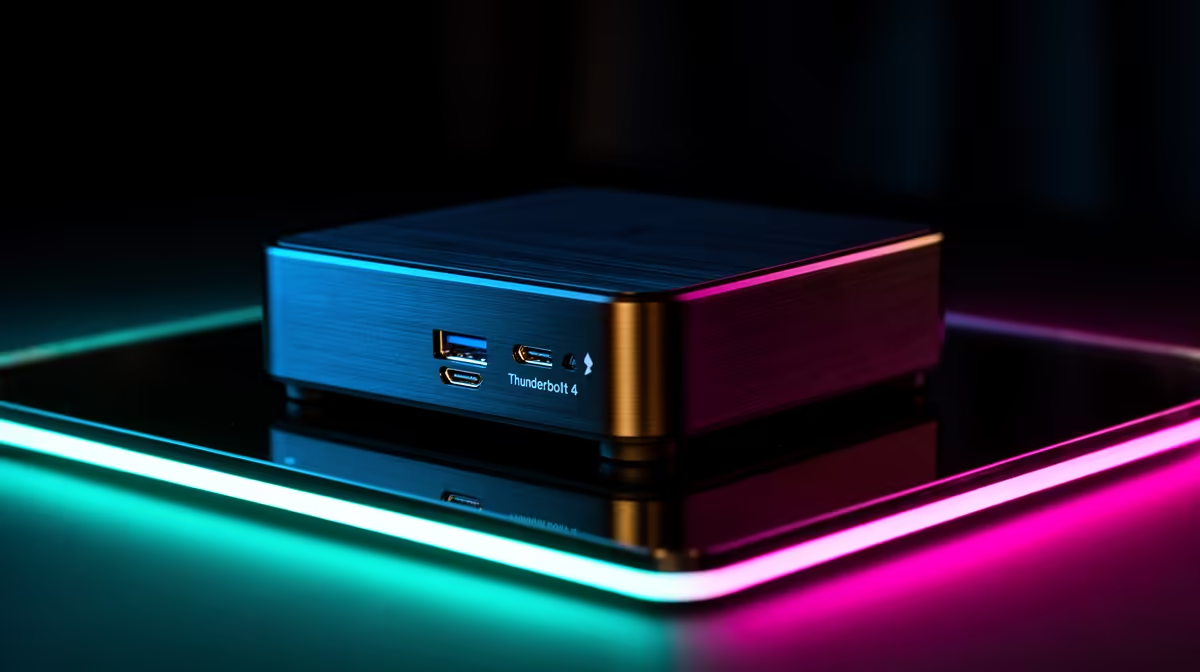
Two ports that look identical on the outside can behave completely differently once you plug something in. On a gaming mini pc such as the GR70, the Thunderbolt 4 port and the standard USB-C port share the same physical shape but sit worlds apart in bandwidth, and mixing them up affects everything from monitor refresh rates to how fast an external drive transfers files.
Quick Answer
Thunderbolt 4 on the GR70 (R66,399) carries substantially more bandwidth than a standard USB-C port, letting one cable handle video, data transfer and even a dock's power delivery at the same time. Standard USB-C still covers everyday peripherals and slower storage without issue.
⚡ Bandwidth: The Core Difference
Thunderbolt 4 guarantees a minimum bandwidth specification that standard USB-C does not, which translates directly into faster external drive speeds and the ability to drive higher-resolution or higher-refresh displays through that single port. A regular USB-C connection can still handle plenty, from keyboards and mice to slower external storage, but it was never designed to match Thunderbolt's throughput ceiling.
🖥️ What Each Port Is Actually Good For
Thunderbolt 4 is the obvious choice for a secondary monitor, a fast external SSD, or a dock that consolidates several accessories into one cable. Standard USB-C remains perfectly capable for charging peripherals, connecting a controller, or plugging in lower-bandwidth accessories that do not need Thunderbolt's extra headroom.
🔌 One Cable, Multiple Jobs
The real advantage of Thunderbolt 4 on the GR70 shows up when you want a single cable doing several things at once, since it can carry a display signal, data transfer and power delivery simultaneously through a compatible dock. That matters given the GR70's compact chassis has fewer total ports than a full tower, so getting more out of each one pays off. Anyone planning peripherals around this Ryzen 9 9955HX and RTX 5070 build should check which of their accessories actually need Thunderbolt bandwidth before assuming everything has to plug into that one port.
For a broader look at what else is available in this class, Evetech's mini PC range covers other configurations, and current graphics card deals are worth checking if display output performance is really about GPU choice rather than port bandwidth.
Frequently Asked Questions
Can I tell Thunderbolt 4 and USB-C apart just by looking?
Not always, since both often use the same physical connector shape; checking the GR70's documentation or Windows device settings confirms which port is which.
Do I need Thunderbolt 4 for a basic monitor?
No, a single standard monitor typically works fine through HDMI or DisplayPort, leaving Thunderbolt 4 free for a dock or faster external drive.
Is Thunderbolt 4 backward compatible with USB-C accessories?
Yes, Thunderbolt 4 ports accept standard USB-C devices, though those devices will only run at their own native speed rather than Thunderbolt's full bandwidth.
Does using Thunderbolt 4 affect gaming performance?
No, port choice for peripherals and displays does not affect the RTX 5070 8GB's rendering performance in games.
Ready to move data faster than standard USB-C allows?
View ASUS's compact GR70 rig listed in Evetech's mini PC shelf, tagged at R66,399 ready to give faster transfers and display links than plain USB-C.