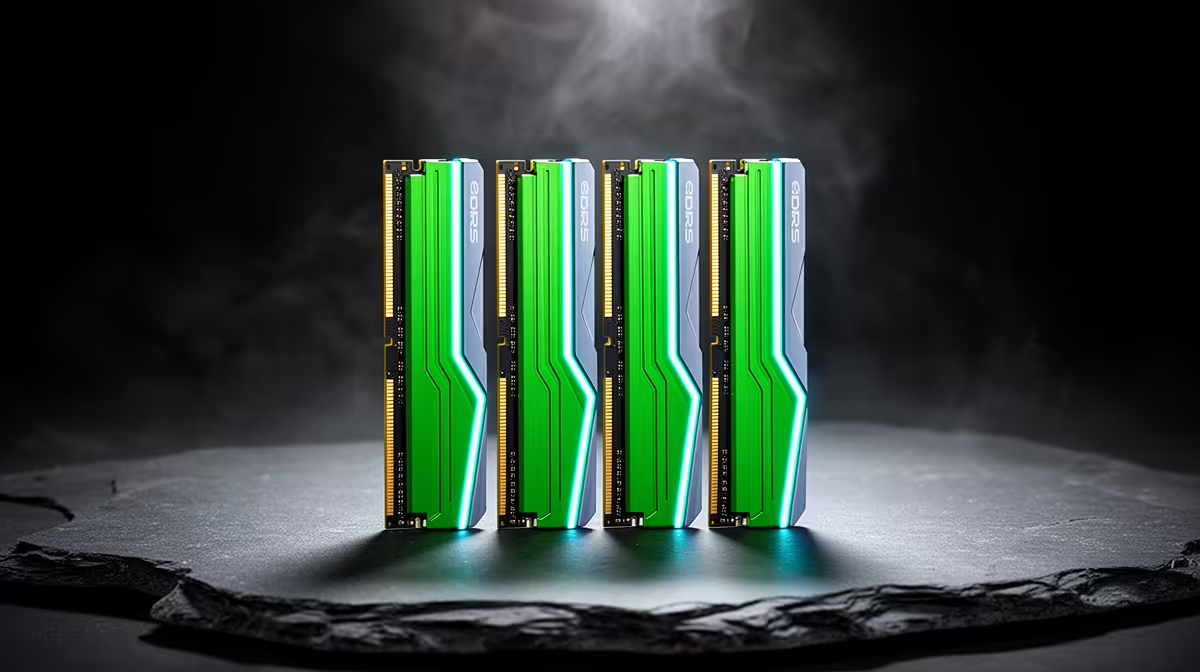
Two DDR5 modules are often easier to run at their rated overclock profile than four. Populating every slot adds electrical load and more module combinations for the memory controller to train. The board may need a lower data rate, looser timings or extra tuning to remain stable.
Quick Answer
Choose one matched two-DIMM kit at the total capacity you need. Install it in the motherboard's preferred pair, which is often A2 and B2, then update BIOS and enable the supported XMP or EXPO profile. Use four modules when capacity or an existing investment justifies the extra validation.
The DDR5 catalogue lets you compare matched capacities and rated profiles. Check the popular memory-kit page for other current options, then verify the kit part number against the board support information.
Why Four DIMMs Are Harder
Each memory channel has more electrical loading when both slots are populated. Signal reflections and timing margins become harder at high transfer rates. A memory controller that runs two modules at 6000MT/s may need a lower setting with four, even when every stick carries the same label.
Dual-rank and module density add another layer. Four single-rank DIMMs can create a different load from two dual-rank DIMMs at the same capacity. Marketing speed is the kit's rated profile under defined conditions, not a universal promise for every slot filled.
Matched Kits Matter
Buying two identical-looking kits at different times does not create one validated four-module kit. Memory vendors can change chips or PCB revisions under a broad product name. The separate kits were binned and tested as their original pairs.
If four modules are required, a factory-matched four-DIMM kit gives you a clearer starting point. Confirm that the motherboard and CPU platform support the target configuration, then test it yourself.
Validate the Final Layout
After enabling XMP or EXPO, complete several passes of a bootable memory test and a mixed CPU-memory workload in Windows. Check WHEA logs and repeat cold boots. Training can take longer after a change, so give the board time before interrupting it.
If errors appear, load JEDEC defaults. Then reduce memory speed one step or follow the board maker's supported guidance. Avoid raising memory-controller voltage from a copied guide.
Capacity comes first. Two 16GB modules leave two slots open and suit many gaming builds; a heavy workstation may need a larger matched pair from the start. Check whether the application needs capacity more than data rate. Running out of RAM hurts more than a modest speed reduction, so choose the layout around real peak use.
FAQ
Will four DDR5 sticks always run slowly?
No. Many configurations work well, but high rated speeds become harder and depend on the full platform.
Are two separate matching kits the same as one four-DIMM kit?
No. They were validated as separate pairs and may contain different internal components.
Which slots should a two-stick kit use?
Use the pair named in the motherboard manual, often A2 and B2 on a four-slot board.
Buy the capacity you need as one matched kit, use the board's preferred slots and validate the final XMP or EXPO profile through cold boots and memory tests.